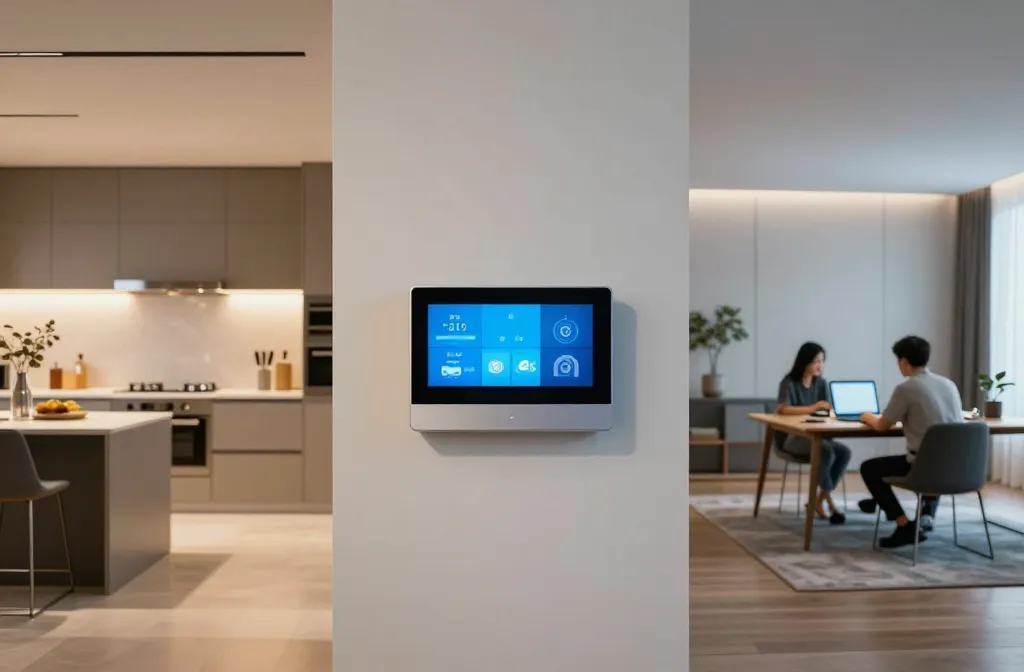
These ideas aren’t sci-fi fantasies—they’re practical tweaks you can actually implement this weekend. Get ready to murder clutter and boost flow with smart spots and clever zoning. FYI, your future self will thank you.
1. Zone Like a Boss: Create Clear Living Circles
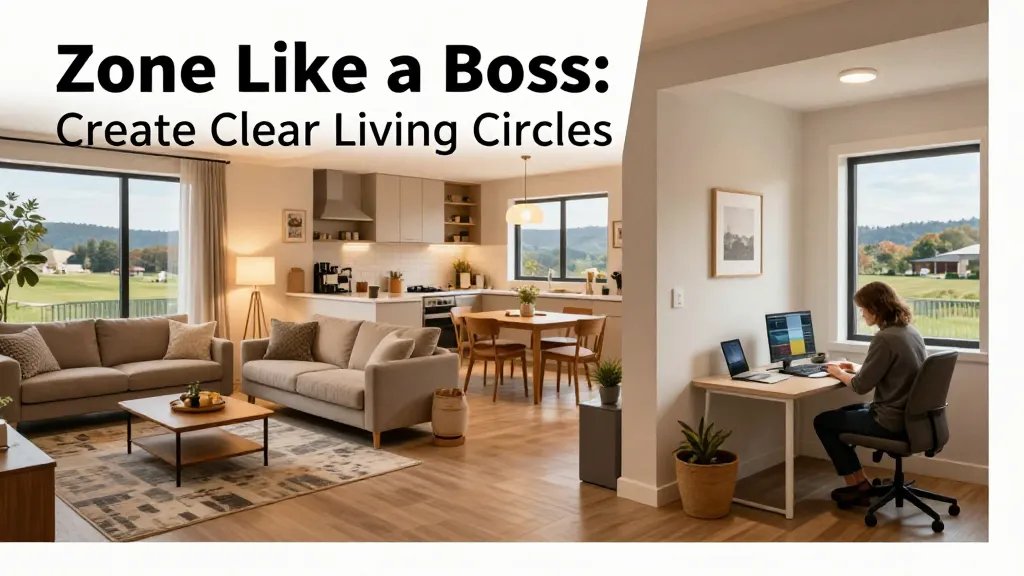
Start by defining zones for cooking, chilling, and working. When spaces have a purpose, the rest of the house follows suit. Trust me, a clear map makes daily routines glide smoother.
Tips
- Use rugs, furniture arrangement, or color cues to mark zones
- Keep uplifting lighting in work zones and warm lighting in living areas
- Limit tech in the relaxation zone to reduce noise and distraction
Benefits: less chaos, faster decision-making, and a calmer vibe during every part of the day.
2. The Command Center: Centralize Smart Controls
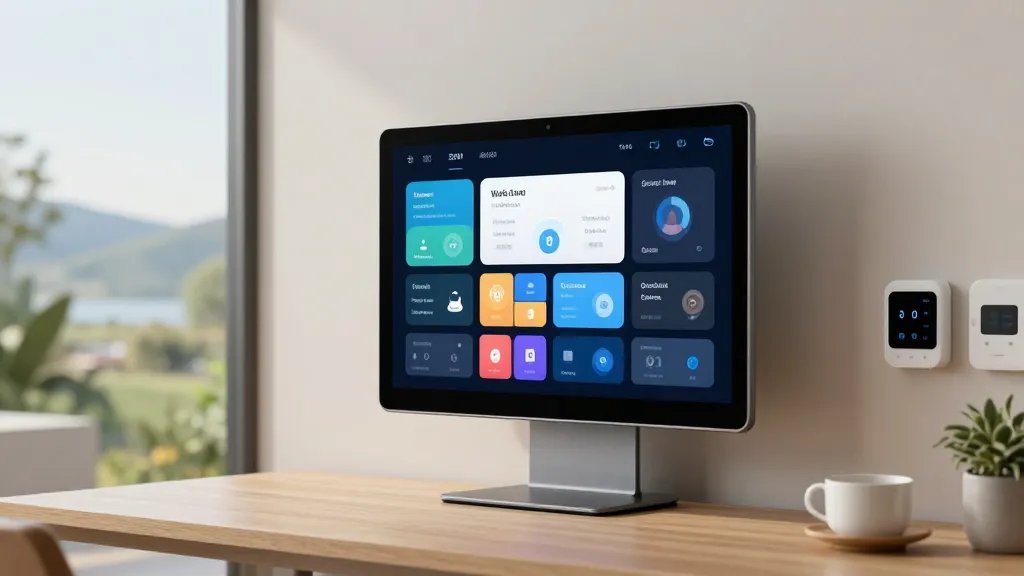
Consolidate devices so you don’t chase apps like a digital hamster. A single hub or well-organized app suite keeps scenes predictable and reliable. No more “but did I turn off the lights?” moments.
Key Elements
- One primary control panel or app group
- Coordinated scenes for wake, leave, and goodnight
- Backups or voice control for quick access
Bonus: fewer apps, less frustration, more seconds saved each day.
3. Kitchen Sync: Smart Layout for Cooking Confidence
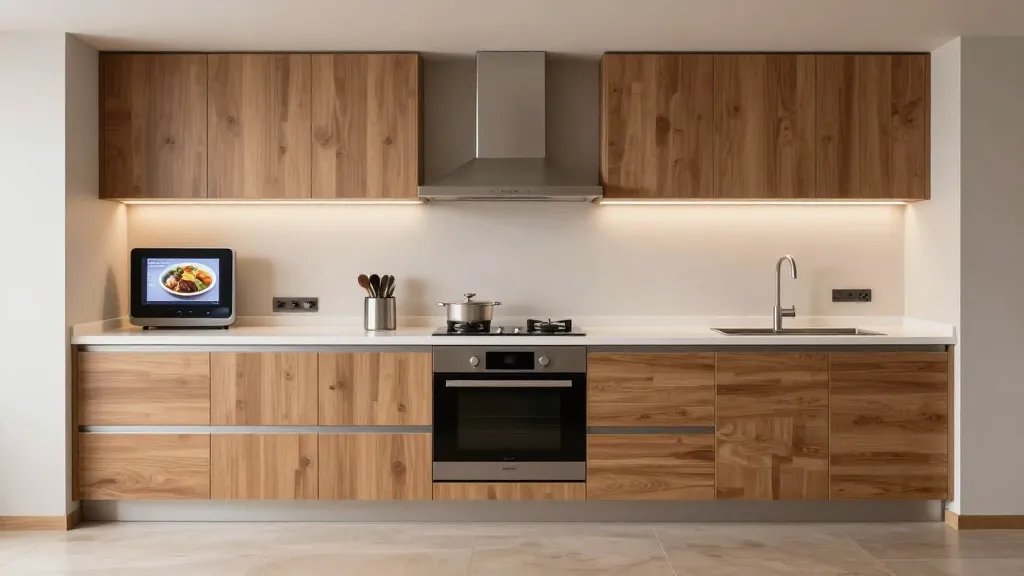
Your kitchen should spark joy and efficiency. Place smart appliances where they’ll be used most; keep counters uncluttered with hidden tech and smart storage.
Practical Tweaks
- Wall-mounted screens for recipes and timers
- Under-cabinet lighting for prep zones
- Smart outlet strips to minimize cord spaghetti
End note: a smoother prep flow means you actually cook more often—and enjoy it.
4. Entryway Efficiency: Fold-Into-Flow Design
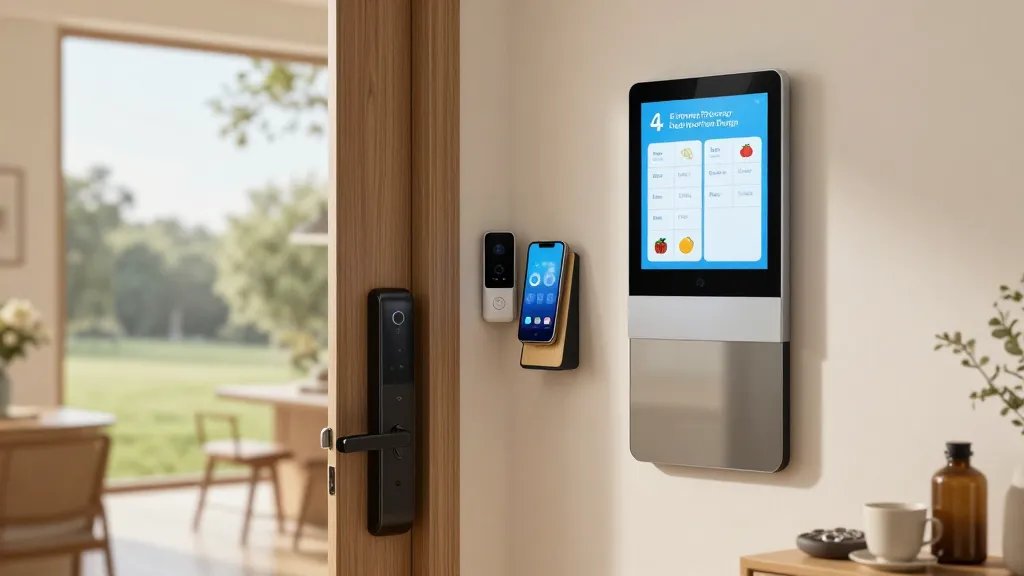
Make first impressions count by staging a tiny smart hub near the door. A quick tap or voice command should settle your day before you even step inside.
What to Include
- Smart lock and doorbell camera
- Charging dock for phones and keys
- Smart mirror or display for messages
Benefit: you’re less likely to forget things when you can check schedules and groceries at a glance.
5. Living Room Lighting Remix: Layered Ambiance
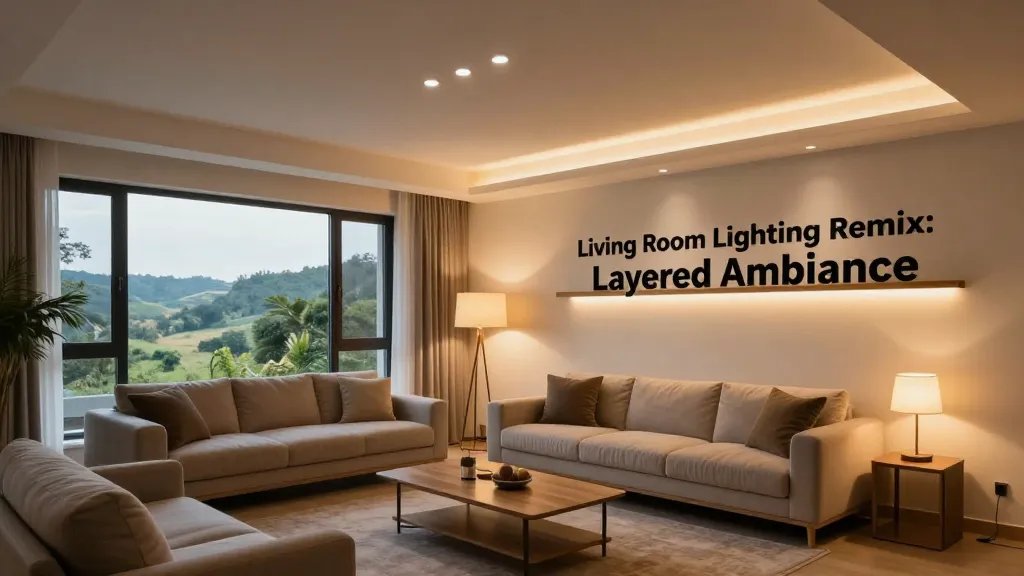
Layered lighting = better mood, better focus, better everything. Use a mix of ambient, task, and accent lighting that you can fine-tune with scenes.
Suggestions
- Smart bulbs with tunable whites for daytime vs. night
- Dimmable lamps at seating areas
- LED strips under shelves for soft glow
Why it matters: lighting shapes perception; the right setup makes the room feel bigger and more inviting.
6. Quiet Corners: Sound-Zoned Smart Nooks

If noise is a disruptor, carve out sound-friendly zones with acoustic tweaks and smart sound masking. It’s shocking how much focus improves when the hum is tamed.
Quick Wins
- Soft furniture and rugs to absorb sound
- Discrete white-noise speakers
- Smart thermostat to keep comfort steady
Benefit: you’ll actually hear yourself think—and your calls won’t pick up every echo.
7. Laundry Layout That Doesn’t Scream Chaos
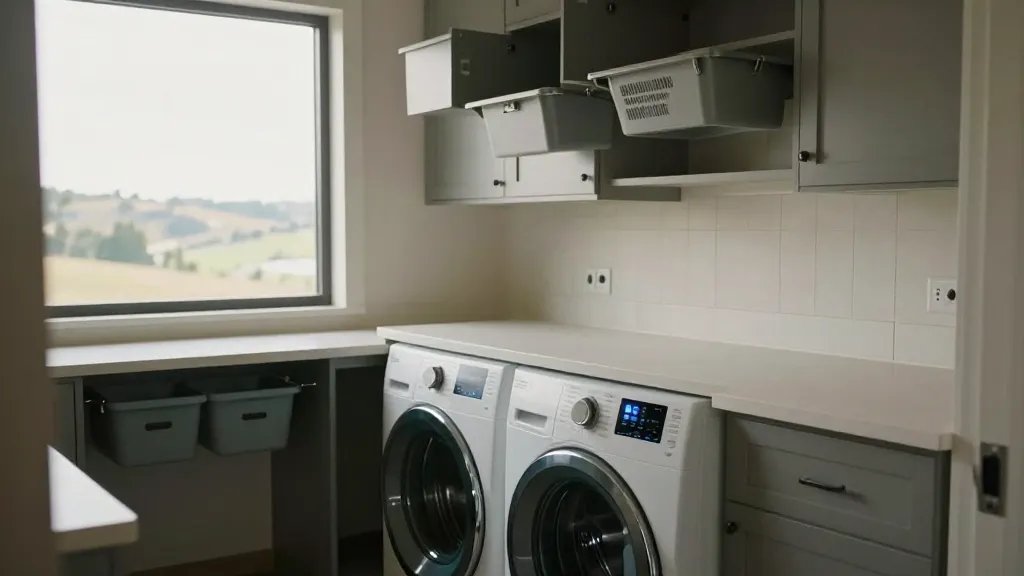
<pStack your laundry area with efficiency in mind. Smart washers and dryers paired with a practical layout cut chores dramatically.
What to Do
- Front-loading machines with app status
- Pull-out sorting bins within reach
- Ventilation and a folding station nearby
End note: laundry becomes a quick, painless routine instead of a mythic quest.
8. Garage to Home: A Seamless Transition
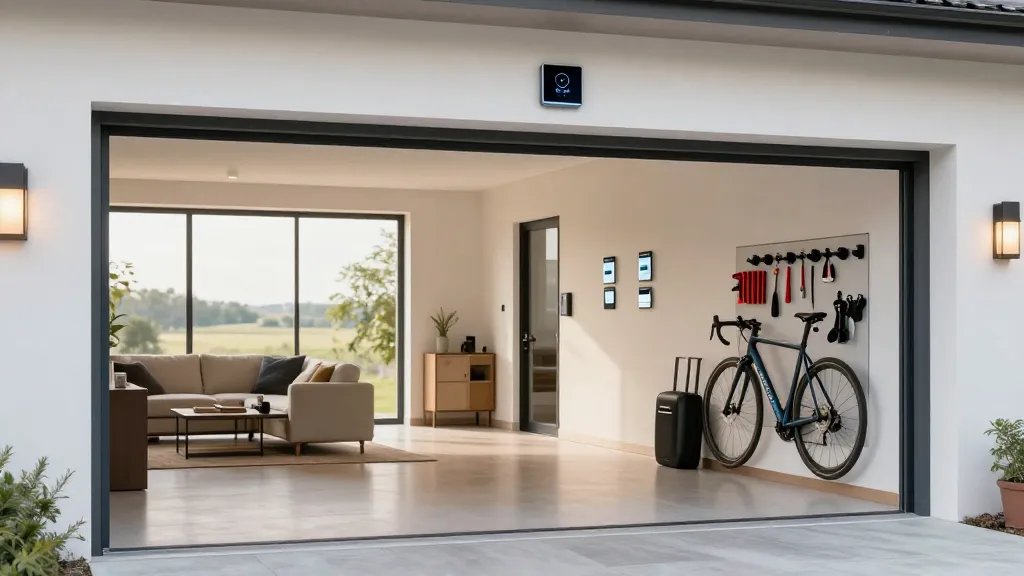
Bridge the gap between garage and living space with weatherproof, smart connectivity. A smooth transition keeps clutter out and flow in.
Elements to Consider
- Smart garage door controller
- Charging dock for tools and bike accessories
- Wall hooks and smart labels for organization
When to use: anytime you want your gear ready to roll without hunting for the keys.
9. Workspace Win: Ergonomic Smart Desk Layout
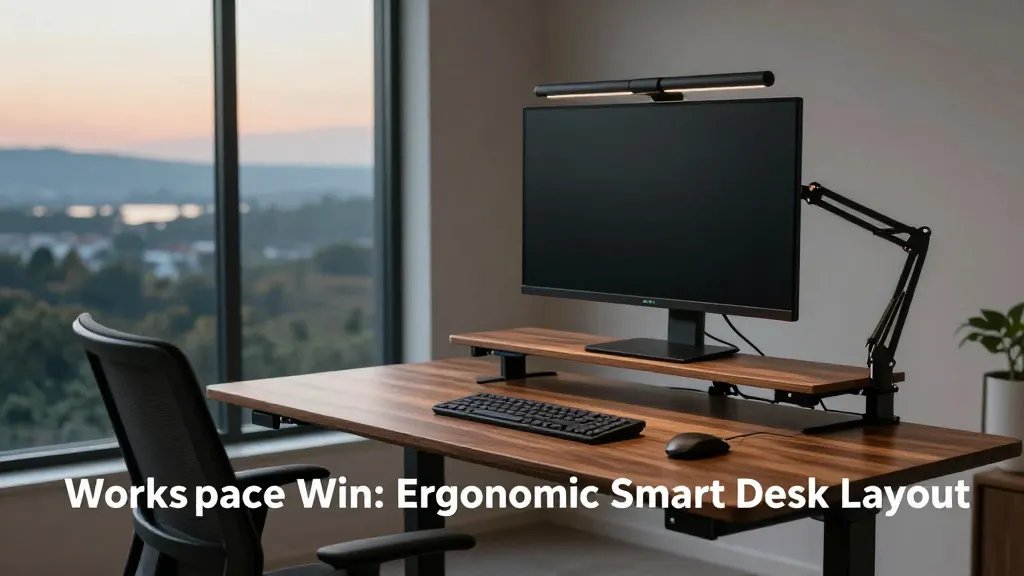
A well-planned home office boosts productivity and mood. Design a layout that reduces friction and supports healthy posture.
Ideas
- Standing desk with programmable presets
- Smart monitor arm and cable management
- Ambient lighting that reduces glare
Benefit: you’ll actually want to sit down and work, not flee to the couch after five minutes.
10. Pet-Friendly Smart Zones
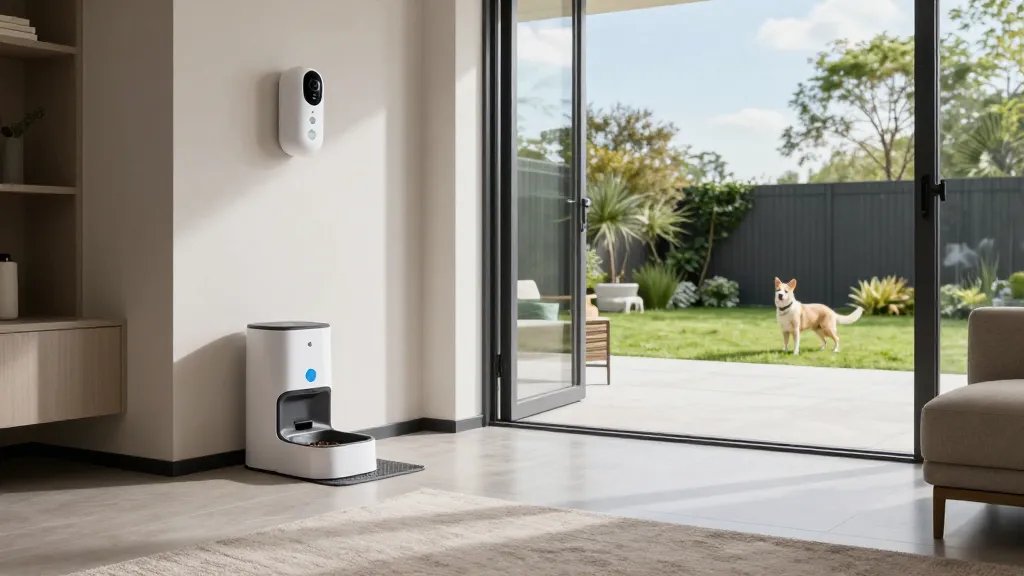
Smart home tech should love your pets back. Create zones that keep paws safe while you enjoy automation perks.
Practical Bits
- Smart pet feeder and camera
- Automated door locks that recognize your pet collar
- Mess-proof surfaces around feeding areas
FYI: pets thrive when their routines are predictable and low-stress.
11. Safety-First Layout: Visibility and Access
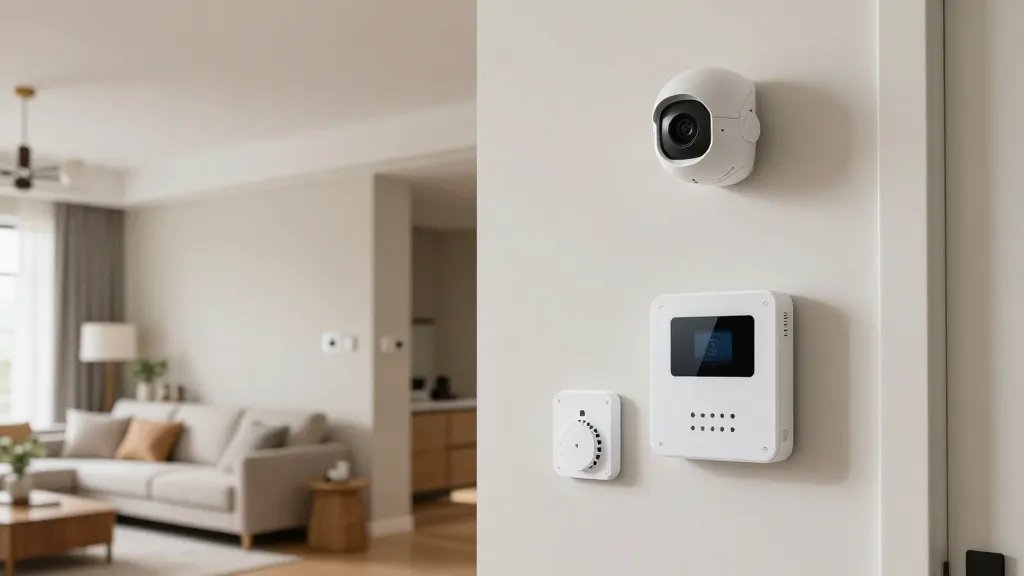
Functionality includes safety, obviously. Position cameras, sensors, and alarms where you’ll actually respond to them without a scavenger hunt.
Checklist
- Strategic camera placement for coverage
- Smart smoke and CO detectors in key zones
- Accessible panic button locations
Serious note: a little planning here prevents headaches later.
12. Window to Comfort: Climate Control Layout
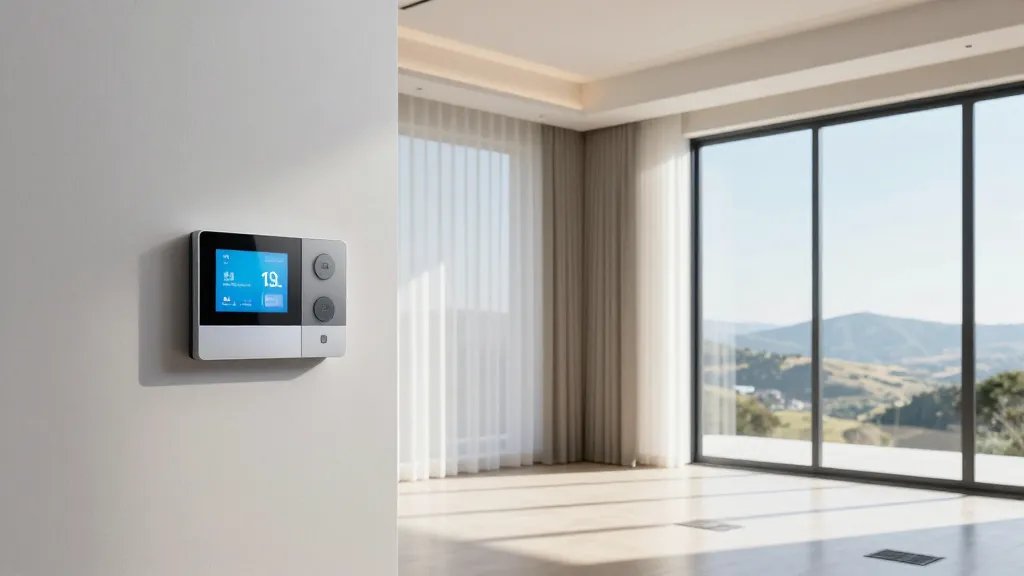
Smart climate is about zoning and responsiveness. Don’t blast the entire house; tailor temps to how rooms are used.
Tips
- Thermostats with room sensors in high-traffic areas
- Smart vents to balance heated or cooled air
- Curtains or blinds that adapt with the sun
Outcome: you save energy and stay comfy without constant fiddling.
13. Entertainment Flow: Front-Row Living

Entertainment spaces deserve their own choreography. A thoughtful layout makes movie nights buttery smooth and game days legendary.
What to Do
- Centralized media hub with universal remote or app control
- Hidden cabling and accessible storage for remotes
- Smart speakers for immersive sound without clutter
Bottom line: less tech friction means more fun with friends and family.
14. Outdoor Extension: Smart Patio Planning
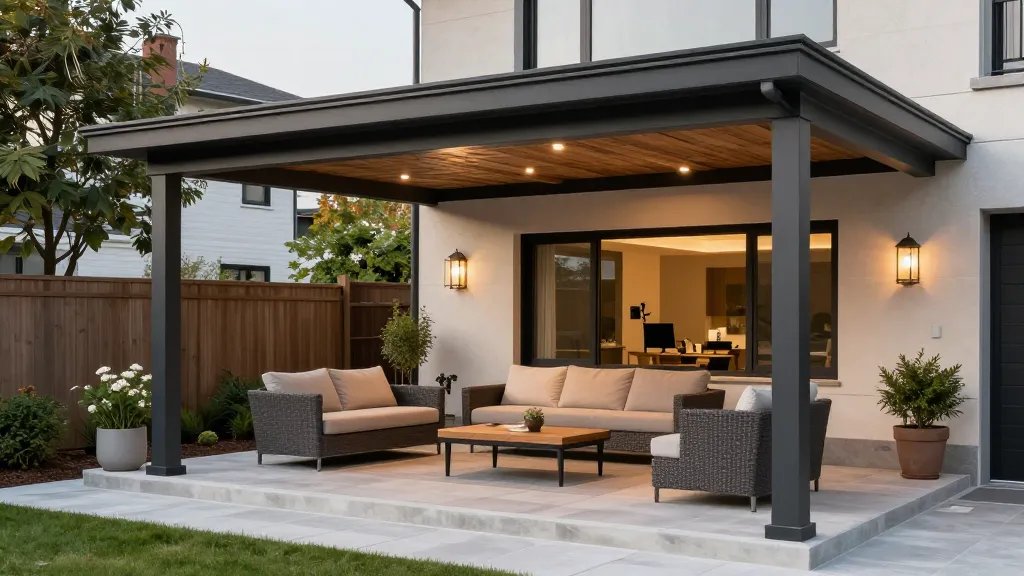
Take the smart living vibe outside. Weatherproof gear and strategic lighting extend your usable space well into nightfall.
Outdoor Essentials
- Weatherproof cameras and smart lighting
- Smart sprinkler system for efficient watering
- Bluetooth or Wi-Fi boosters to cover yards
Why it matters: your outdoor zones become just as functional as indoors—without the chaos of cords and switches.
15. Storage That Sings: Hidden Tech, Big Impact
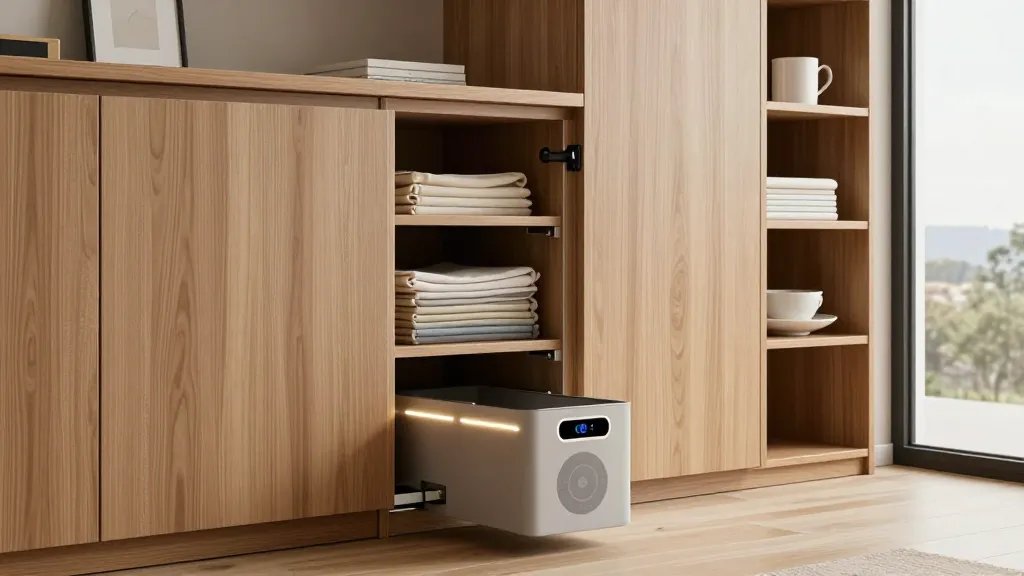
Clever storage lowers visual clutter and keeps gadgets handy where you actually use them.
Ideas
- Built-in charging stations inside cabinets
- Smart bins with sensors to remind you of contents
- Pull-out shelves to maximize small spaces
Benefit: more room to breathe and less time hunting for the right cable.
16. Routine Rhythm: Daily Workflows That Fit You

End with a personal touch: tailor routines to your real life. Automations should serve your mornings, nights, and everything in between.
How to Build Yours
- Wake scene: lights, coffee, and temperature set
- Leave scene: lock doors, adjust climate, and arm security
- Return scene: greet with warmth, rehydrate, and unwind
Bottom line: a thoughtful cadence makes tech feel invisible—and incredibly helpful.
Ready to dive in? Pick a couple of ideas that spark joy, test them this weekend, and iterate. Seriously, you’ll be surprised how a few smart moves can transform your whole home vibe.