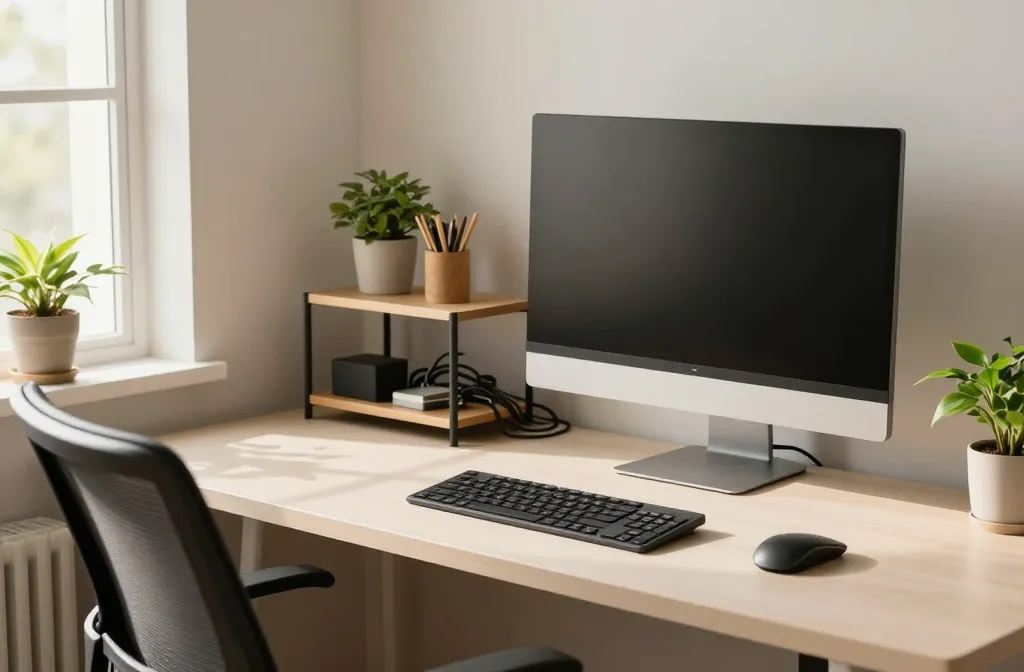
These ideas are practical, personable, and a little cheeky—perfect for turning a dull corner into a productivity playground. Ready to upgrade without breaking the bank or your sanity? Let’s dive in and get you one step closer to a workspace you actually enjoy.
1. Carve Out a Personal Command Center
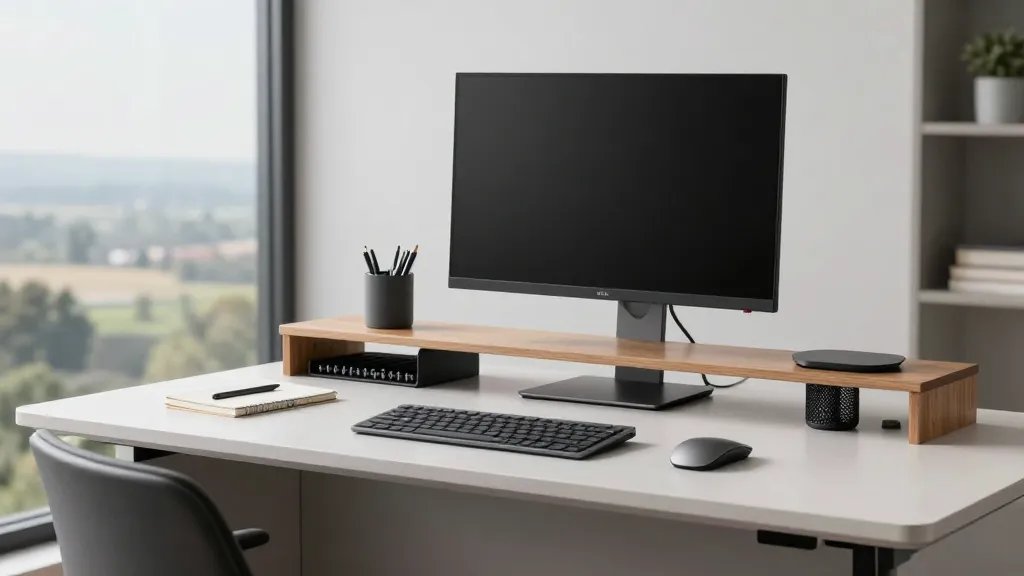
Your desk should feel like your territory, not a shared cafeteria table. Establish a designated zone that signals “focus now” and helps you stay organized without chaos creeping in.
- Keep a single monitor or laptop dock at eye level
- Use a cable tray or clips to tame the spaghetti behind your setup
- Dedicate a small shelf for essentials you reach for often
When your setup communicates clearly, your brain follows suit. FYI, a tidy base equals quicker deep work and less tweaking throughout the day.
2. Elevate Your Ergonomics with Affectionately Practical Gear
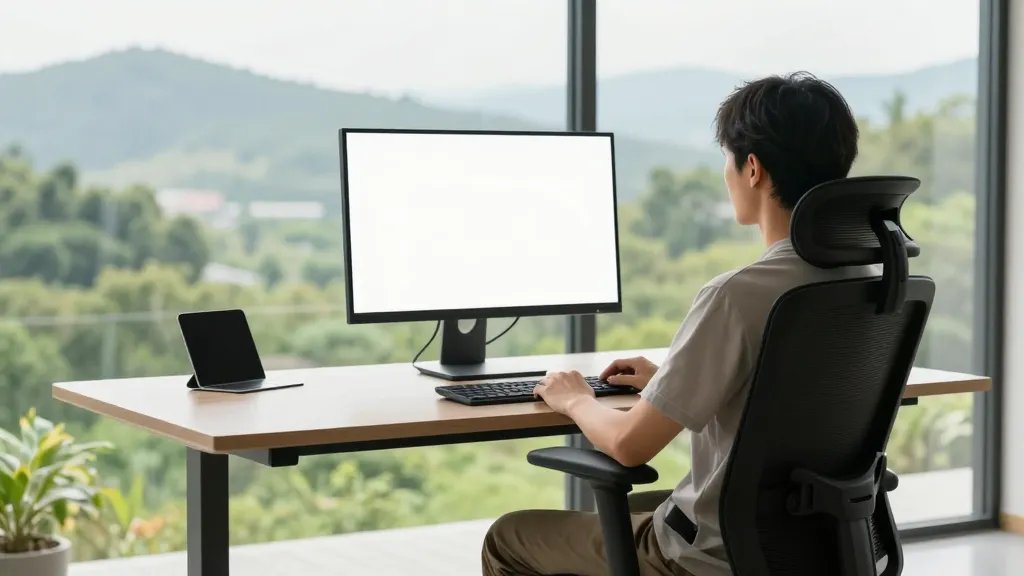
Comfort + posture = momentum. If your back or neck starts wincing, your productivity will follow suit. Embrace ergonomics without turning your space into a hospital ward.
- Ergonomic chair that fits your spine’s natural curve
- Adjustable monitor stand to hit eye level
- A keyboard tray or proper desk height to keep wrists neutral
Sample setup: sit tall, elbows at ~90 degrees, and let your monitor do the staring. It’s like giving your body a tiny standing ovation every hour.
3. Bring in Natural Light and a Bright Mood
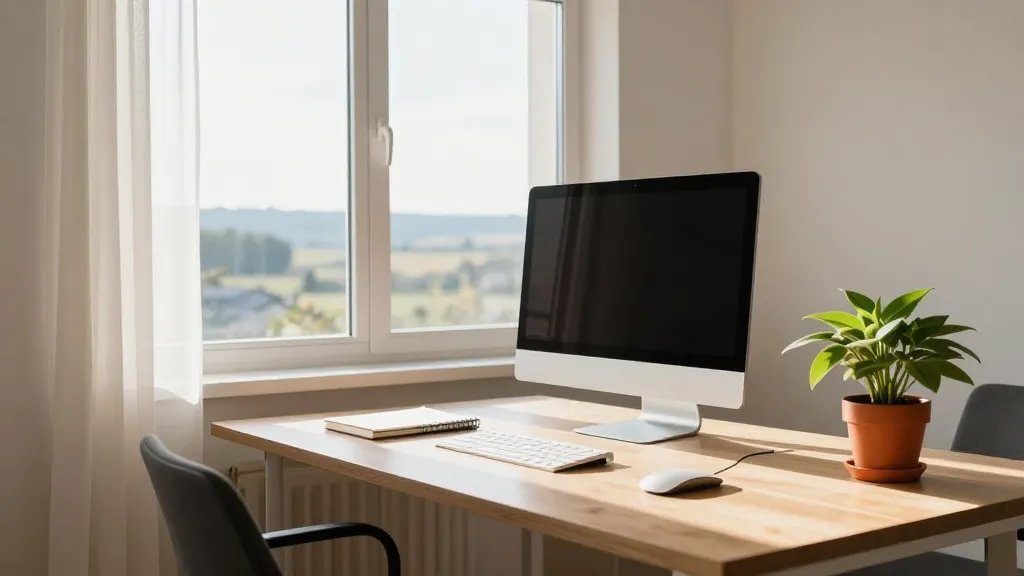
Light is the secret ingredient in any happy workspace. Sunlight wakes you up, and a bright space makes everything look better—films, video calls, or memes, you name it.
- Position your desk near a window if possible
- Use light, airy curtains to diffuse harsh sun
- Add a plant for a touch of life and color
FYI, a well-lit corner reduces eye strain and boosts mood. Trust me, your eyes will thank you after back-to-back meetings.
4. Add Micro-Decor that Sparks Joy
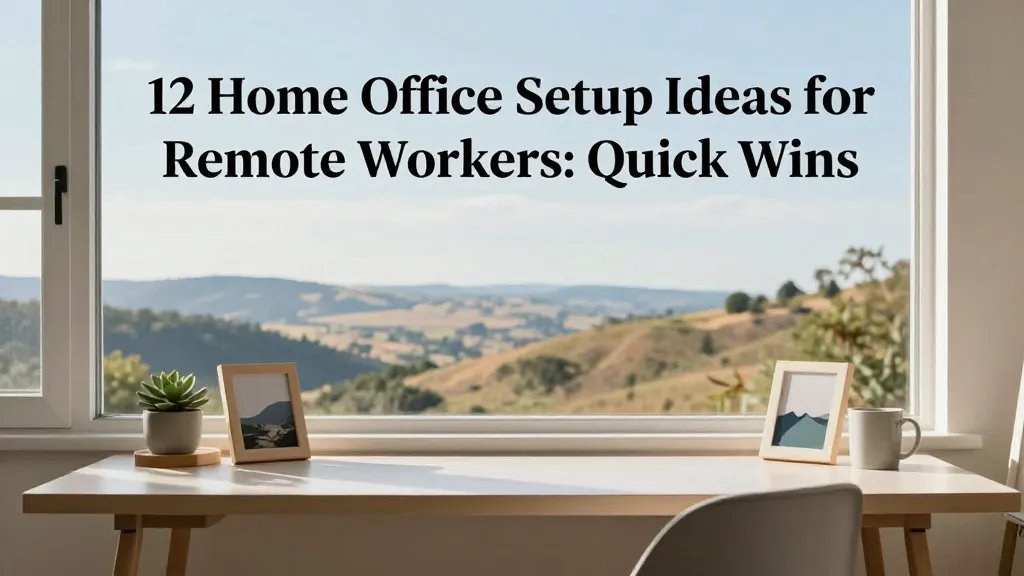
Decor should spark motivation, not clutter your brain. Choose a few pieces that feel “you” and keep the rest out of sight.
- A small statement plant or succulent
- Personal photo or artwork that doesn’t glare in your face
- Color accents that echo your branding or vibe
Small touches create big vibes. Seriously, a tiny plant or a favorite mug can turn a tedious task into something you actually look forward to.
5. Create a Clear Cable-Management System
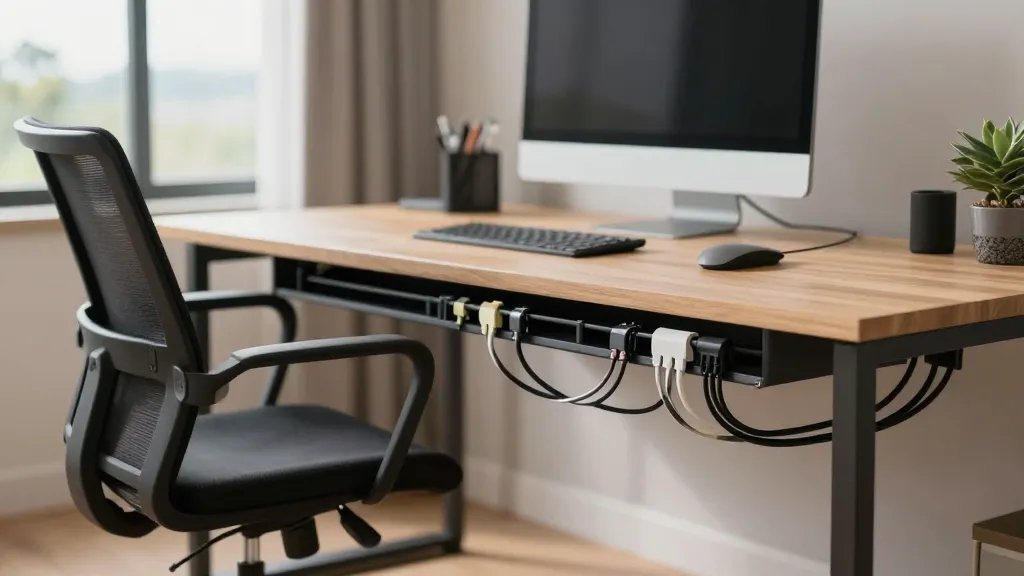
Messy wires are the secret villains of focus. A clean cable setup reduces visual noise and makes your desk look expensive—even if you bought it on sale.
- Cable clips along the desk edge
- Under-desk cable tray for power strips
- Label cords so you never unplug the wrong thing midday
End result: fewer distractions and more confidence when you take video calls. It’s almost magical how tidy cables can translate to tidy thoughts.
6. Build a Flexible Lighting Scheme for Different Moods
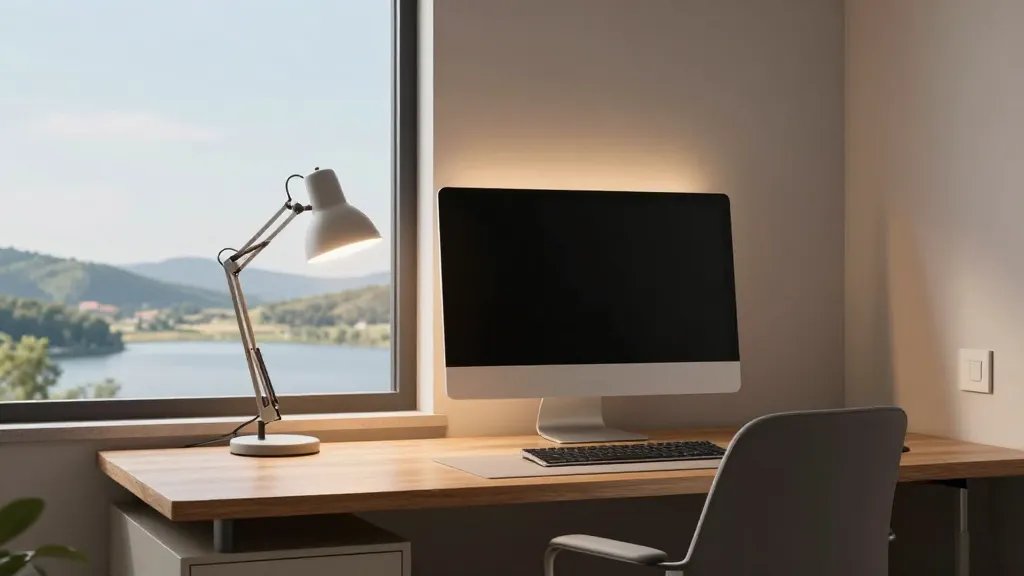
One lighting setup rarely fits all tasks. Build a lighting system that can switch from productive daylight to cozy evening vibes without a full rearrangement.
- Desk lamp with warm-to-cool temperature settings
- LED strip behind monitor for ambient glow
- Dimmer switch or smart bulbs for quick mood shifts
Want to feel fancy during a late-night sprint? Dim the lights, breathe, and go. It’s like giving your brain a tiny party cue without the hangover.
7. Invest in a Quality Keyboard and Mouse Duo
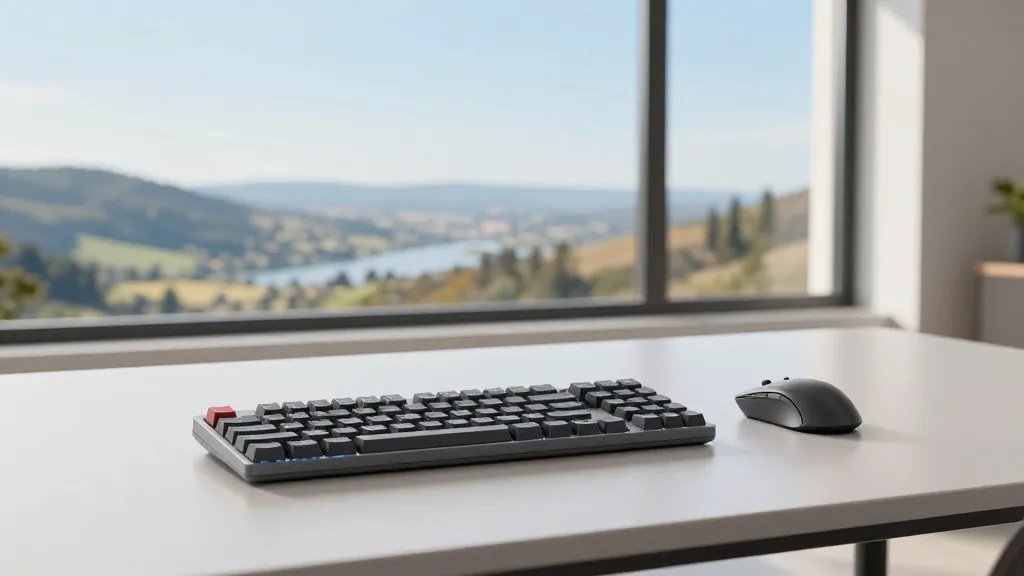
Your input devices set the pace of your day. A responsive keyboard and precise mouse can make you sail through tasks instead of slog through them.
- Mechanical or low-profile keyboard depending on preference
- Ergonomic mouse with comfortable grip
- Wireless options to reduce desk clutter
Pick a setup that feels like a natural extension of your hands. Your wrists will thank you, and your efficiency will, too.
8. Create a Sticky-Note Strategy That Actually Works
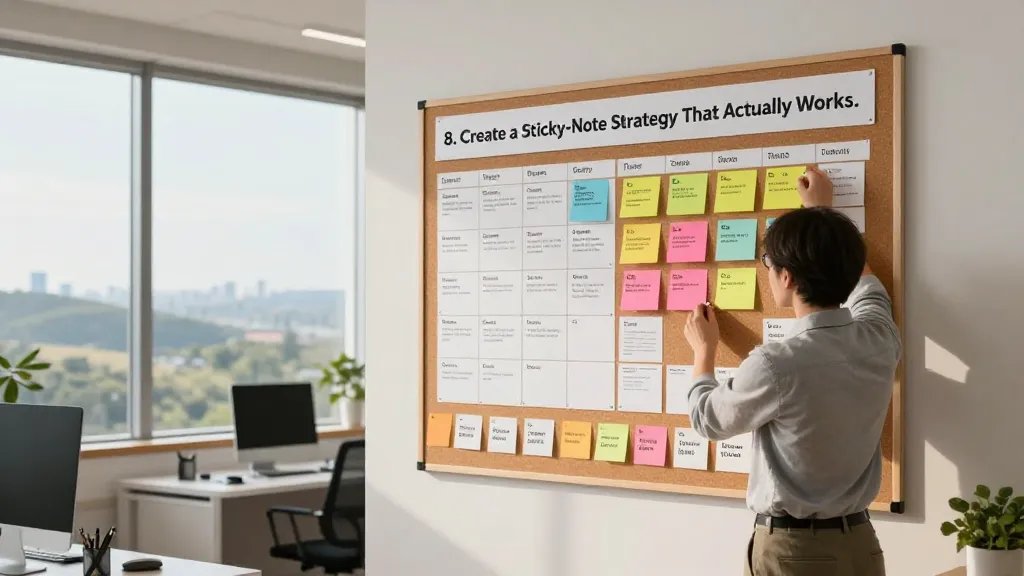
Notes are lifesavers when you’re juggling multiple projects. But they lose magic if they vanish into the ether. Build a simple, magnetic or cork board system.
- Weekly priorities pinned in sight
- Important deadlines highlighted in color
- Small wins logged at the bottom
Keeping tasks in a visible hotlist reduces mental clutter and helps you move with purpose. IMO, you’ll feel like you’ve got a command center instead of a desk cave.
9. Dial in Your Tech Stack for Efficiency
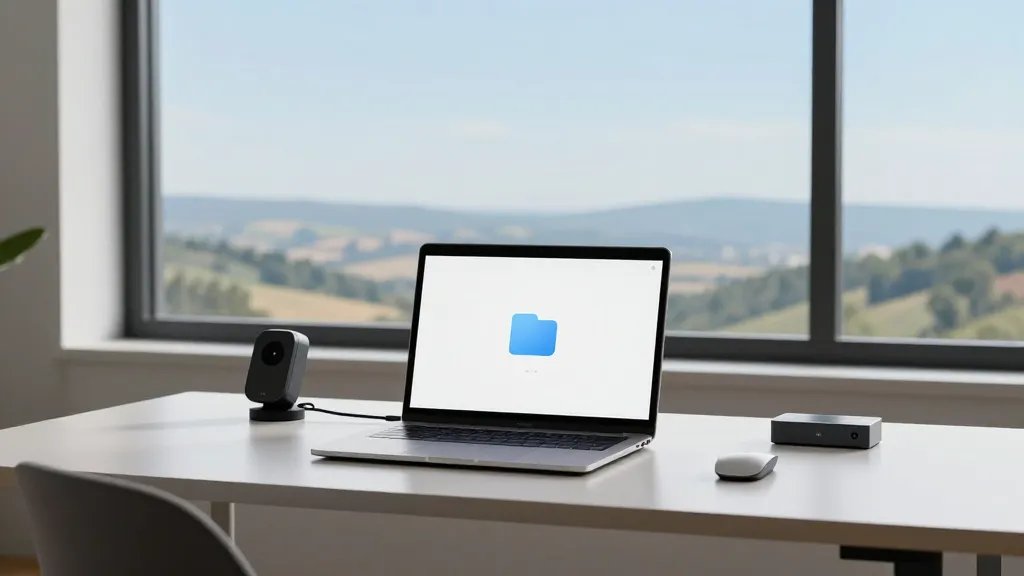
Tech should serve you, not confuse you. A lean stack means fewer bugs, faster workflows, and more time for creativity (or snacks, no judgment).
- One reliable video conferencing tool with backup options
- Cloud storage with a simple folder hierarchy
- Automation if-this-then-that for repetitive tasks
Streamline thoughtfully. When tech serves clarity, your day stops feeling like a sprint and starts feeling like a glide.
10. Build a Routine That Actually Sticks

Tools are great, but habits run the show. A simple routine anchors your day and protects your focus from drifting away during afternoon lull.
- Block deep-work sessions with 25–50 minute focus spans
- Short breaks to reset posture and mind
- Consistent start and end times to signal boundaries
Sticking to a rhythm prevents burnout and makes your workload feel controllable. Seriously, consistency beats intensity when it comes to long-term gains.
11. Personalize Your Space with Behavioral Cues
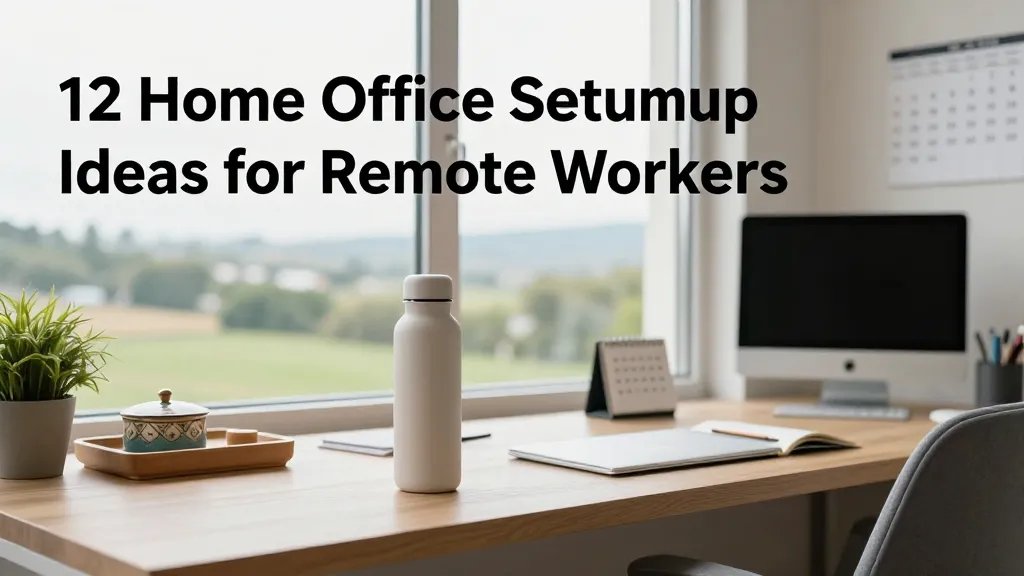
Your environment should cue the right behaviors. Tiny changes can nudge you toward better focus, creativity, or rest when you need it.
- Use a specific mug or water bottle to remind you to hydrate
- Designate a “shutdown” ritual at the end of the day
- Keep a calendar on display for a quick sense of progress
Small cues multiply into big results. Trust me, your future self will thank you for the consistency you built today.
12. Try a Movable, Modular Setup for Flexibility
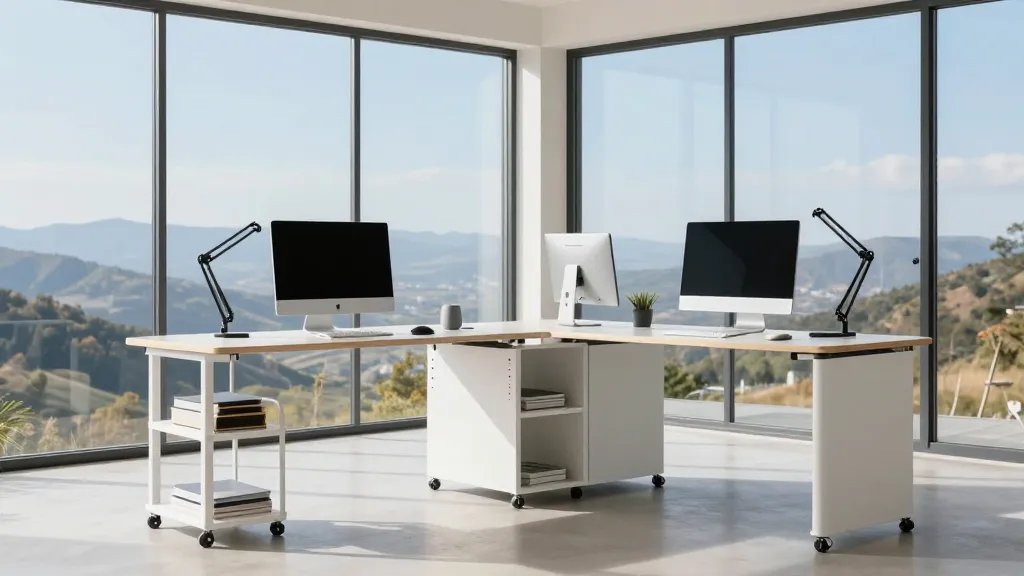
Your needs change with projects, seasons, or moods. A modular setup lets you reconfigure quickly without a full teardown.
- Modular shelving or switchable monitor arms
- Lightweight, portable accessories for quick reorganization
- A small rolling cart for off-desk materials
Flexibility keeps your work fresh and adaptable. When you can rearrange in minutes, you reduce resistance to trying new layouts or tools.
There you have it—twelve tried-and-true ideas to elevate any remote work setup. Each tweak brings you closer to a space that feels like your own personal productivity playground. Seriously, give a couple a try this week and see what sticks. You’ve got this!