Want a workspace that actually fuels focus, not distraction? These ideas are practical, fun, and easy to implement. FYI, you’ll wonder how you ever worked anywhere else.
1. Carve Out a Command Center: Clear, Calm, Conducive
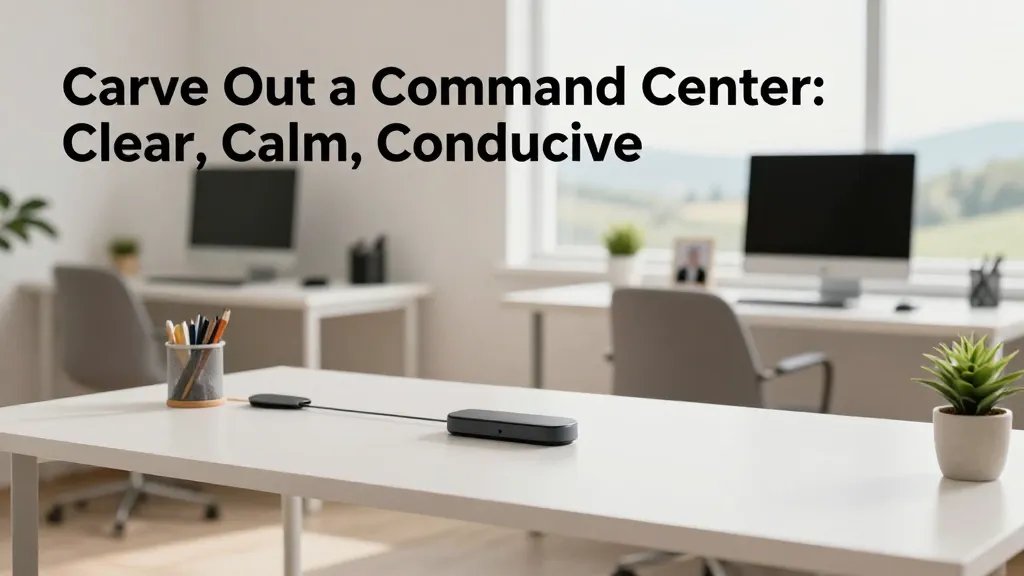
You can’t stay productive in chaos. Start with a dedicated desk area that feels intentional rather than afterthought. A clean canvas sets the tone for every task you tackle.
Key Elements
- Simple desk with clean lines
- One dedicated charging hub
- Minimal desktop clutter (only daily essentials)
Why it works: a defined zone signals your brain to switch into “work mode.” When you walk into that space, you automatically lean into focus. Use a small plant or photo to personalize without creating visual noise.
2. Light It Up: Bright, Happy, and Research-Backed
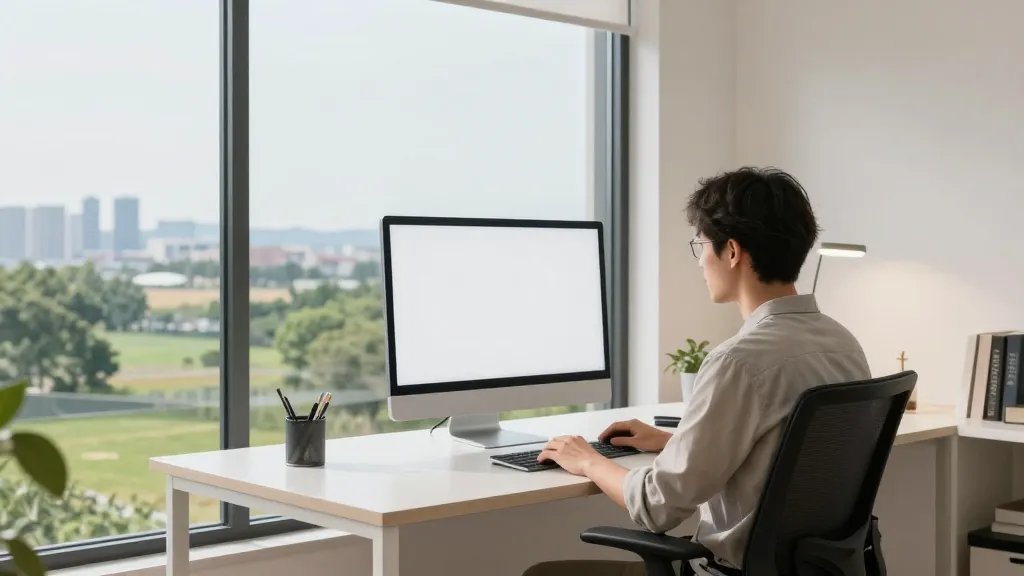
Natural light is a stealth productivity cheat code. If you can’t rely on sunbeams, bright, well-balanced lighting does the job. No more staring into screens in a cave.
Tips
- Position your monitor to avoid glare
- Layer lighting: ambient, task, and accent
- Choose bulbs in the 4000–5000K range for crisp clarity
Benefits: less eye strain, faster task completion, and fewer headaches. Seriously, your eyes will thank you.
3. Ergonomics That Actually Feel Good
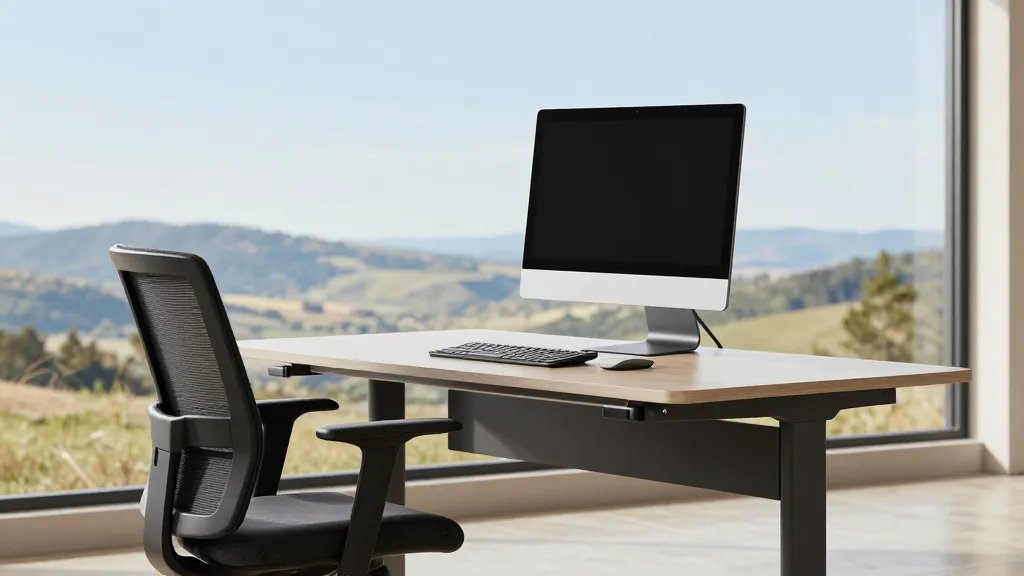
Comfort isn’t a luxury—it’s a productivity tool. If you’re aching, you’ll slow down. Invest in posture-friendly gear that makes long days painless.
What to Consider
- Ergonomic chair with adjustable lumbar support
- Sit-stand desk or a sturdy height-adjustable option
- Keyboard and mouse that fit your natural hand position
End note: the right setup reduces fatigue, keeps you focused longer, and makes breaks feel like tiny wins rather than dreaded intermissions.
4. Color as a Catalyst: Calm Walls, Bold Accents
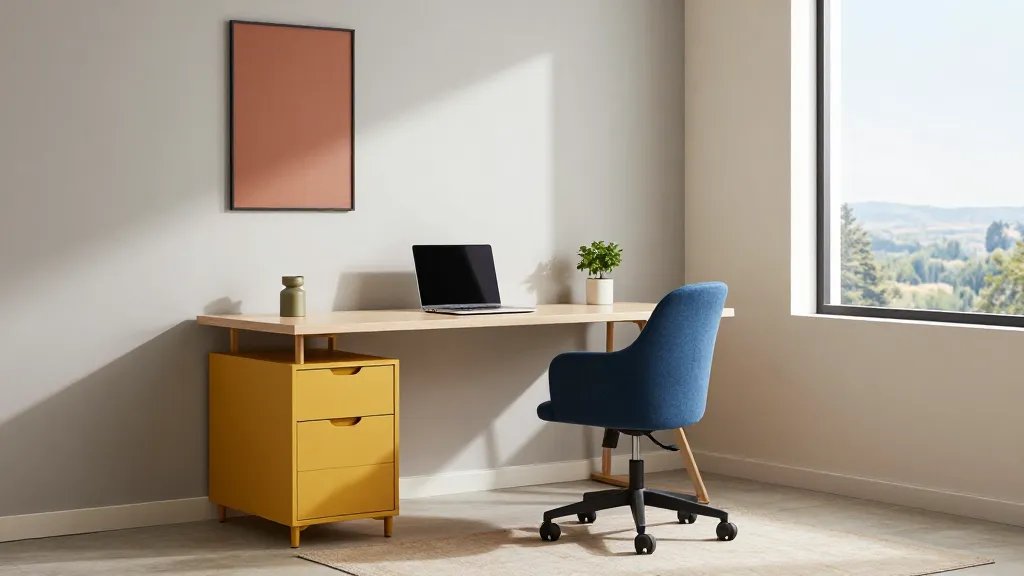
Color shapes mood faster than you think. A calm base with strategic pops of color can boost mood and motivation without overwhelming the senses.
Color Playbook
- Base walls: soft neutrals like warm gray or off-white
- Accent colors: optimistic blues, energizing yellows, or grounded terracotta
- Use color in small doses: a chair, rug, or wall art
Pro move: repaint less often by swapping fabrics and desk accessories to refresh the vibe without a full remodel.
5. Storage That Keeps Your Brain Clear
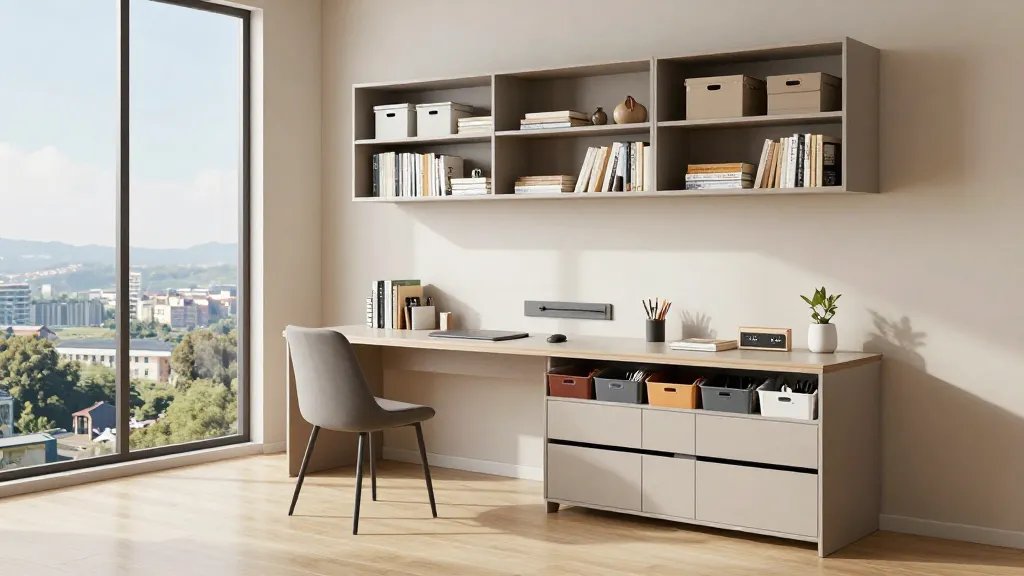
Clutter is a productivity kryptonite. Smart storage means tools are ready when you need them, not buried under who-knows-what.
Organization Wins
- Floating shelves for vertical space
- Liling (labeling) system for drawers and bins
- Hidden storage for cables and power strips
Bottom line: when everything has a home, you’ll spend less time searching and more time creating. FYI, a quick weekly declutter ritual works wonders.
6. Greenery for Focus: Plants That Improve Mood and Air
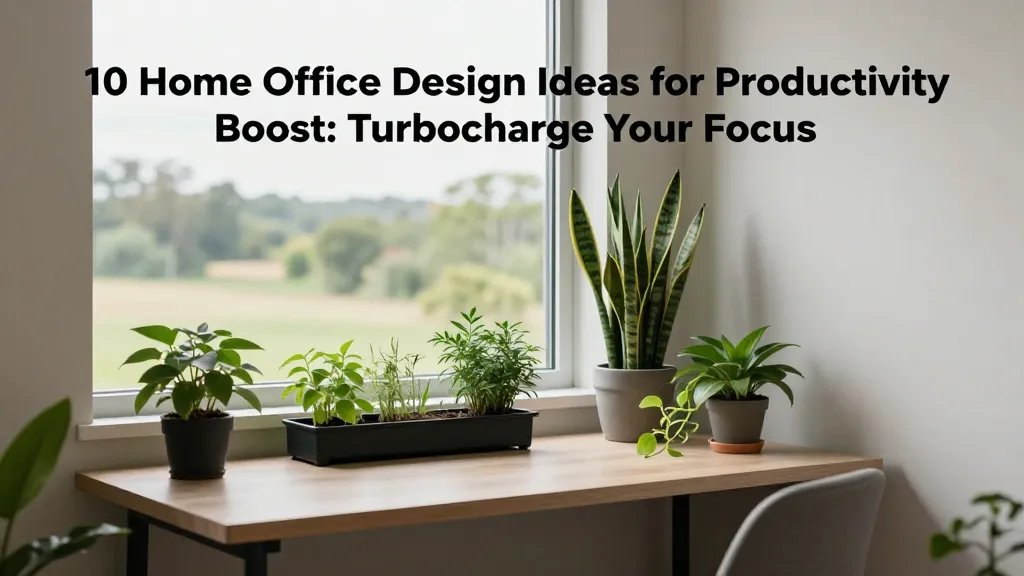
Plants aren’t just décor; they’re mood-boosters and air purifiers. Choose varieties that thrive indoors and require minimal fuss.
Smart Picks
- Snake plant, pothos, or ZZ plant for low maintenance
- Small desk plant for daily joy
- Herb tray by the window for fresh ideas and snacks
Trust me, a touch of green softens the room and gives your brain a pleasant cue to stay sharp.
7. Acoustic Comfort: Quiet Corners for Deep Work
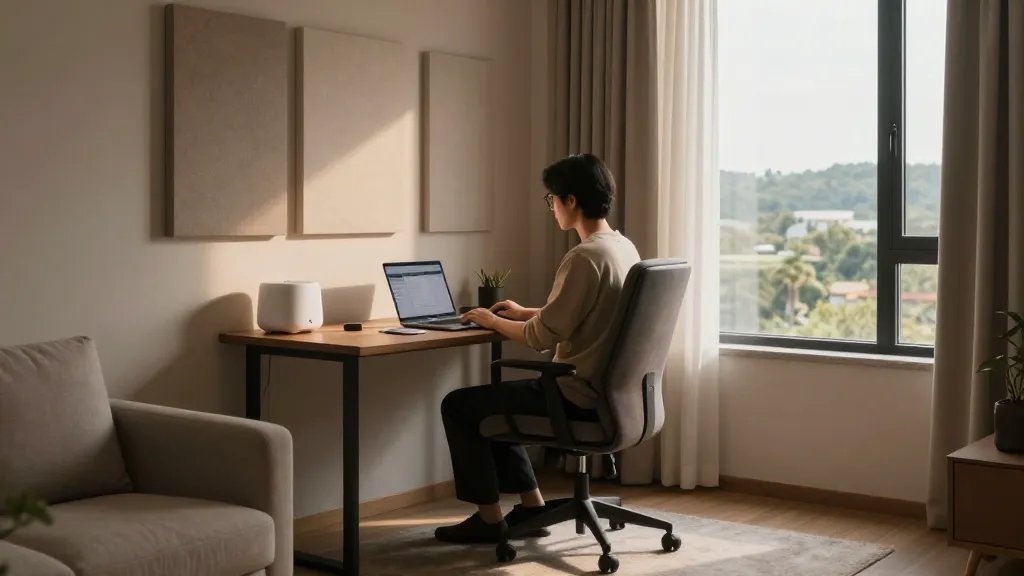
Distractions scream in a busy home. Sound dampening makes deep work feel like you’ve got your own private studio.
What to Do
- Soft furnishings: rug, curtains, and a padded chair
- Sound-absorbing panels or a cozy laptop table shield
- White noise app or a small fountain for gentle background noise
Benefit: fewer interruptions, longer streaks of flow, and an easier time staying in the zone.
8. Personalize Without Drowning in Photos
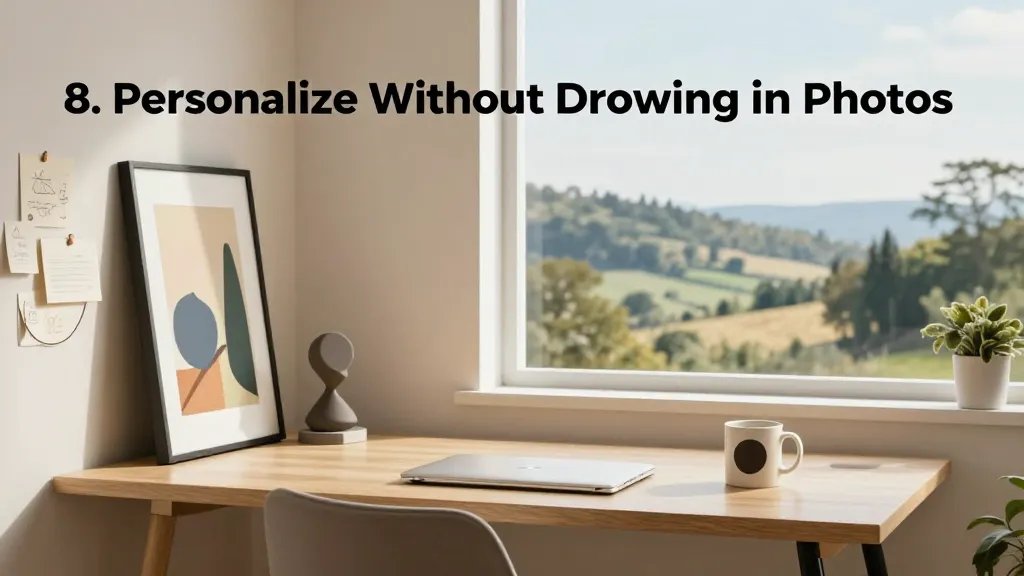
Your space should feel like you, not a sterile showroom. A few well-chosen items can spark joy and sustain motivation.
Small Details That Matter
- One statement piece: a bold art print or sculpture
- A rotating “idea board” for quick notes and sketches
- A signature mug or desk accessory that makes you smile
Tip: curate a few favorites and rotate them seasonally to keep the vibe fresh without chaos.
9. Tech That Works as Hard as You Do
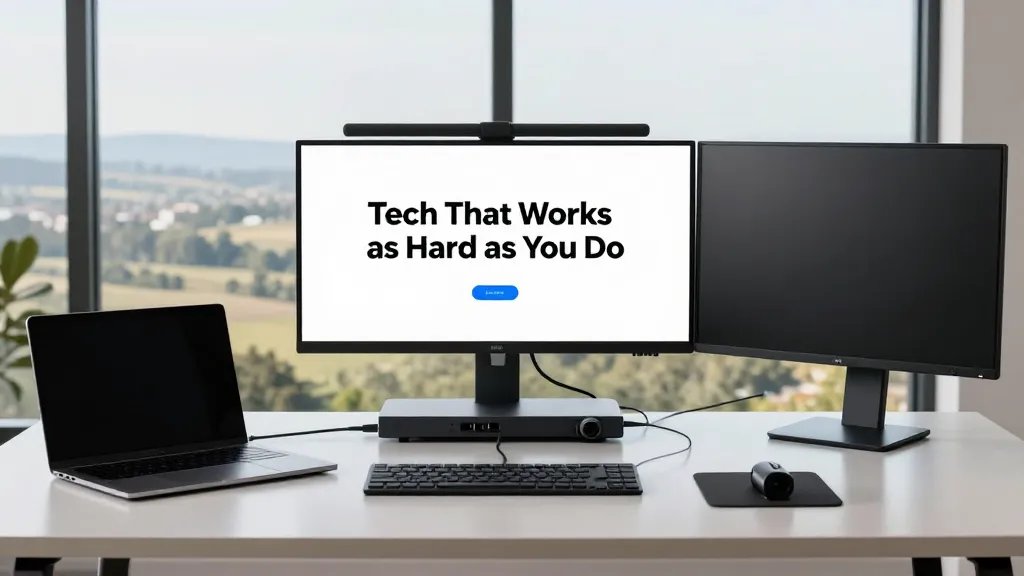
No one loves gadgets for gadget’s sake. You want tech that saves time, not creates new problems.
Must-Have Gadgets
- Docking station with enough ports for all devices
- Second monitor or a large ultrawide screen for multitasking
- Quality webcam and microphone for crisp calls
Bonus: set up shortcuts and automation to reduce repetitive clicks. IMO, a tiny workflow tweak can save hours over a week.
10. Ritual Spaces: Breaks That Reboot Your Brain
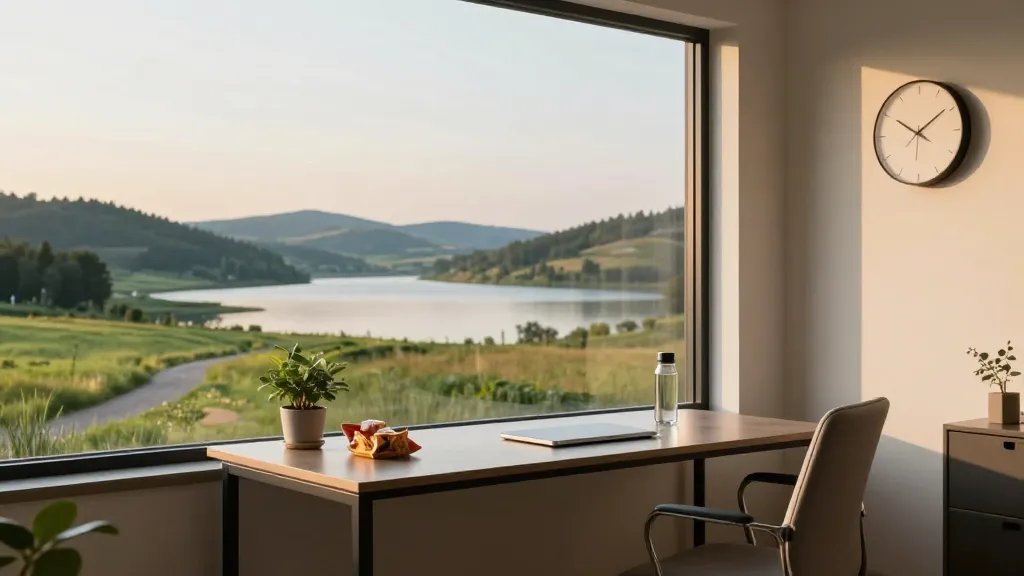
Productivity isn’t about never stopping; it’s about smart resets. Build micro-break rituals into your day so your brain stays fresh.
Simple Break Ideas
- 5-minute stretch routine or a quick walk outside
- Hydration and a healthy snack break
- Change of scenery: a quick flip to a different room or a stand-up meeting spot
End note: these breaks prevent burnout and keep your energy high through the final push of the day.
Ready to transform your workspace? Start with one or two changes, then layer in the rest as you notice what fuels your focus. Trust me, your future self will thank you with cleaner desks, sharper focus, and a happier workday.