Ready to upgrade your workspace without breaking the bank? These designs slice through clutter and boost focus, fast. FYI, a killer setup isn’t about priced gadgets—it’s about smart layout, lighting, and vibes you actually enjoy.
1. Minimalist Command Center: Clean Lines, Big Wins

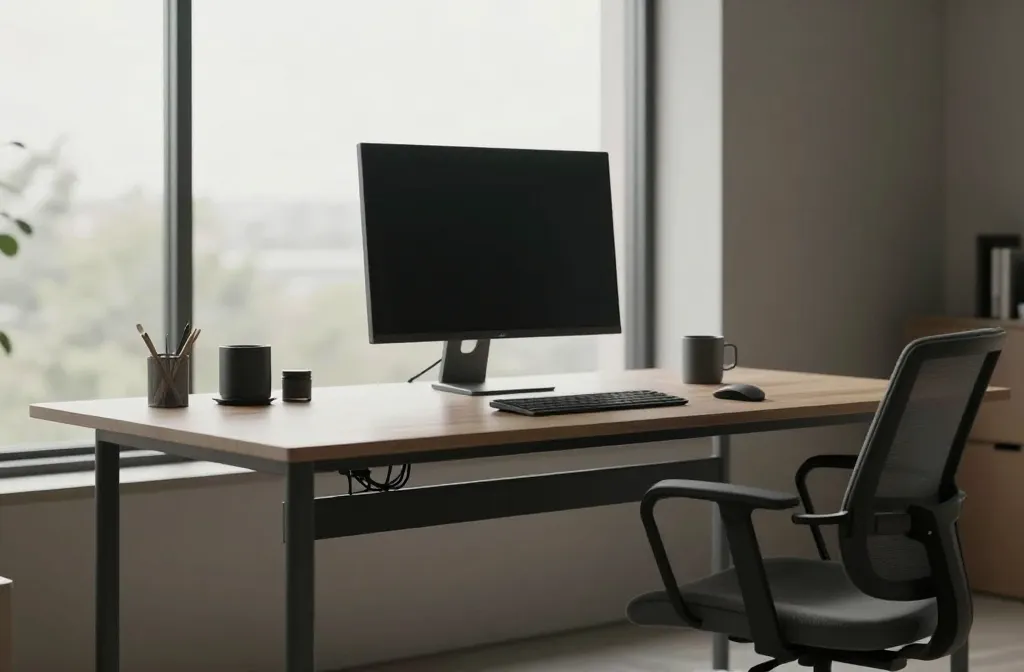
Less clutter equals more brain power. This design strips distractions and puts function front and center. Seriously, a tidy desk makes your to-do list feel conquerable.
Key Elements:
- Single, expansive desk surface
- Hidden cable management
- Quiet, neutral color palette
Use a simple monitor setup and a couple of essential tools. When you sit down, your focus won’t get pulled into the void of miscellaneous papers. Benefits: faster workflows, calmer mornings, fewer excuses to procrastinate.
2. Ergonomic Powerhouse: Feet, Back, Brain in Sync
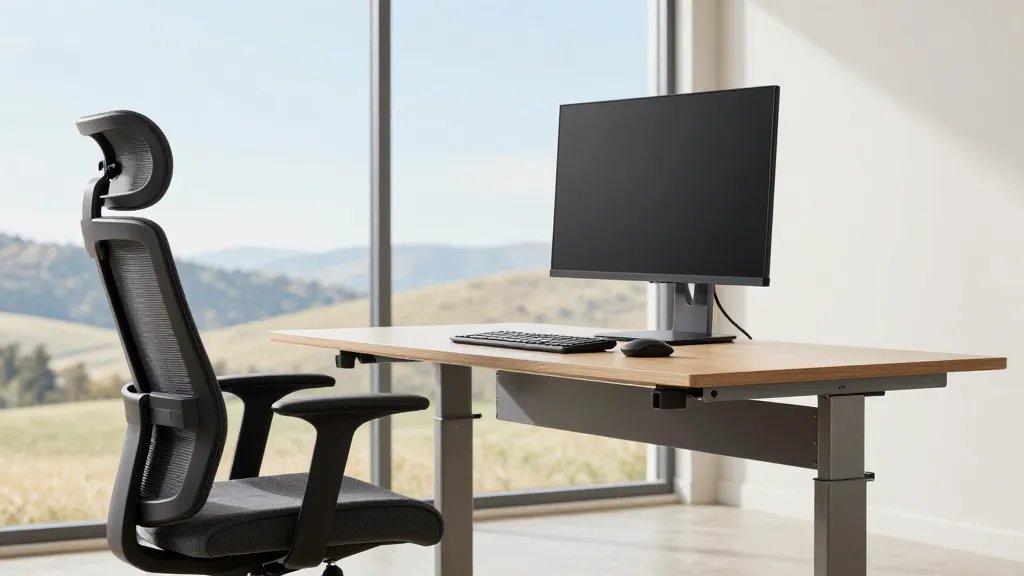
Your body will thank you for this one. Ergonomics isn’t extra credit—it’s essential for long days and intense focus. Trust me, pain-free workdays are game-changing.
Tips for Setup:
- Adjust chair height so elbows form a 90-degree angle
- Monitor at eye level to prevent neck strain
- Footrest or chair with proper lumbar support
Invest in a comfortable chair and monitor stand. The payoff is consistency: you’ll stay sharp longer, and fatigue won’t hijack your afternoon.
3. Light-Focused Oasis: Daylight, Color, Calm
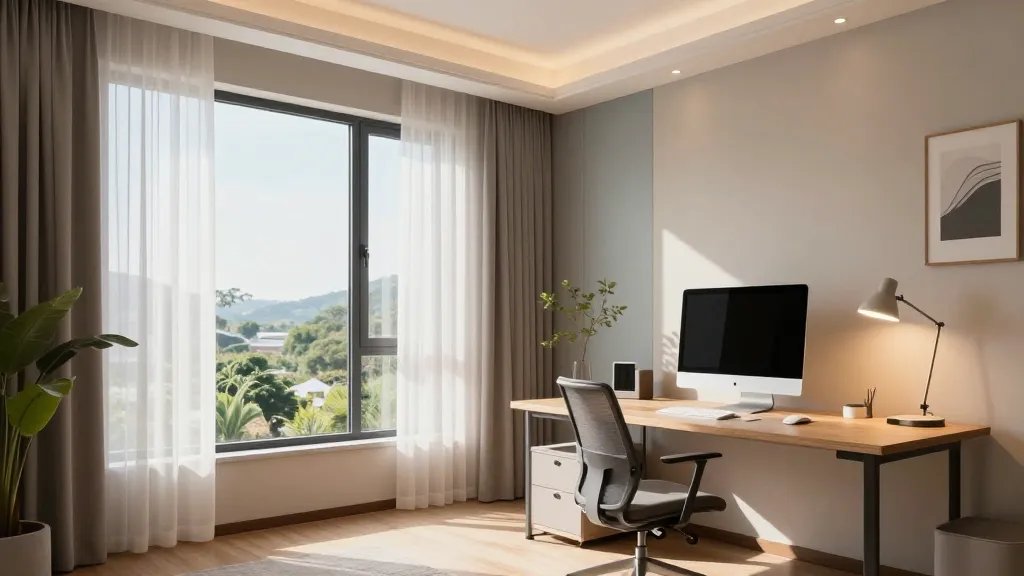
Natural light fuels energy and mood. This design floods your space with brightness while balancing color to reduce eye strain. FYI, color psychology is real—choose tones that boost productivity.
Key Points:
- Position desk near a window if possible
- Layer lighting: ambient, task, and accent
- Warm neutrals with a splash of accent color
Use a daylight-balanced lamp for late nights. Benefits: clearer thinking, quicker decisions, and a space that feels inviting rather than a cave of work.
4. Standing-Desk + Flexible Zones: Move to Groove
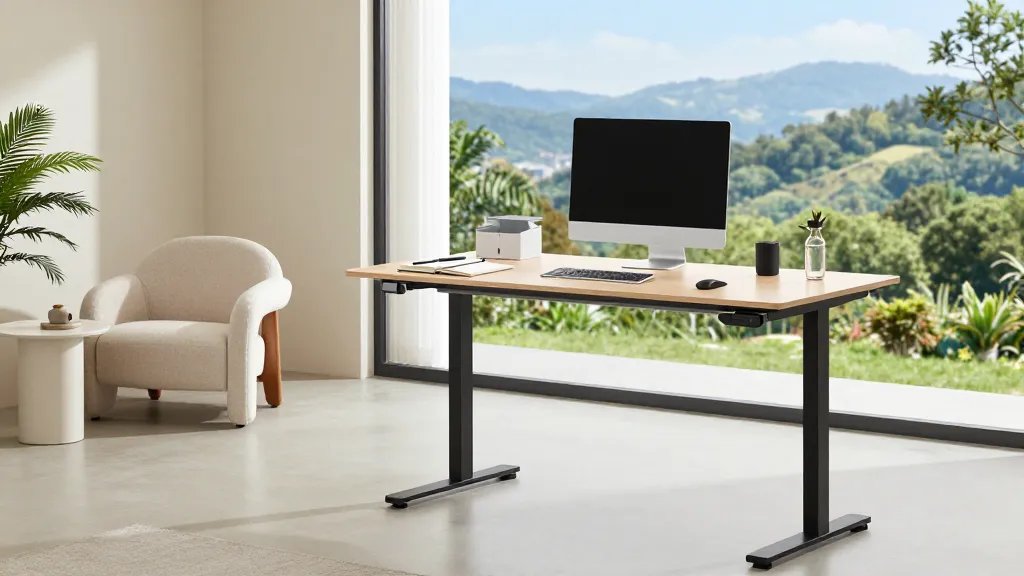
Move more, sit less, and stay adaptable. A sit-stand setup plus micro-zones keeps energy up and meetings contained in one area. Seriously, your body will thank you after a few weeks.
Components:
- Electric or adjustable-height desk
- Dedicated zones for writing, computer work, and breaks
- Quiet space for calls
End with a small, mobile filing system so you can reconfigure on a whim. Benefits: better circulation, reduced back pain, and a workspace that evolves with you.
5. Quiet Studio Nook: Visual Calm for Deep Work
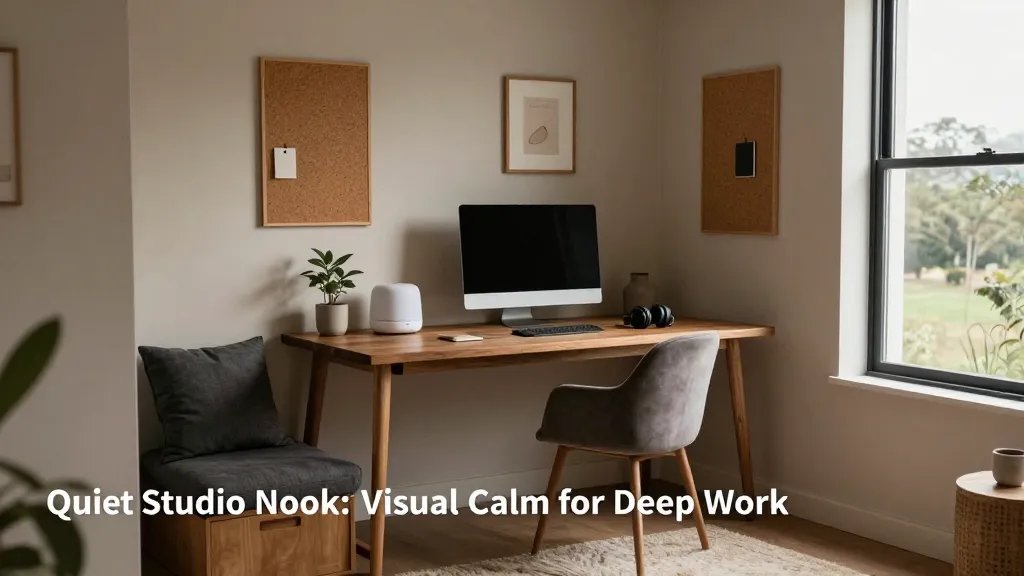
When you need to disappear into the best version of your tasks, a secluded nook works wonders. This setup is all about sound dampening, visual focus, and personal touches.
Subsections:
- Materials: soft fabrics, cork boards, matte finishes
- Sound considerations: white noise machine or headphones
- Personal touch: a plant or small art piece
Benefits: fewer interruptions, deeper concentration, and a space that feels almost like a sanctuary during crunch times.
6. Tech-Savvy Command Pad: Smart, Simple, Efficient
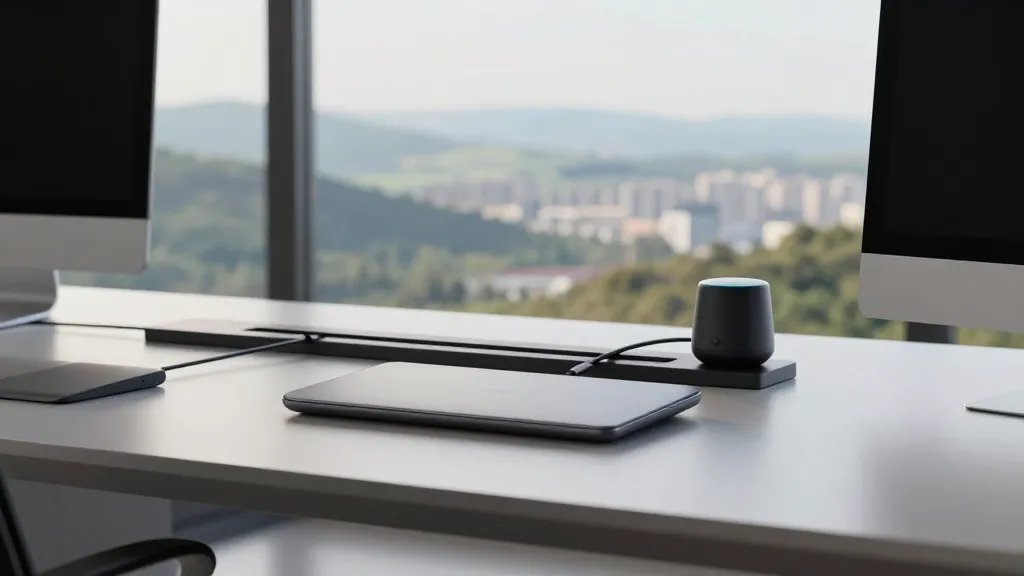
Tech should serve you, not the other way around. This design integrates smart tools that streamline routines and cut friction. IMO, a few well-chosen devices beat a clutter of gadgets.
Key Technologies:
- Unified charging station with cable management
- Docking station for a clean desktop
- Voice-activated assistants for quick reminders
When you wire things neatly, you save minutes every day. Over a year, that’s hours back in your life. Benefits: faster onboarding for new tasks and less desk annoyance.
7. Creative Corner: Inspiration-Forward Layout
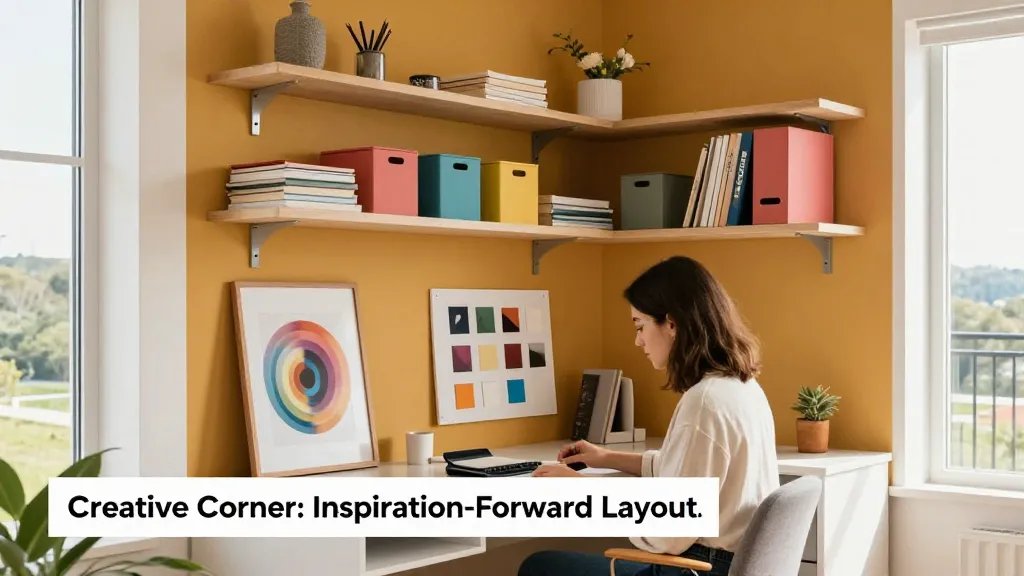
Design should spark joy and momentum. This setup blends aesthetics with practicality so you feel inspired while you work. Seriously, a dash of personality can boost persistence.
What to Include:
- Bold accent wall or wallpaper detail
- Open shelves for quick access to materials
- Color-coded organization system
Use a rotating art print or a small mood board to refresh energy. Benefits: greater consistency in task completion and a workspace you actually want to stare at.
8. Double-Screen Dynamo: Efficiency Multiplied
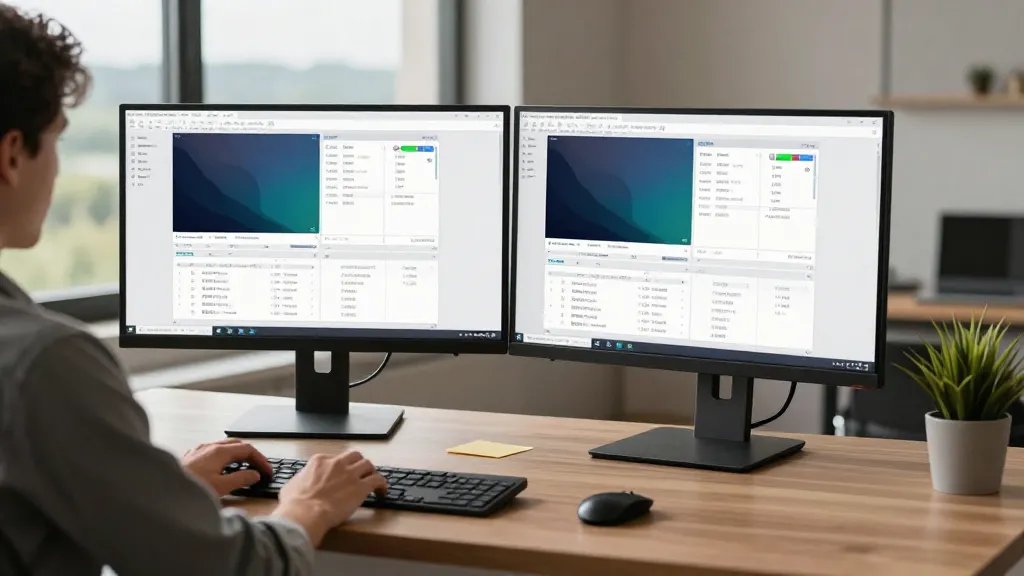
Two screens aren’t extra; they’re essential for multitasking without chaos. This layout keeps everything visible without relentless window-switching. Trust me, your brain will love this clarity.
Hints for Setup:
- Position primary monitor at eye level
- Leave occasional gaps on the desk for quick notes
- Calibrated color across displays
End with a small desk plant or personal item to soften the tech mood. Benefits: faster cross-referencing, fewer minimized windows, and smoother project flow.
9. Compact Power Studio: Small Space, Big Impact
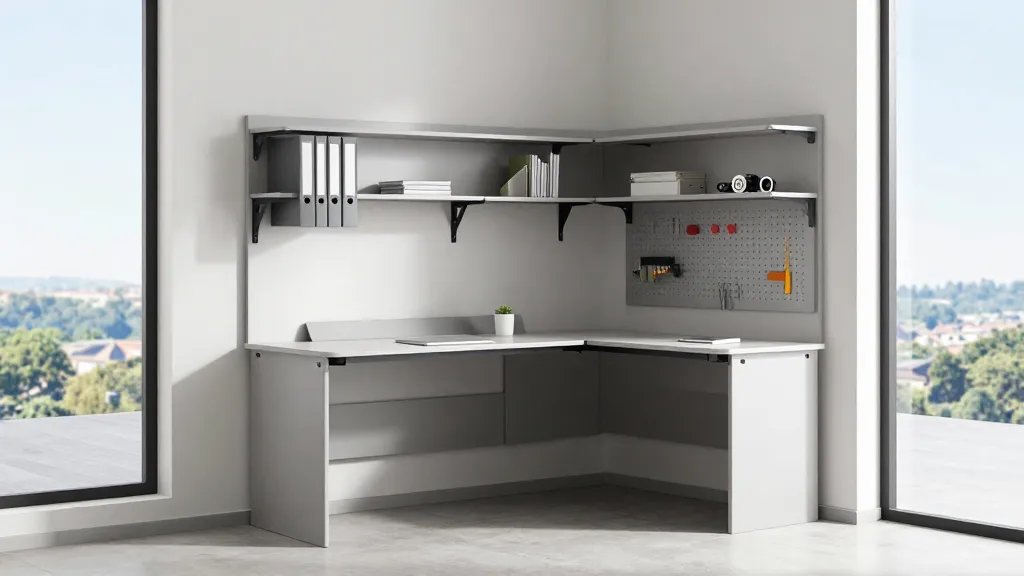
Small spaces can punch above their weight. This design packs smart storage, vertical organization, and a streamlined footprint. FYI, big results often come in small packages.
Smart Tricks:
- Wall-mounted shelves and pegboard for tools
- Fold-out workstation or wall desk when not in use
- Vertical file organizers to minimize clutter
Benefits: more floor space, quicker cleanup, and a setup that travels well when you move or reconfigure.
10. Biophilic Balance: Nature-Nurtured Focus

Plants aren’t just decoration—they reduce stress and improve air flow. This design weaves greenery into your daily workflow for calmer, sharper thinking. FYI, greener spaces feel more welcoming and productive.
Plant Playbook:
- Low-maintenance plants like snake plants or pothos
- Natural textures: wood, rattan, linen
- Small water feature or soundscape for zen moments
Benefits: steadier energy, fewer headaches, and a workspace that feels like a retreat rather than a dungeon of deadlines.
Ready to transform? Pick one design or combine elements from a few to tailor your perfect rig. The goal is a space that invites focus, not fatigue, so you can crush your goals with a little more joy and a lot less friction.
You’ve got this—experiment, tweak, and watch your productivity climb. If you try one tweak this week, share the vibe and tell me what changed for you. Seriously, I’m rooting for you!