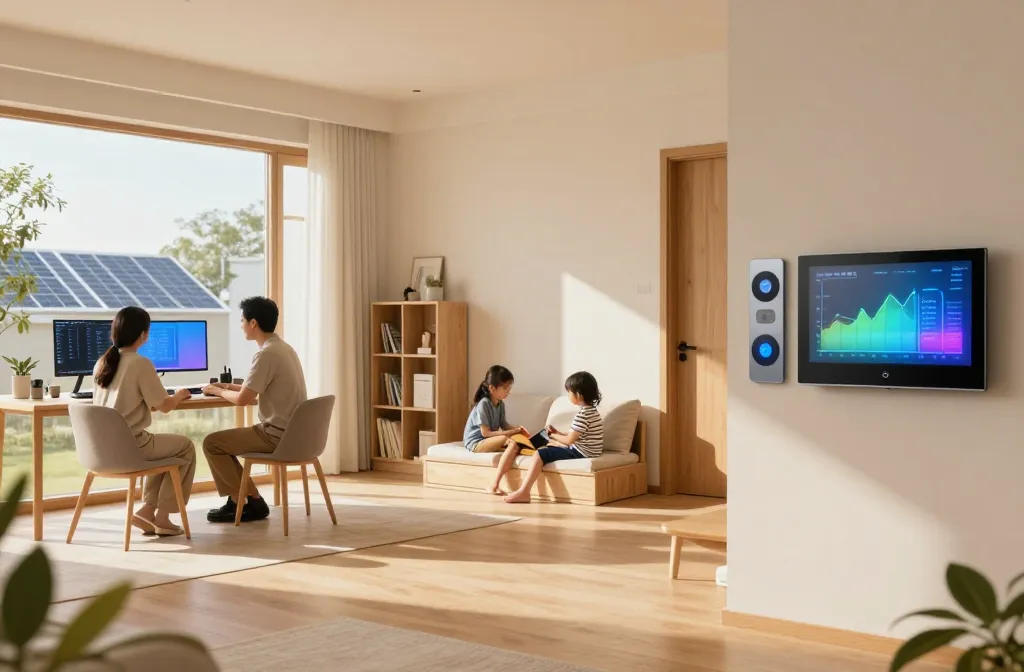
These trends are not just shiny gadgets—they’re practical, kid-friendly upgrades that actually fit real family life. Let’s dive into ideas you can start using this weekend. FYI, tiny tweaks here make a huge difference in daily flow.
1. Zoning That Actually Works: Smart Rooms for Every Moment
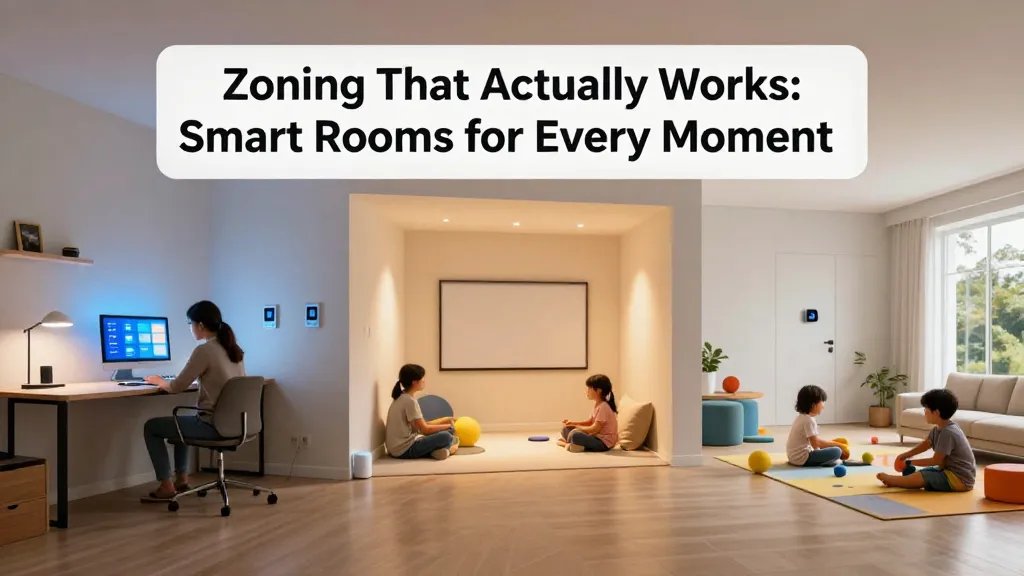
Families bounce between work, play, and chores. Smart zoning creates rooms that adapt to mood and task with simple commands or schedules. It’s like having multiple spaces that feel tailored without moving a wall.
Key Concepts
- Smart lighting scenes switch on with activity
- Voice or app controls for quick transitions
- Dedicated hubs for study, play, and relaxation
Why it matters: you cut down on “where did I put the remote?” chaos and reclaim time. Use it to set a study mode after school and a movie night mode later.
2. Energy-Smart Living: Solar, Storage, and Smarter Grids
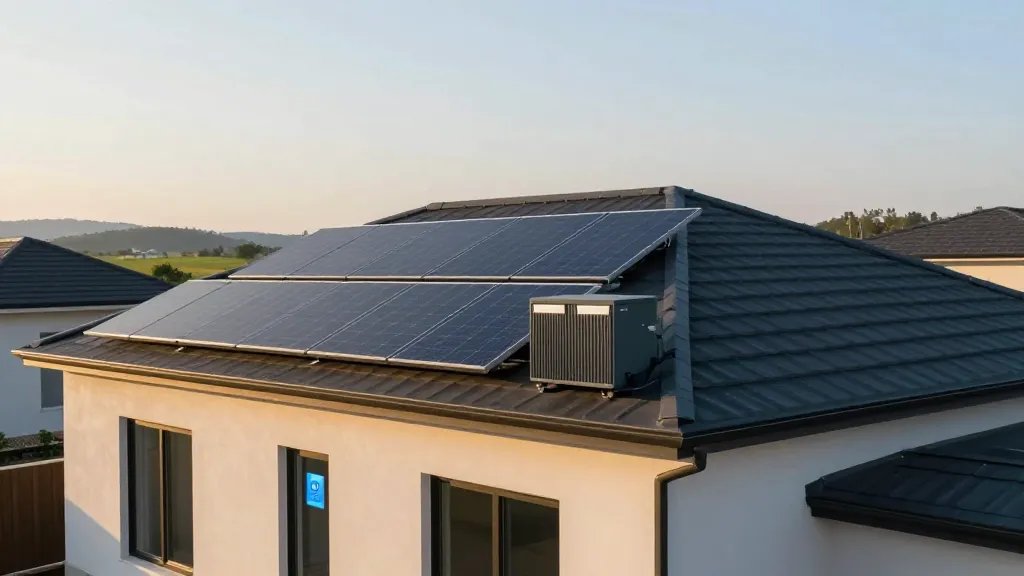
Families care about bills and the planet, so energy-smart homes are a win-win. Solar panels, battery storage, and intelligent energy management reduce costs and carbon footprint—without turning your home into a power kiosk.
Smart Moves
- Smart thermostats that learn family patterns
- Battery backups for peak-demand hours
- App alerts for unusual consumption
Tip: start with a simple solar evaluation or a flexible-battery setup to smooth out expensive evening rates.
3. Family-Friendly Safety Gets a Tech Upgrade
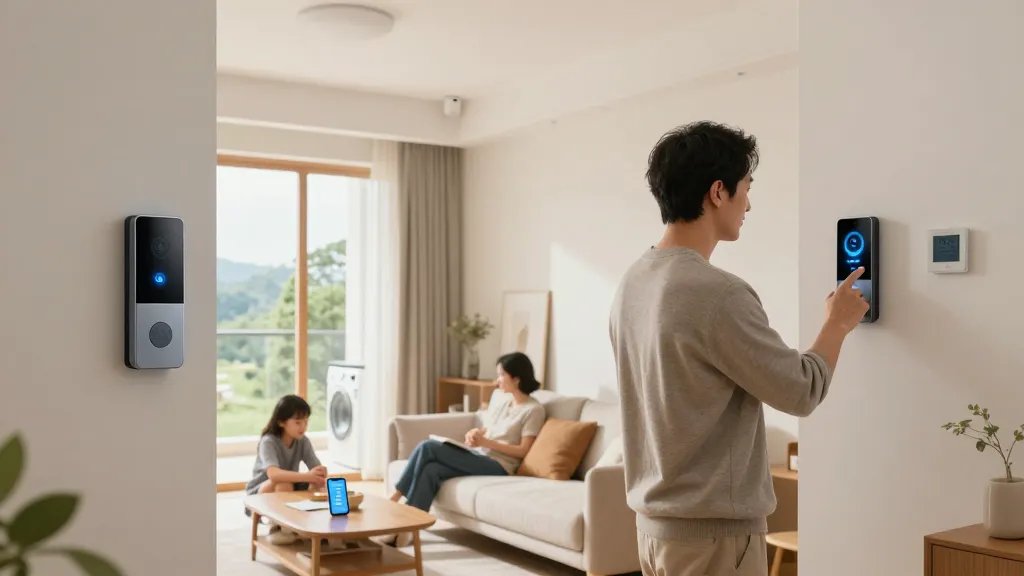
Safety is non-negotiable, but modern tech makes it approachable. From smart doorbells to window alarms and motion sensors, you can build a safety net that’s proactive, not panic-inducing.
What to Consider
- Face-recognizing devices that distinguish guests from intruders (privacy-aware options matter)
- Door and window sensors that ping your phone
- Water leak detectors in laundry rooms and basements
Bonus: set smart alerts so you’re aware of potential issues before they become disasters. Trust me, peace of mind is priceless.
4. Flexible, Kid-Friendly Workspaces That Grow Up With You

Remote learning and flexible workspaces aren’t going away. Design spaces that adapt to writing, drawing, coding, and video calls without feeling like a science experiment gone wrong.
Tips for a Smart Desk
- Adjustable desks and ergonomic chairs
- Cable management and clean surfaces
- White-noise or focus music options for concentration
End result: a space that encourages focus without shouting “workspace.” When creativity hits, your setup can pivot in seconds.
5. The Quiet Command Center: Centralized Control Dashboards
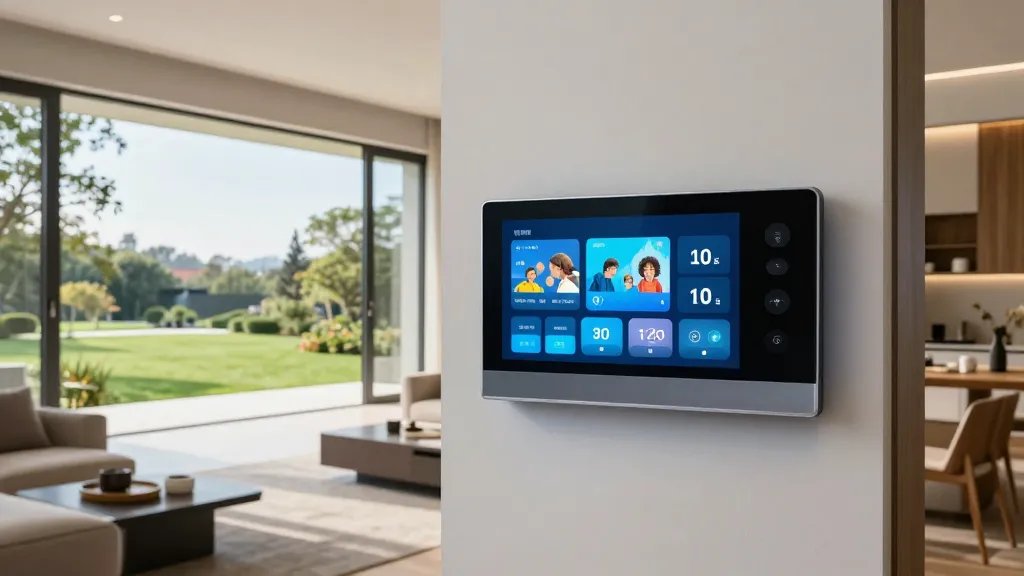
You don’t want to juggle a hundred apps. A unified dashboard ties lighting, climate, security, and entertainment into one friendly interface, so you actually use it.
What to Include
- User profiles for each family member
- Room-by-room device groups
- Presets for different times of day
Benefits: less friction, more control, and fewer “where is that setting again?” moments. IMO, this is the heart of a truly modern home.
6. Soundscapes and Screens: Peaceful Tech Without the Glare
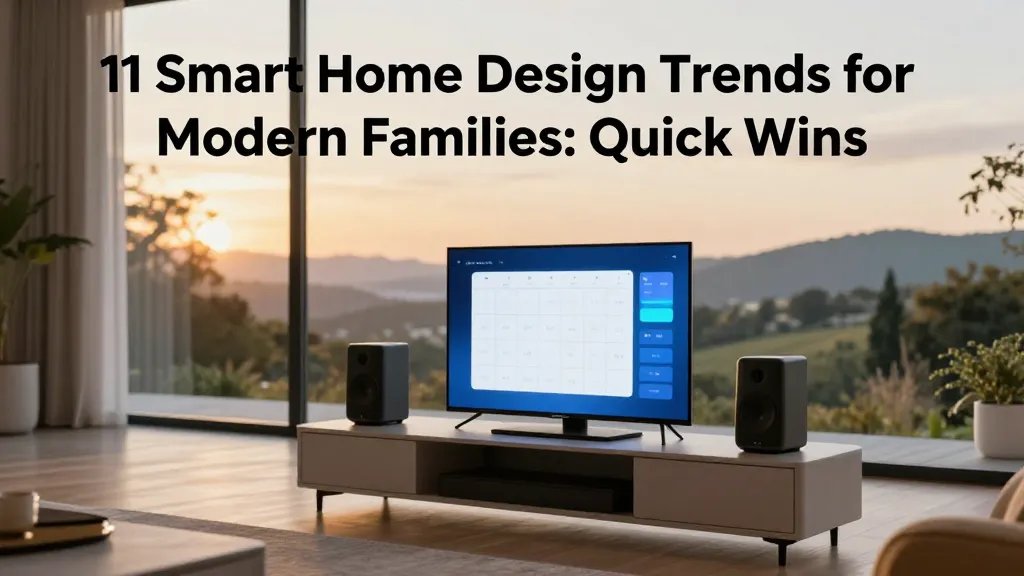
Smart audio and strategic displays can boost focus or relaxation without turning your home into a digital billboard. Think ambient sound machines and subtle, informative screens.
Practical Setup
- Smart speakers for room-matching audio
- Mid-sized displays for family calendars and menus
- Do-not-disturb modes during dinner and study time
FYI, choose hardware with adaptive brightness so screens fade into the background by default.
7. Kitchen as Command Center: Smart Appliances, Big Flavor
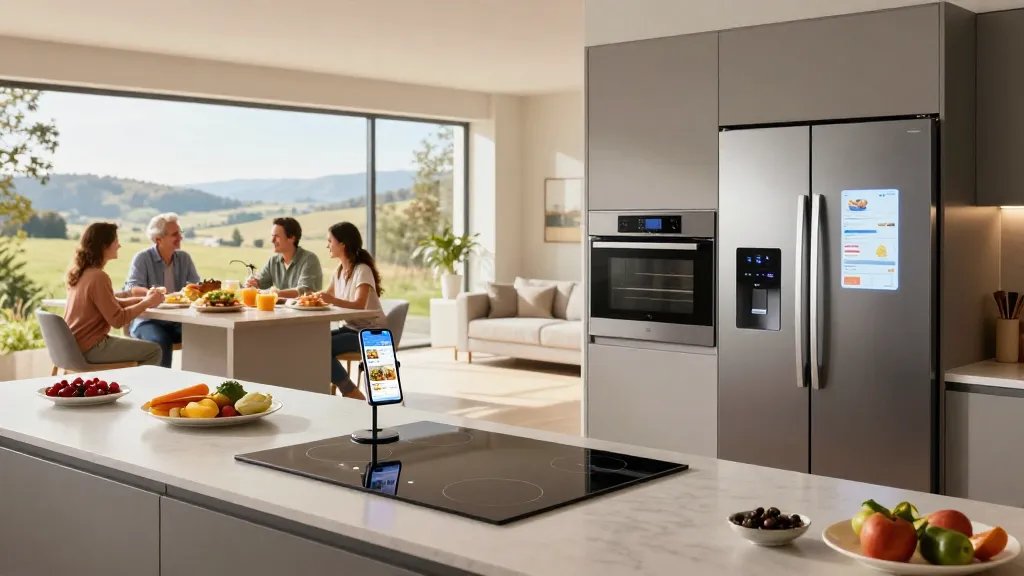
The kitchen is where the home truly runs. Smart appliances streamline meal prep, reduce waste, and make clean-up a snap. It’s not sci-fi, it’s supper time, improved.
Showcase Appliances
- Smart ovens with guided recipes
- Smart fridges that track groceries
- Induction cooktops with safety shutoff
Bottom line: you’ll spend less time guessing and more time enjoying family meals together.
8. Outdoor Oomph: Weatherproof Yet Inviting Exteriors
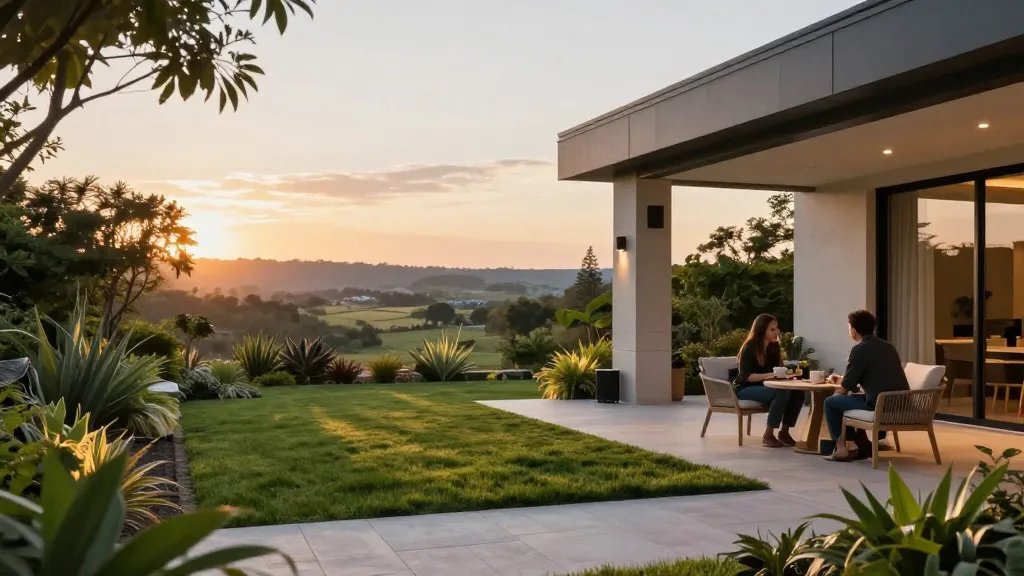
Patios and yards deserve the same tech glow as indoors. Outdoor lights, smart irrigation, and weatherproof speakers extend the living space without turning your yard into a maintenance nightmare.
Key Elements
- Timed irrigation that adapts to sunlight
- Weatherproof speakers for gatherings
- Smart lighting that highlights architecture and plants
When to use it: during weekend BBQs, after-dinner chats, or a quiet morning coffee under a luminous sky.
9. Storage Smart: Hidden Tech, Visible Calm
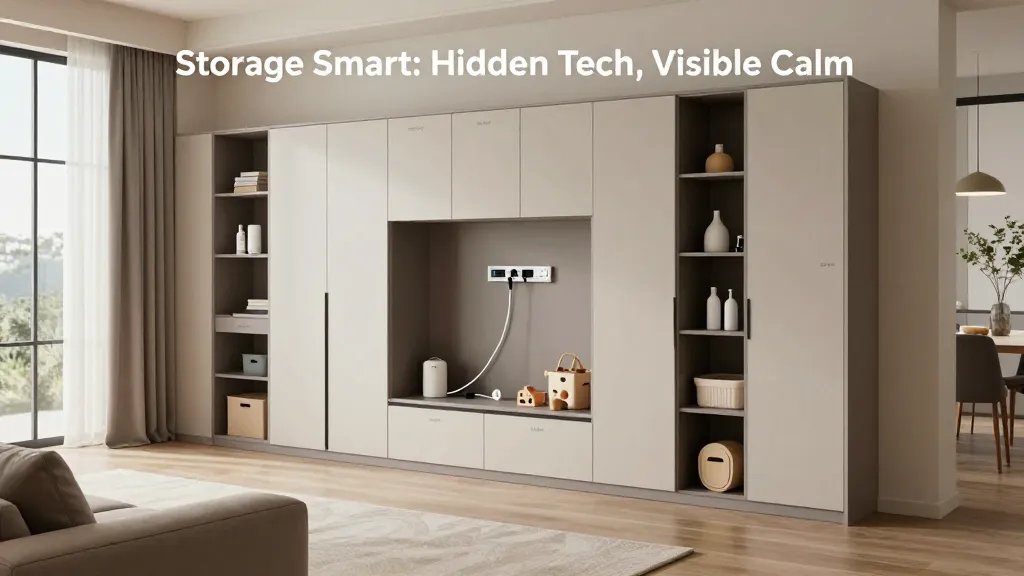
Clutter is a real kid magnet for chaos. Smart storage solutions hide gadgets and cords while keeping essentials accessible. It’s organization with a wink.
Smart Strategies
- In-cabinet charging stations
- Hidden power strips with surge protection
- Labelled zones for toys, chargers, and household basics
Result: a calmer space where everyone can find what they need without drama.
10. Accessible Design: Equal Access for Every Day
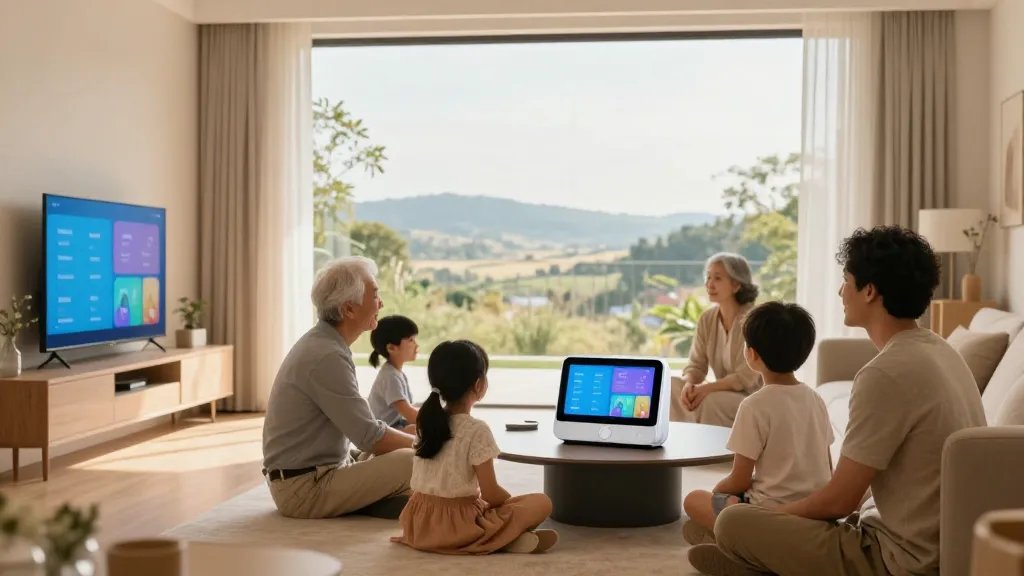
Smart tech should feel inclusive. Design choices that are easy for kids and adults to use create a home where everyone can contribute and participate.
Access Tips
- Voice-friendly devices with simple commands
- Color-contrast displays for readability
- Physical controls as backups to digital interfaces
IMO, inclusive design isn’t just nice to have—it’s a lifestyle upgrade for the whole family.
11. Spark Joy With Personalization and Humor
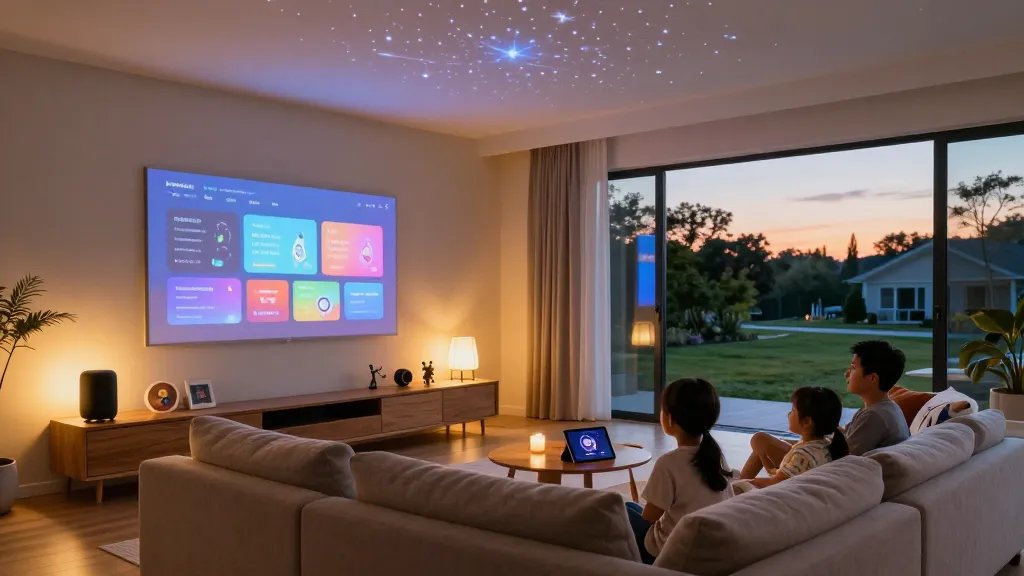
Finally, inject personality. The best smart home feels like you—fun, practical, and a little cheeky. Personalization keeps everyone engaged and uses tech as a joyful tool, not a chore.
Ways to Personalize
- Custom wake-up routines with favorite jams
- Themed lighting for movie nights or holidays
- Quirky voice prompts that make you smile
Bottom line: when tech reflects your family vibe, you actually want to use it every day.
Ready to start? Pick one or two ideas, map out a quick plan, and give your space a friendly upgrade. This isn’t about turning your home into a showroom—it’s about making daily life smoother, safer, and more fun for everyone. Trust me, you’ll wonder how you lived without it.