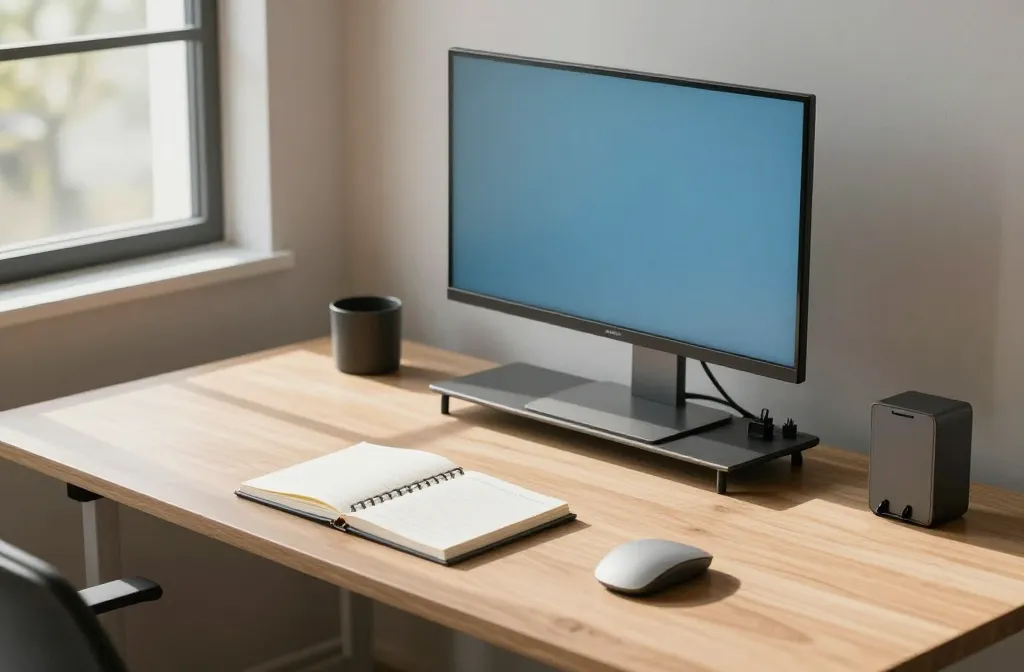
These ideas cut clutter, boost focus, and spark joy without turning your desk into a science experiment. Ready to upgrade your remote setup with style and function? Let’s dive in and pick your favorites.
1. Create a Command Center That Actually Works
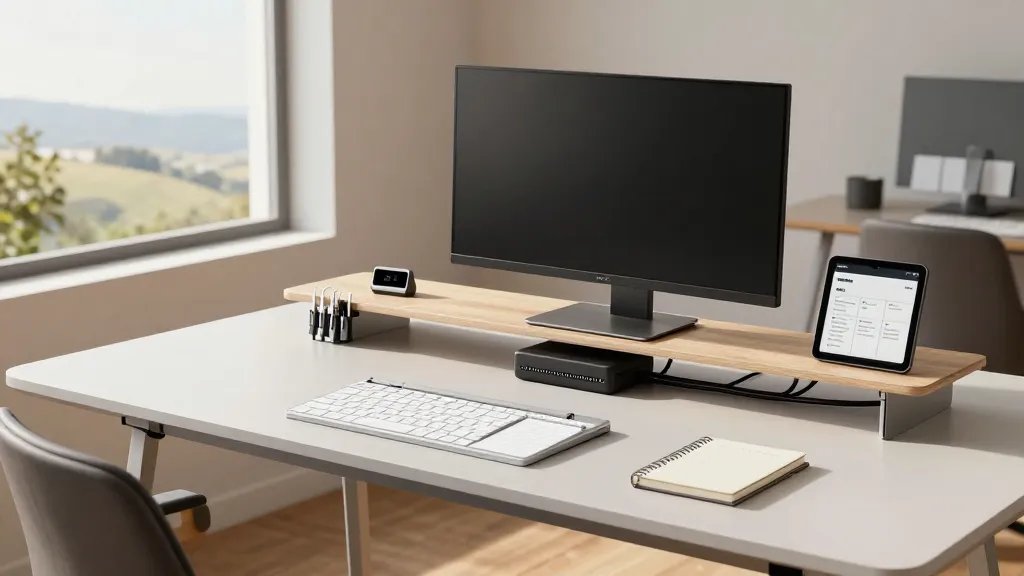
Your workflow should feel effortless, not chaotic. A command center keeps cables, devices, and notes in one neat zone, so you waste less time hunting peripherals.
Key Points:
- Central charging dock to reduce cord chaos
- Dedicated space for planner, notebook, and to-do apps
- Visible status area for meetings and quick notes
Materials: a slim desk tray, cable clips, and a compact monitor stand. When you have a tidy hub, you’ll actually want to sit down and work. FYI, organization is productivity magic.
2. Invest in a Sit-Stand Duo That Actually Fits Your Room
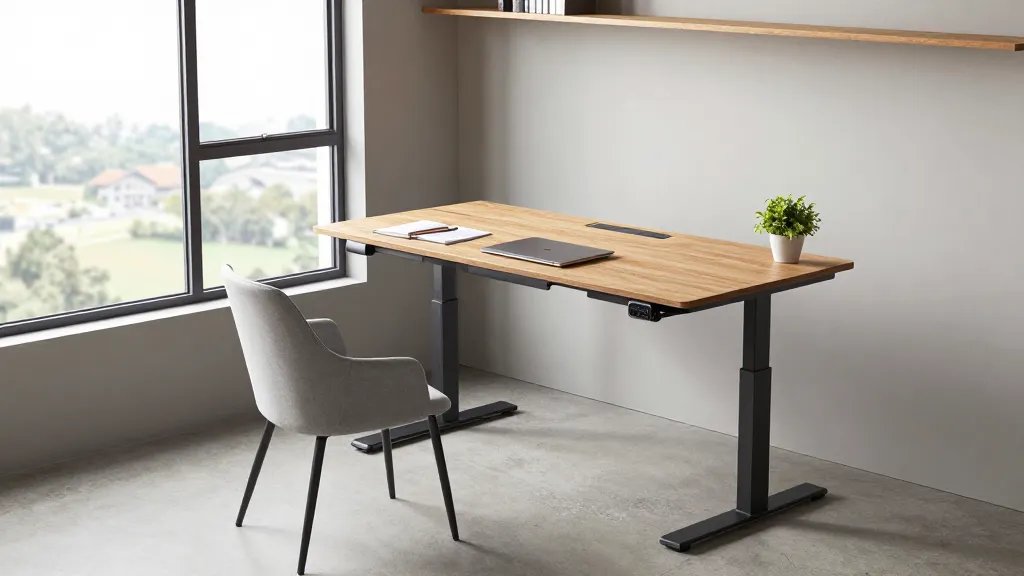
Switching between sitting and standing is delicious for your back, and it annoys fatigue. The trick is finding a model that fits your space and mood swings.
Why it’s awesome: it promotes movement, reduces slump, and it looks surprisingly sleek next to a modern desk.
Tips:
- Choose a compact motorized frame if you have limited width
- Pair with a keyboard tray for comfortable typing height
- Lock-in memory presets for quick height changes
Bonus: a standing desk can double as a creative sketch area when you brainstorm. Seriously, your posture will thank you later.
3. Layer Vision With a Dual-Musion Monitor Setup
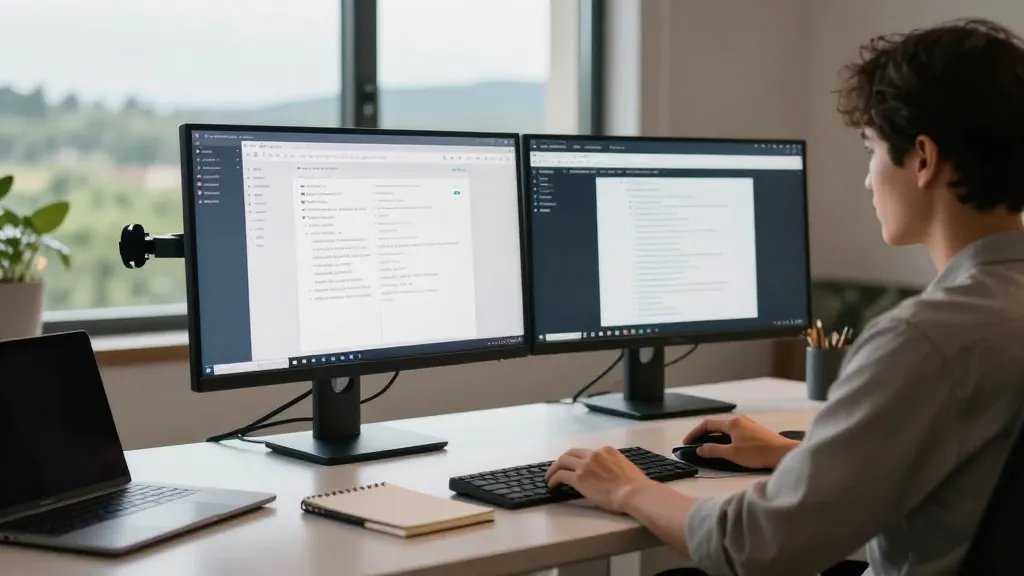
Two screens mean fewer window flips and a smoother multitasking flow. It’s surprisingly affordable to get a cinema-like workspace at home.
What makes it great: you can keep email on one screen and reference docs on the other without constantly resizing windows.
On the setup:
- Adjustable monitor arms for perfect eye level
- Cable management sleeves to hide spaghetti under the desk
- Low-glare screens or a matte protector to reduce fatigue
End note: this setup is ideal for writers, analysts, and developers who live in a dozen browser tabs. Trust me, your focus will sharpen immediately.
4. Light Right: A Daylight-Inspired Lighting Scheme
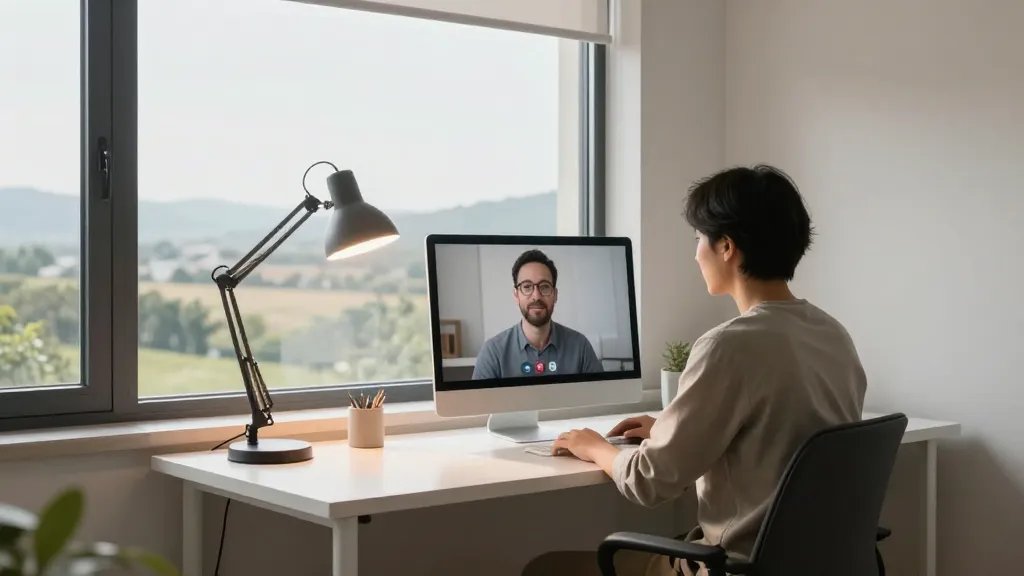
Natural light + a crisp task light = productivity glow. Poor lighting makes you squint and your videos look like you’re a ghost on a webcam.
Why it rocks: reduces eye strain and makes Zoom calls feel more human.
Lighting plan:
- Placе a large window if possible, or mimic with white LEDs
- Use a color-temperature adjustable lamp (3000K-6500K)
- A small light diffuser to soften harsh shadows
Tip: angle a light to the side to avoid glare on screens. It’s simple, but it works wonders for your video presence.
5. Ergonomics Wins: Keyboard, Mouse, and Chair That Actually Support You
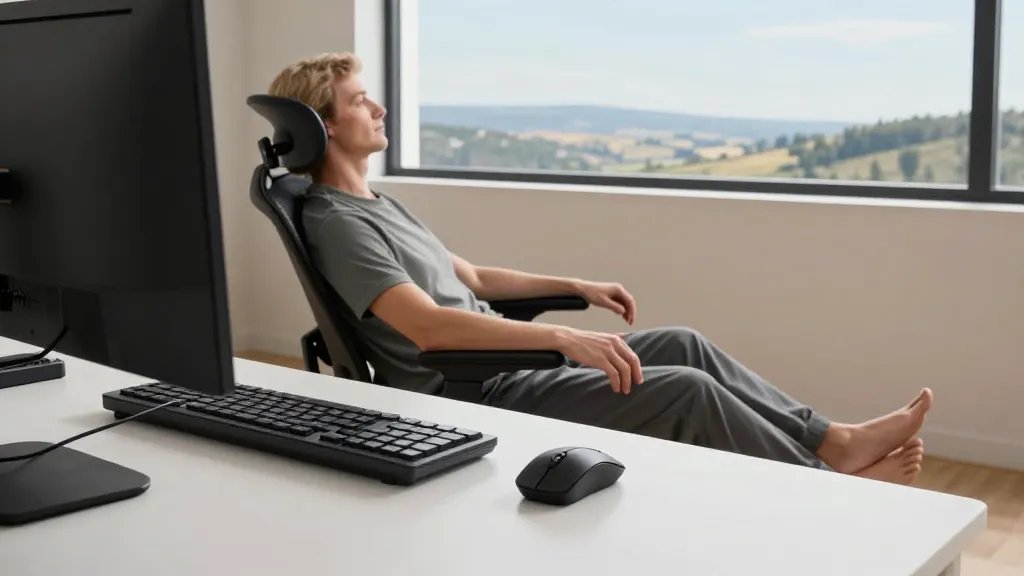
You’ll thank yourself later when your wrists aren’t whispering “don’t type so fast.” Ergonomics pays off in comfort and stamina.
Why it matters: posture directly affects energy and focus throughout the day.
Guidelines:
- Split keyboard or ergonomic curved layout
- Trackball or vertical mouse to reduce wrist strain
- Lumbar-supporting chair with adjustable armrests
Bottom line: comfort equals consistency. Use tools that feel right, not just trendy.
6. Acoustic Cozy: Soundproofing That Doesn’t Kill Your Vibe
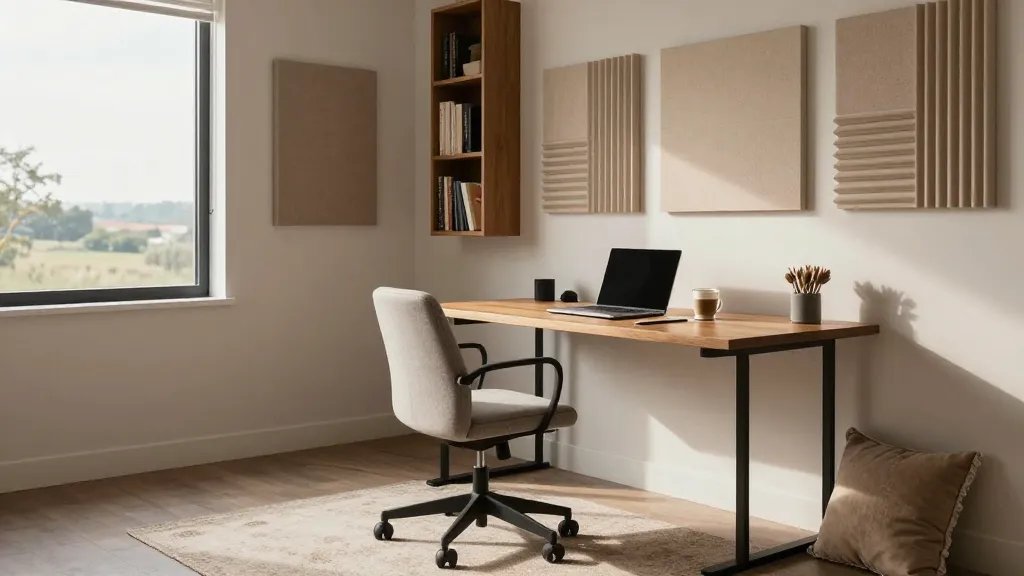
Noise makes focus flee faster than your favorite playlist. A few smart soundproofing moves keep conversations and concentration cleanly separated.
Why it matters: calmer audio means better meetings and fewer interruptions.
Options to try:
- Soft furnishings like a fabric chair and rug to dampen echo
- Acoustic panels or a bookshelf wall to absorb sound
- Door sweeps and weatherstripping for quieter entry
End benefit: you’ll enjoy quieter mornings and more confident conference calls. IMO, it’s worth the tiny investment.
7. Personalize Your Wall Gallery for Focus and Flair
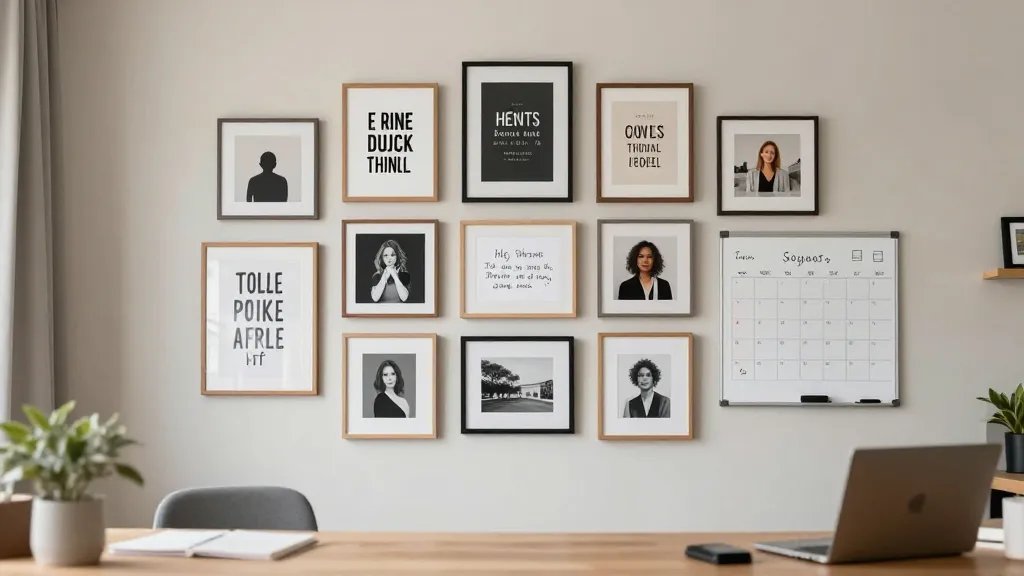
A wall that speaks to you can boost mood and motivation between tasks. It’s also a conversation starter during calls.
Why it’s awesome: creates a sense of identity in a workspace that often feels temporary.
Ideas to curate:
- Rotating prints, quotes, or photos in matching frames
- Dry-erase calendar for quick planning
- Mini whiteboard for quick ideas and brain dumps
Tip: keep the color palette cohesive to avoid visual chaos. A calm wall is a productive wall.
8. Smart Storage that’s Actually Simple
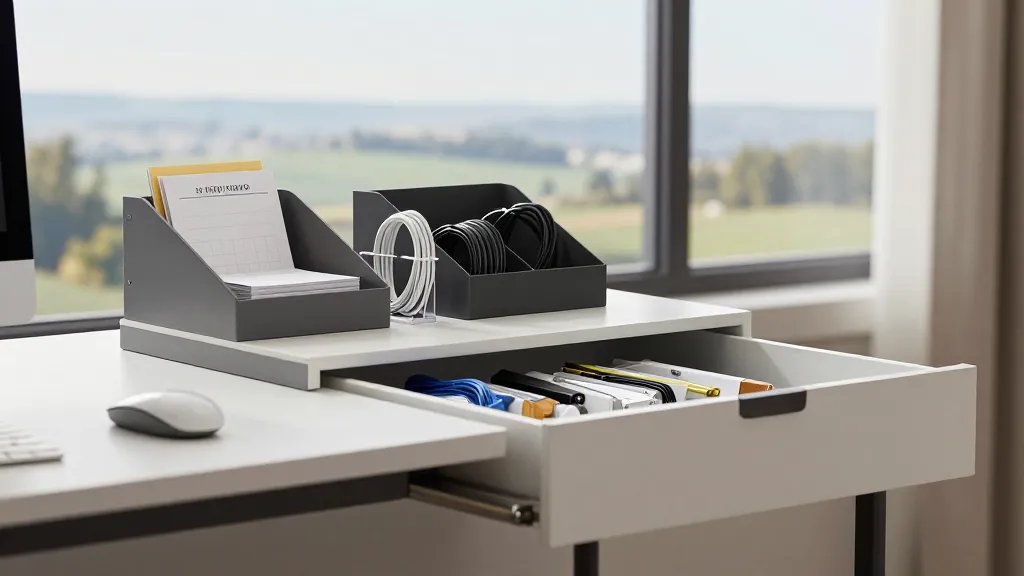
Your desk drawer should be a friend, not a landfill. Smart storage keeps your mind clear and your tools accessible.
What to consider:
- Modular organizers that you can reconfigure
- A document sorter for receipts, invoices, and notes
- Ship-shape cables and small containers for tiny tech bits
Why it helps: less time digging means more time doing. Yes, it’s that simple.
9. A Plant to Boost Focus and Freshen the Air
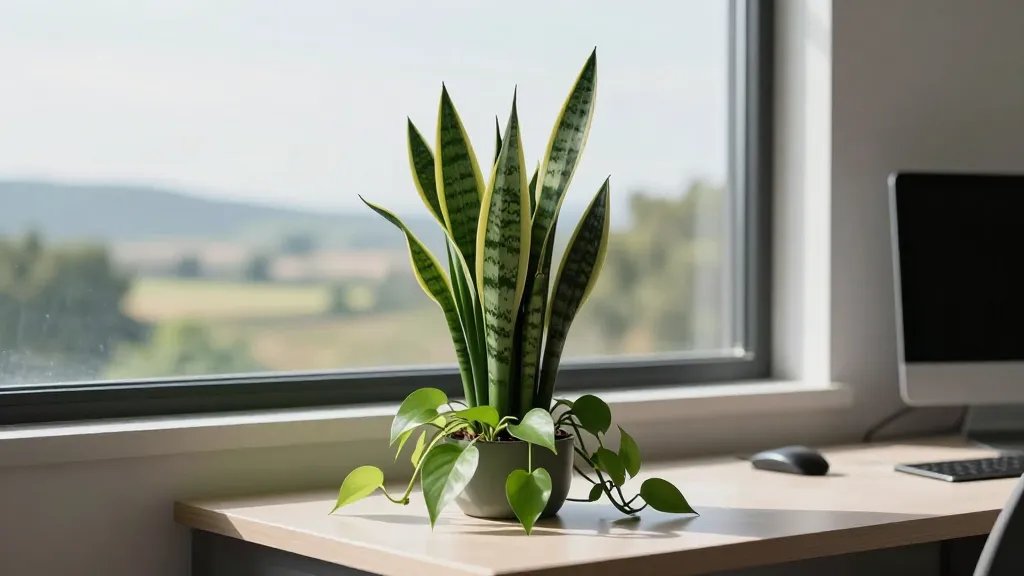
Plants aren’t just for vibes; they improve air quality and mood. A little green friend can reset your brain between tasks.
Best picks: low-maintenance greens like snake plant, pothos, or ZZ plant.
Care shortcuts:
- Place near a window with indirect light
- Water sparingly—think once a week
- Rotate occasionally for even growth
Pro tip: a plant on your desk doubles as a natural cue to take a quick break. Seriously refreshing.
10. Cable Couture: Master the Mess With Style
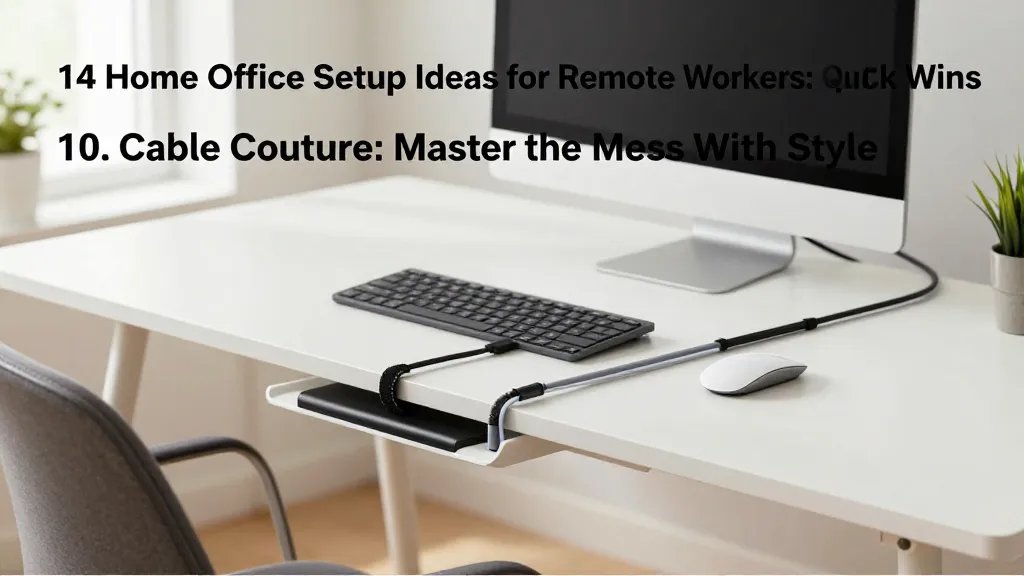
Vertical, hidden, or braided—cables don’t have to look like a spaghetti disaster. Clean cables save you from desk-dive frustration.
Why it matters: fewer tangles, less accidental unplugging, more available desk space.
Best practices:
- Velcro ties and cable sleeves for clean runs
- Under-desk trays to route power strips
- Color coding for easy identification
When done well, cables disappear into a neat, almost magical setup. FYI, you’ll notice the difference immediately.
11. The Cozy Corner for Deep Work
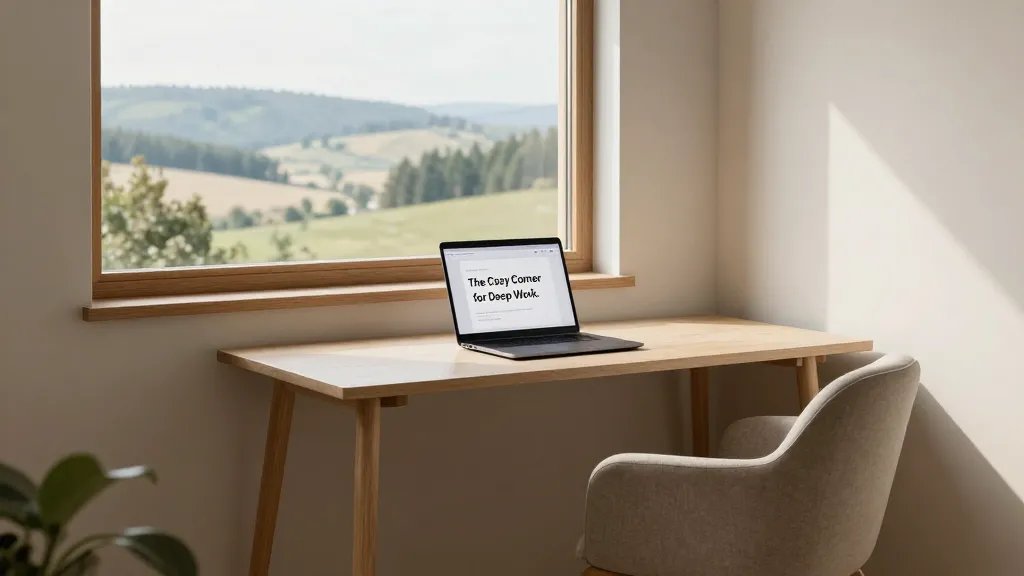
Sometimes you need a little sanctuary to crush a big task. A dedicated deep-work corner helps you enter “flow” faster.
What to include:
- A small, distraction-free desk with a single focus tool
- Soft seating for quick brainstorming without leaving the zone
- A timer or app to protect deep-work blocks
Benefit: you get meaningful work done without your brain checking social media every five minutes.
12. Tech That Shadows Your Efforts (In a Good Way)
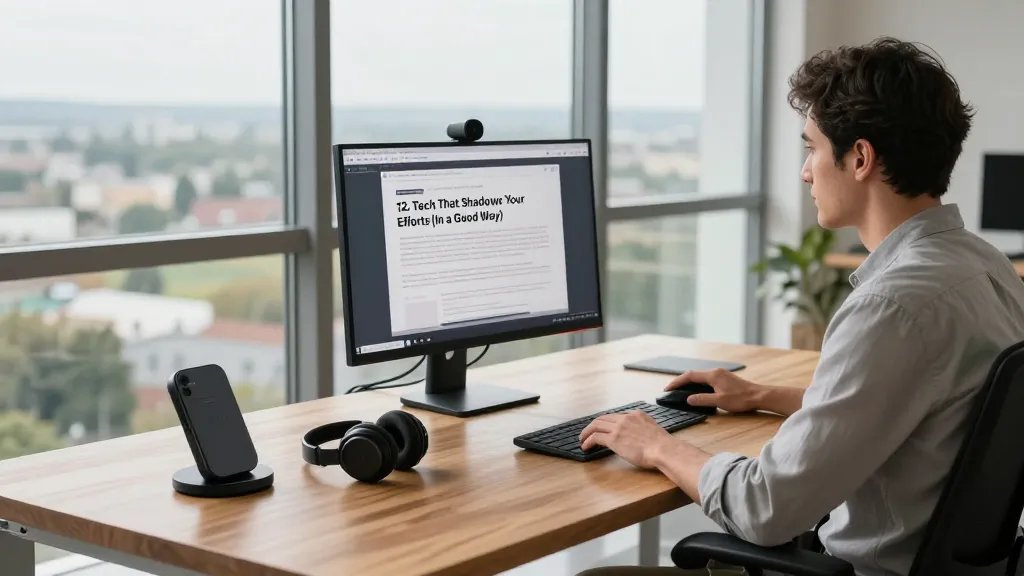
Smart gear can save minutes daily. The right gadgets feel like they were made for your desk and your routines.
Smart picks:
- Wireless charging station for clutter-free surfaces
- Webcam with decent autofocus and a privacy shutter
- Noise-canceling headphones for meetings and focus
Tip: prioritize reliability over bells and whistles. Your workflow will thank you.
13. A Color Theme That Energizes (But Isn’t Loud)
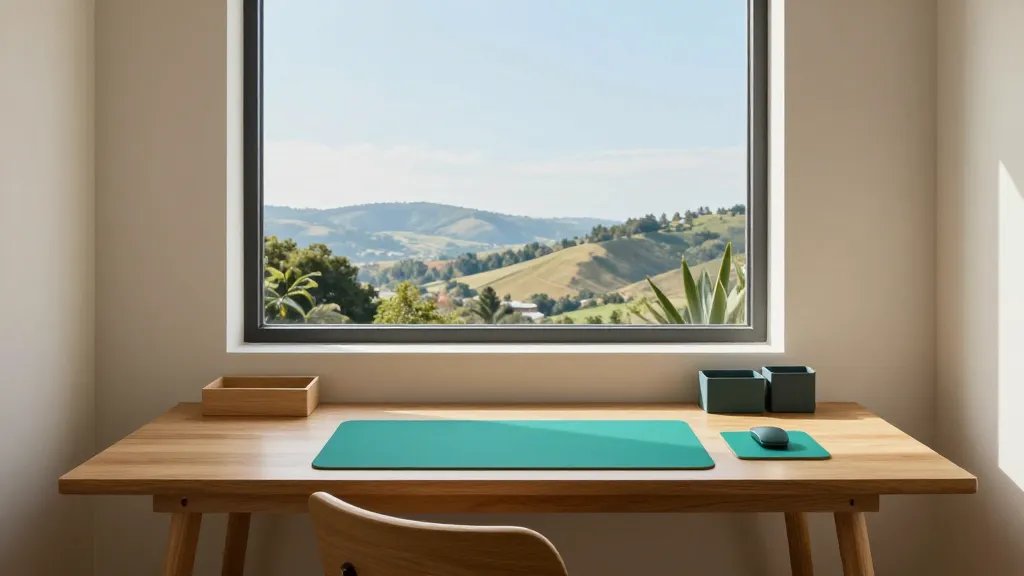
A cohesive color story can boost mood and harmony in your workspace. Choose a palette you actually like looking at all day.
What to pick:
- Calming neutrals with one bold accent color
- One surface hue for the desk, another for walls
- Complementary accessories like mouse pads and organizers
Result: a space that feels intentional, not chaotic. And yes, this can be budget-friendly if you mix in what you already own.
14. A Routine That Makes It All Work Like a Charm

Finally, the best setup only shines when you actually use it. A simple routine seals the deal and keeps chaos at bay.
Try this pattern:
- Morning reset: quick desk clean and plan your day
- Midday wipe-down: a five-minute tidy and glass of water
- Evening wind-down: close the loop on tasks and prep for tomorrow
Why it matters: consistency compounds, and your future self will hug you for it. Seriously, give this a shot and see how your days improve.
Ready to remix your space? Start with one or two ideas, test them for a week, and iterate. Your dream home office is closer than you think, and you’ll actually enjoy working from home.