Ready to turn your house into a comfy, efficient haven? These ideas are practical, doable, and insanely satisfying. Let’s ditch the chaos and embrace automation that actually enhances everyday life.
1. Smart Temperature Zoning for Ultimate Comfort
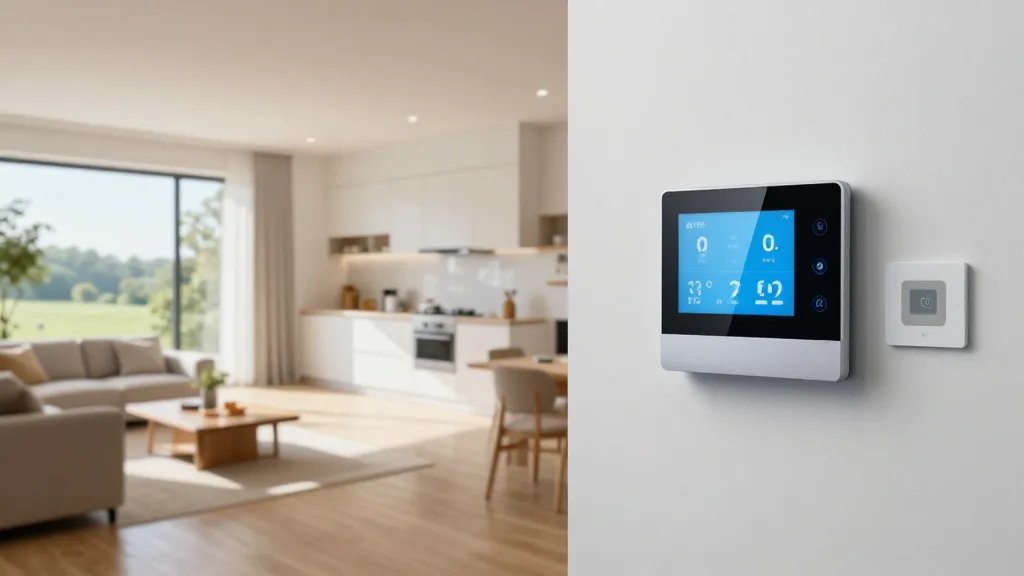
Imagine your home knowing exactly when you’re home, and adjusting the temperature before you even step through the door. Temperature zoning makes that dream practical and budget-friendly.
Why it rocks
Independent zone control means no more fighting over the thermostat. Each room or area stays at your preferred climate, so you’re never too hot or too cold.
- Smart thermostats that support multiple zones
- Sensors in bedrooms, living rooms, and home office
- Geofencing to anticipate your arrival
Tip: Start with two zones—upstairs and downstairs—and expand later. FYI, gradual changes save energy without sacrificing comfort.
2. Voice-Activated Quick Scenes

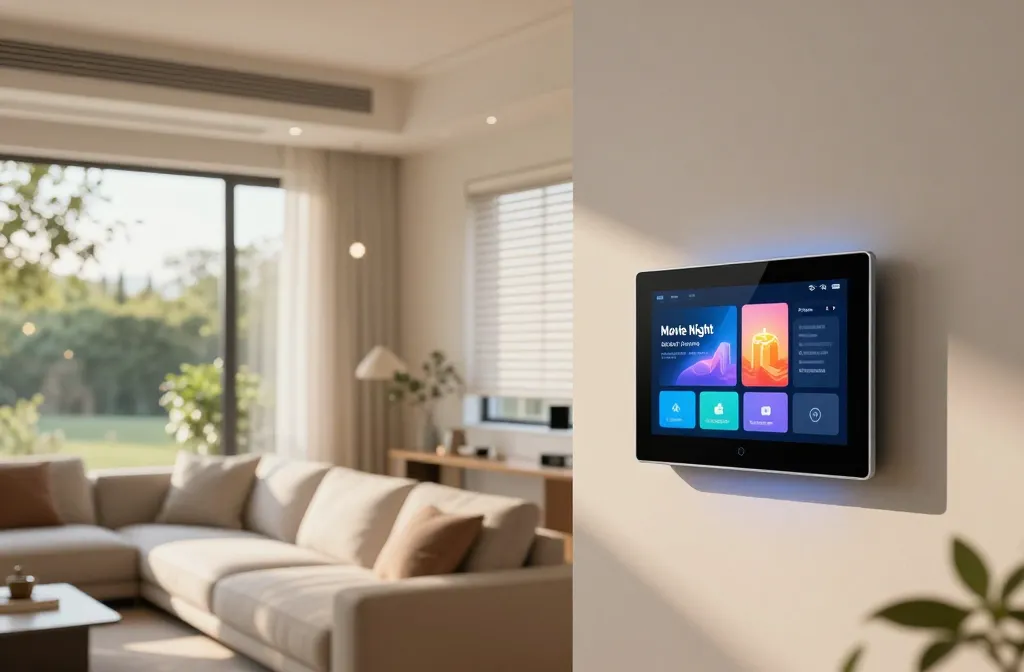
One button or your voice can conjure up an entire mood—bright morning wake-ups or cozy movie nights. It’s like having a tiny stage crew for your living room.
What to set up
Preconfigure scenes that adjust lights, climate, and devices with a single command or routine.
- “Good morning” scene: gentle lights, coffee mode, thermostat set
- “Movie night” scene: dim lights, TV ready, blackout blinds
- “Away” scene: security cameras armed, lights off, thermostat low
Pro move: Keep scene toggles simple—2–5 actions per scene to avoid confusion. Trust me, you’ll actually use them.
3. Sleep Sanctuary Automation

Your bedroom should feel like a five-star retreat, not a gadget maze. Smart sleep routines can improve rest and mood.
What to automate
Combine lighting, climate, and sound to cue your body that it’s time to wind down.
- Warm, dimmable lights
- Thermal comfort ramp-down
- Soothing white-noise or nature sounds
End with a gentle goodnight message to your phone or speaker. Seriously, it’s like a bedtime fairy godmother. FYI, consistency beats intensity here.
4. Smart Lighting That Actually Works with Your Routine
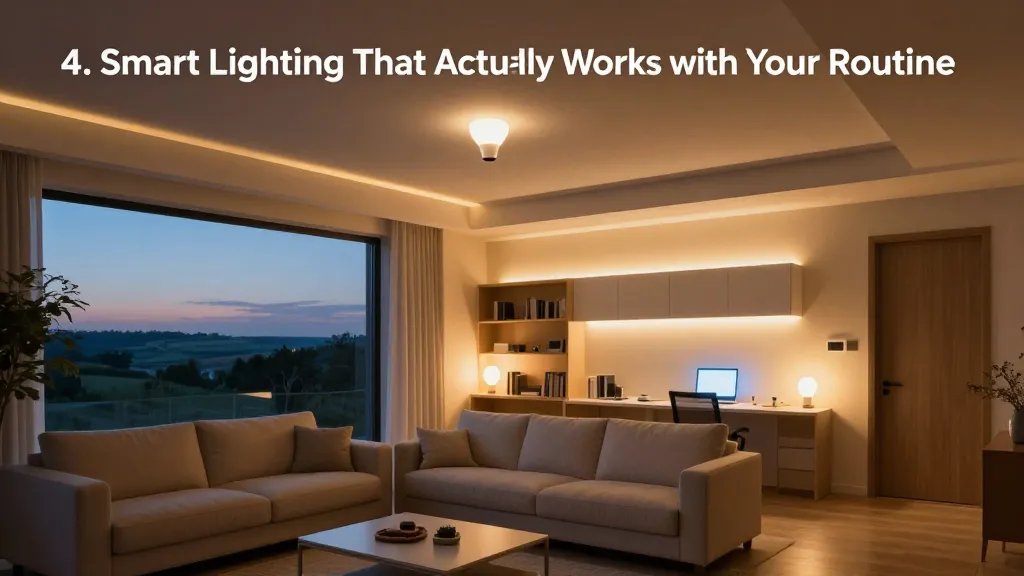
Lighting is mood and energy in one. Smart bulbs and strips can transform spaces with color and schedule—without megadoses of electricity.
Essentials to consider
Focus on brightness, color temperature, and automation triggers.
- Auto-adjust by time of day or sunset
- Color scenes for different activities
- Motion-activated lights for hallways and entryways
Tip: Use warm white for evenings to support relaxation. And yes, you can still have a “cool white” scene for the home office—work smarter, not harder.
5. Smart Blinds and Eco-Mode Curtains

Shades aren’t just for looks; they save energy and protect furniture. Automated blinds open with sunrise and close during peak sun.
Key benefits
They cut glare, improve AC efficiency, and give rooms a polished vibe.
- Sunrise/sunset automation
- Manual override for quick adjustments
- Integration with scenes for privacy
Tip: Pair with vented windows for better airflow. FYI, neon daytime glare is rude to your screens anyway.
6. Your Personal Assistant: Smart Plugs and Schedules
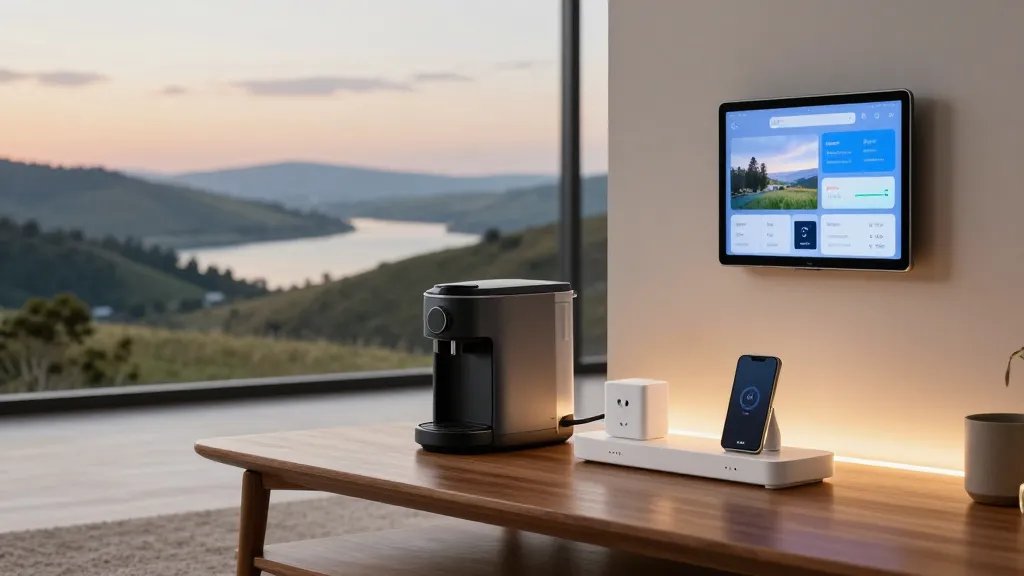
Smart plugs turn almost any device into a smart device. They’re affordable, simple, and incredibly versatile.
Smart plug ideas
Automate routine devices to save energy and reduce clutter.
- Wake-up coffee maker that starts at a set time
- Energy-sucking chargers off when not in use
- Overnight fans or humidifiers with bedtime schedules
Pro tip: Create a “Goodbye World” macro that powers down nonessential devices when you leave home. It’s like a mini escape-from-work switch.
7. Smart Security That Feels Like a Hug, Not a Creep
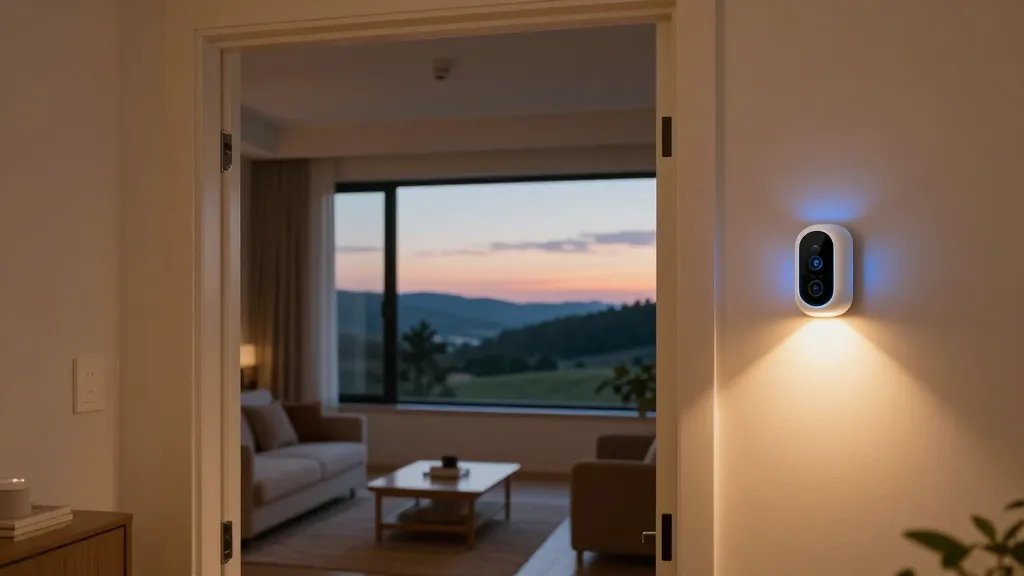
Security tech should protect you without turning your home into a fortress nursery. Friendly automation makes safety effortless.
What to deploy
Combine cameras, door sensors, and smart lighting for a calm, informed setup.
- Door and window sensors with alert summaries
- Motion sensors in key zones with smart alerts
- Lights that flash or dim in response to activity
Tip: Enable arming schedules that don’t interrupt your nightly routine. Seriously, a well-lit entrance feels safer and more welcoming.
8. Kitchen Confidence: Smart Appliances and Timers
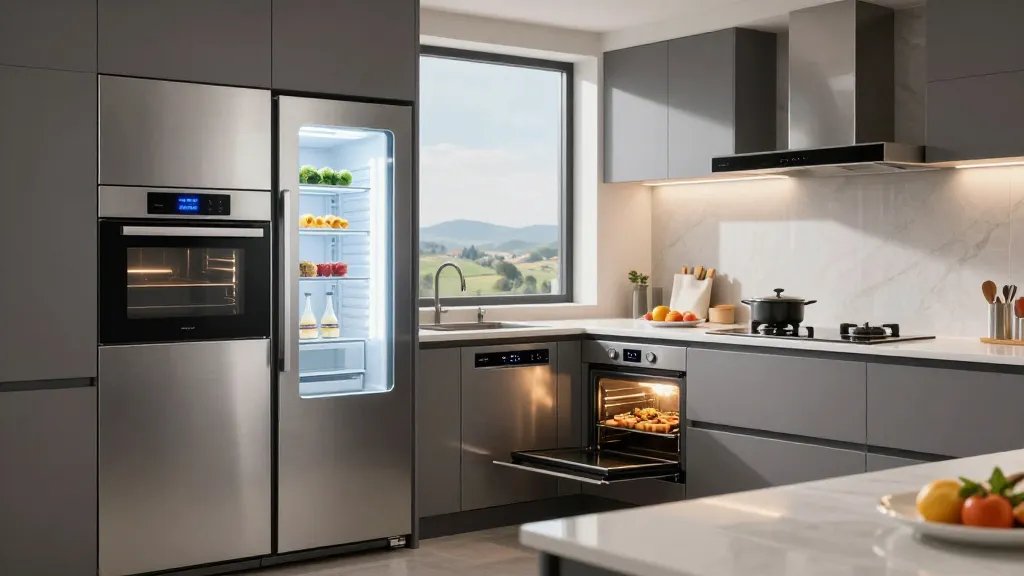
The kitchen is where automation saves time and reduces waste. Smart appliances help you cook and clean smarter, not harder.
Smart kitchen wins
Use timers, inventory tracking, and remote diagnostics to keep meals flawless.
- Smart oven preheats on schedule or via voice
- Inventory-aware fridges that alert you when staples run low
- Dishwasher and range hood automation to optimize energy
End with a practical note: start with one smart appliance and expand as you grow comfy. Trust me, you’ll notice the difference during busy weeknights.
9. Water-Smart Bath: Leak Detection and Gentle Irrigation
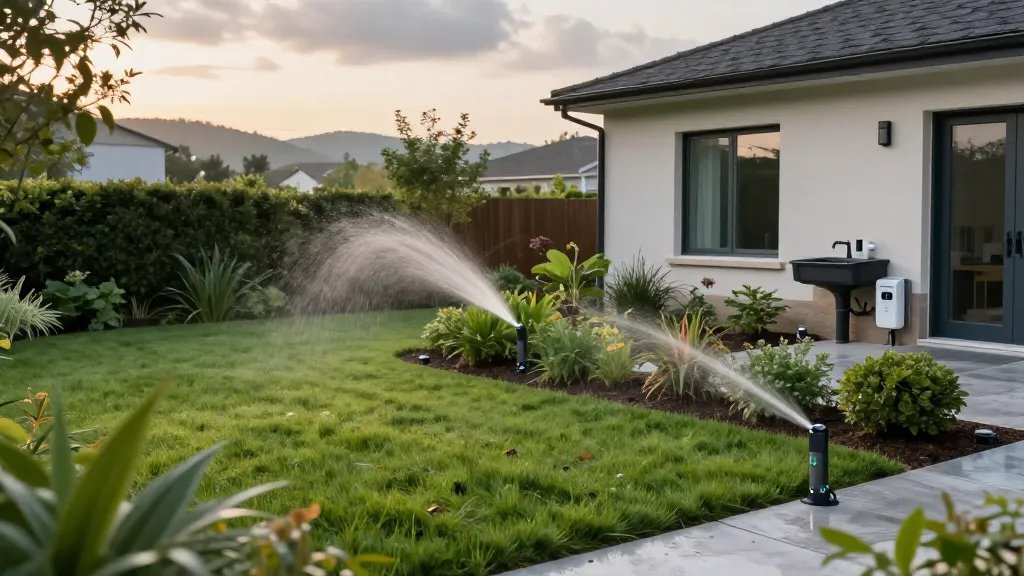
Water is life, so protect it. Smart water sensors and smart irrigation keep utility bills in check and peace of mind high.
Important inclusions
Detection alerts, automated shutoffs, and outdoor irrigation that respects weather.
- Leak sensors under sinks and near appliances
- Smart irrigation that adjusts to rain forecasts
- Automatic shutoff if a leak is detected
FYI, early detection saves thousands in water damage. It’s not glamorous, but it’s a quiet hero.
10. Routine Automation Mastery: Centralized Control and Insights
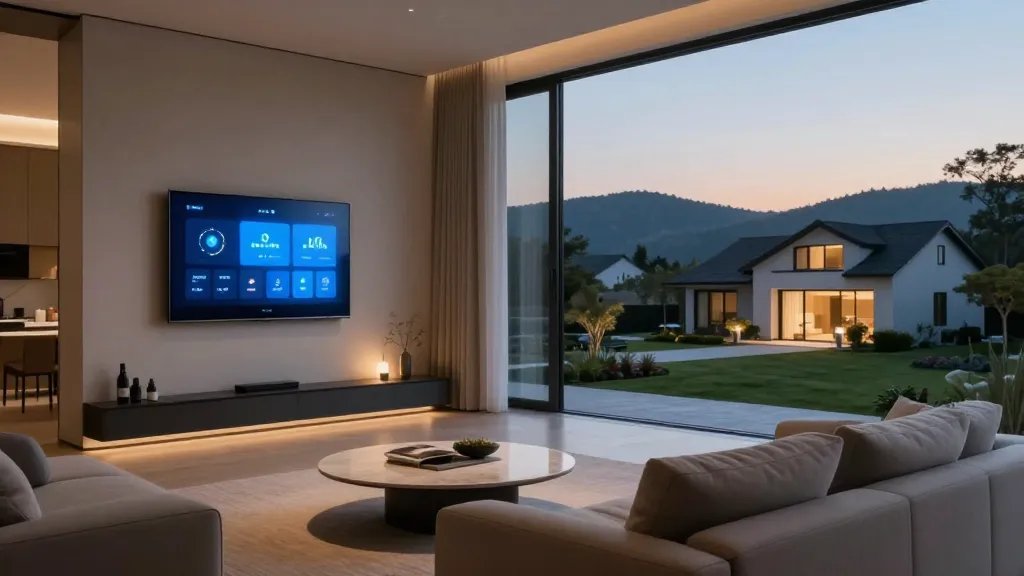
All the little automations add up when you can manage them from one place. A good hub becomes your home’s brain, and you’ll actually use it.
What to set up
Integrate devices across rooms, monitor energy usage, and refine routines over time.
- Unified app or hub with cross-brand compatibility
- Weekly energy and usage insights
- Personalized routines based on your calendar and location
Bottom line: a well-tuned system saves money and reduces decision fatigue. IMO, it’s the secret sauce for a calmer home life.
Conclusion: you’ve got the blueprint for a cozier, smarter home. Start small with one or two automations, test what feels natural, and expand as you gain confidence. You’ll be amazed at how a few deliberate tweaks can transform everyday living—trust me, your future self will thank you. Go ahead and try these ideas this weekend; you’ll thank yourself later.