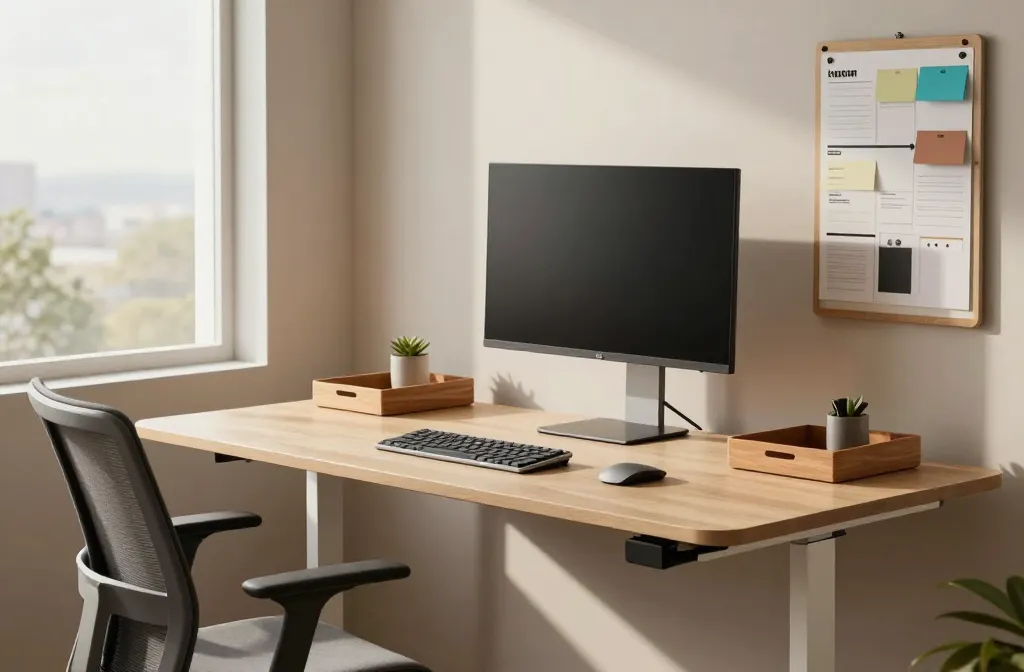
Want a workspace that actually sparks focus and fuels creativity? These 11 ideas are practical, stylish, and ridiculously doable. Let’s build a home office you’re excited to work in every day.
1. Build a Command Center: Clear, Calm, and Efficient
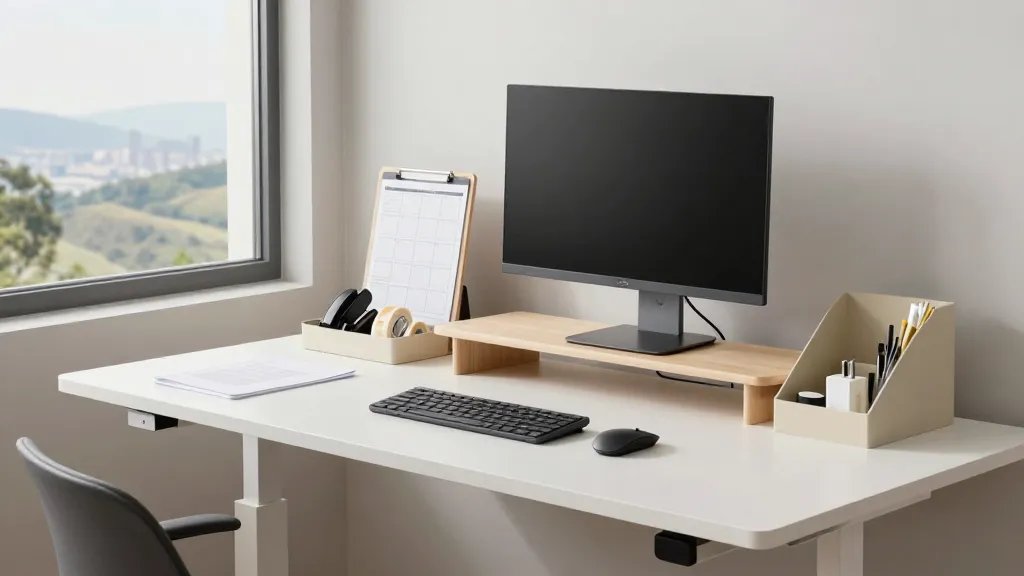
First things first: your desk should feel like a runway for ideas, not a cluttered cockpit. A tidy command center keeps essentials within arm’s reach and stress far away.
Key Elements
- Floating or adjustable desk setup
- Dedicated space for papers, chargers, and tools
- Visible daily schedule or Kanban board
Keep a shallow drawer for staples and a tray for incoming tasks. When everything has a home, you stop chasing clutter and start chasing momentum.
2. Invest in Ergonomics Without Blowing Up Your Budget
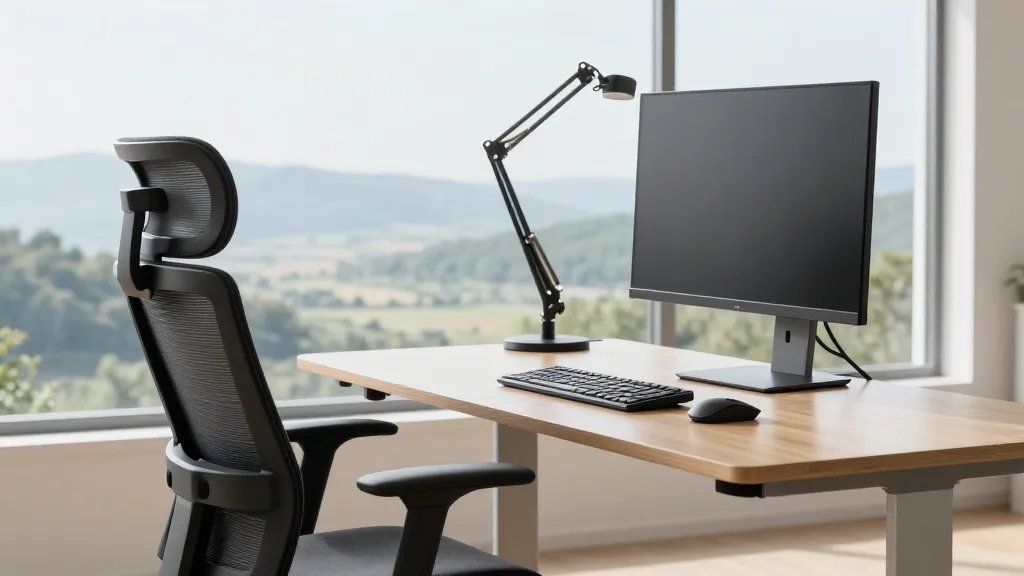
Your body will thank you for prioritizing comfort. Ergonomics isn’t a luxury; it’s a vibe you can afford with smart choices.
Practical Picks
- Ergonomic chair with adjustable lumbar support
- Sit-stand desk or a height-adjustable monitor arm
- Mouse and keyboard with neutral wrists posture
FYI, small tweaks like chair height and monitor angle add up over a week. Trust me—your back will notice after the first month.
3. Nail Lighting: Daylight That Never Fades
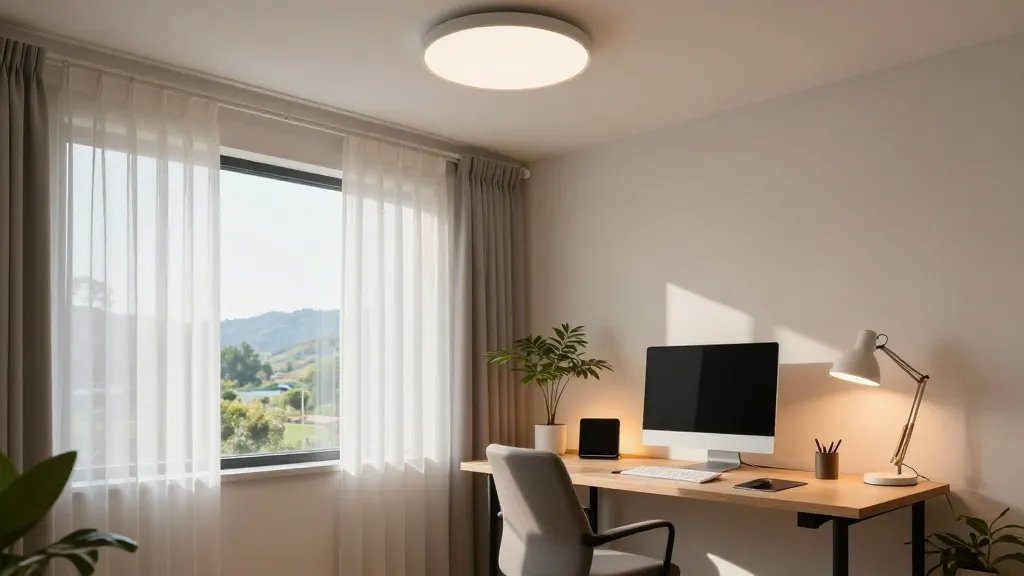
<p Lighting can make or break focus. Aim for a balanced mix of ambient, task, and accent lighting to keep you alert and creative.
Lighting Strategy
- Overhead light with soft white bulbs
- Bright task lamp for the desk
- Warm accent lights for late-night sessions
Natural light is underrated—position your desk near a window if possible. If not, diffuse windowless days with a daylight-simulating lamp. Seriously, your mood will thank you.
4. Create a Color Zone That Sparks Focus
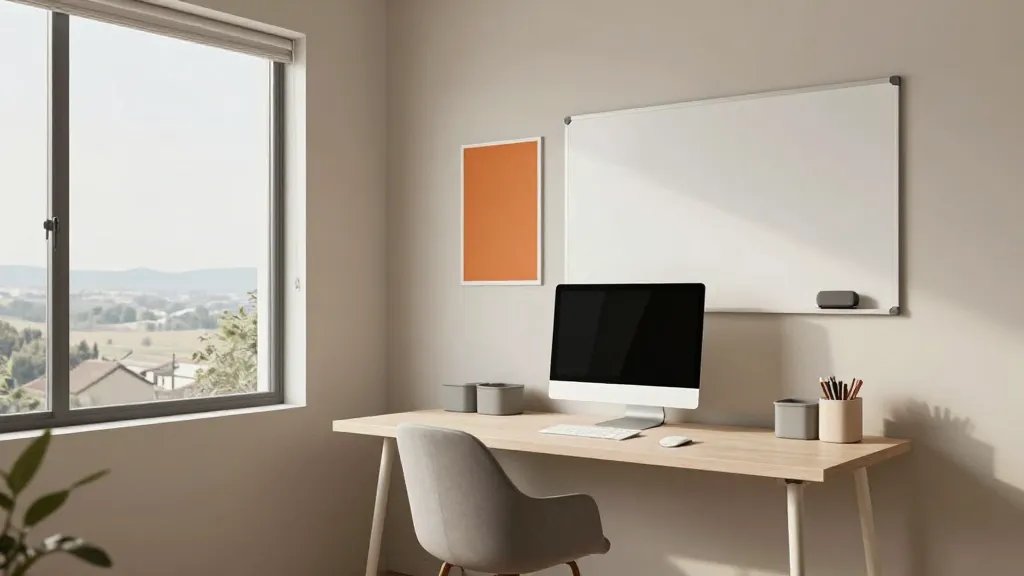
A well-chosen color palette nudges your brain toward productivity. Think calm walls with bold accents to cue your tasks.
Color Rules
- Soft neutrals as the base (greige, warm gray, creamy white)
- Accent colors in small doses (office supplies, wall art)
- A pop color for the whiteboard or corkboard
Keep the palette cohesive across furniture and storage. A consistent backdrop reduces decision fatigue and keeps you in the zone.
5. Embrace Minimalism: Space to Breathe, Mind to Focus
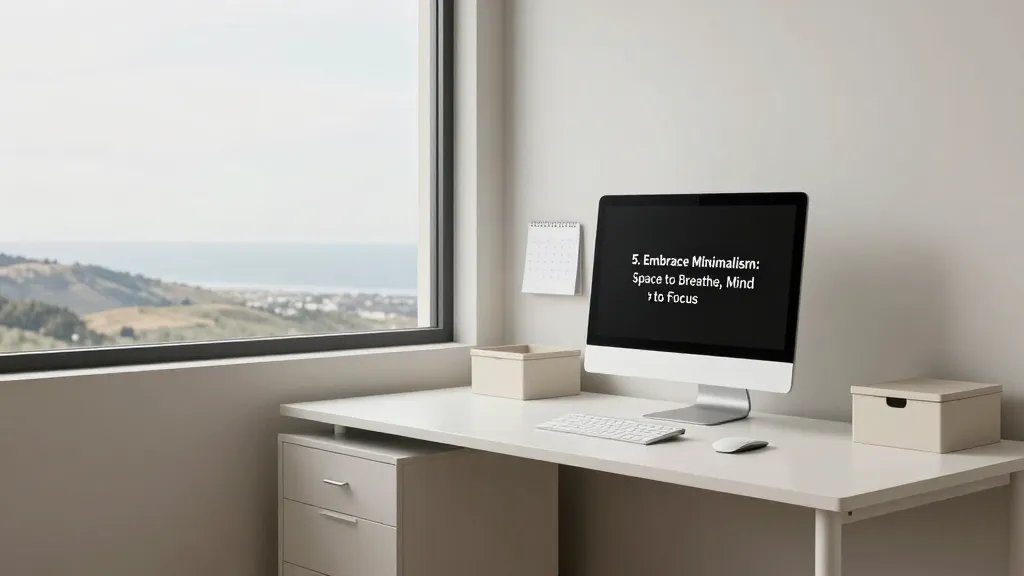
Minimalism isn’t about empty vibes; it’s about removing friction so ideas can flow. Less stuff equals more clarity.
What to Cull
- Unused devices and cables
- Duplicate tools and papers you never reference
- Decor that doesn’t serve a purpose
Adopt smart storage: shallow drawers, labeled boxes, and wall-mounted organizers. A clean desk equals fewer distractions and more juice for big thinking.
6. Personalize with Purposeful Decor
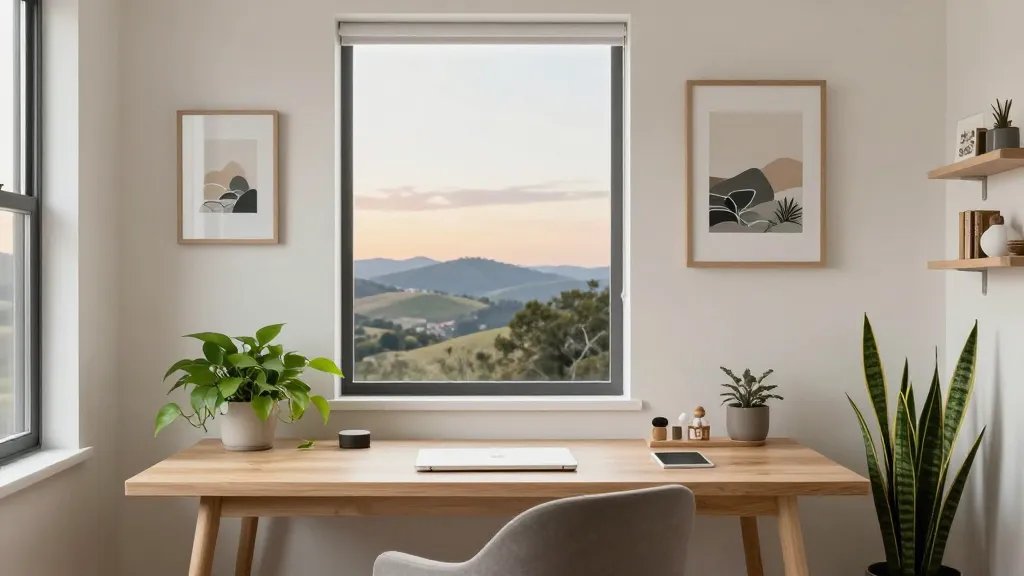
Your space should feel like you, not a showroom. Strategic decor boosts mood without stealing attention from work.
Decor Do’s
- One or two meaningful artworks
- Plants for life and a little air freshness
- A small shelf with keepsakes that spark joy
FYI, potassium-rich plants like pothos or snake plants are low-maintenance and forgiving if you travel or forget to water. Add a dash of personality, but keep it calm and curated.
7. Create Separate Zones for Deep Work and Collaboration
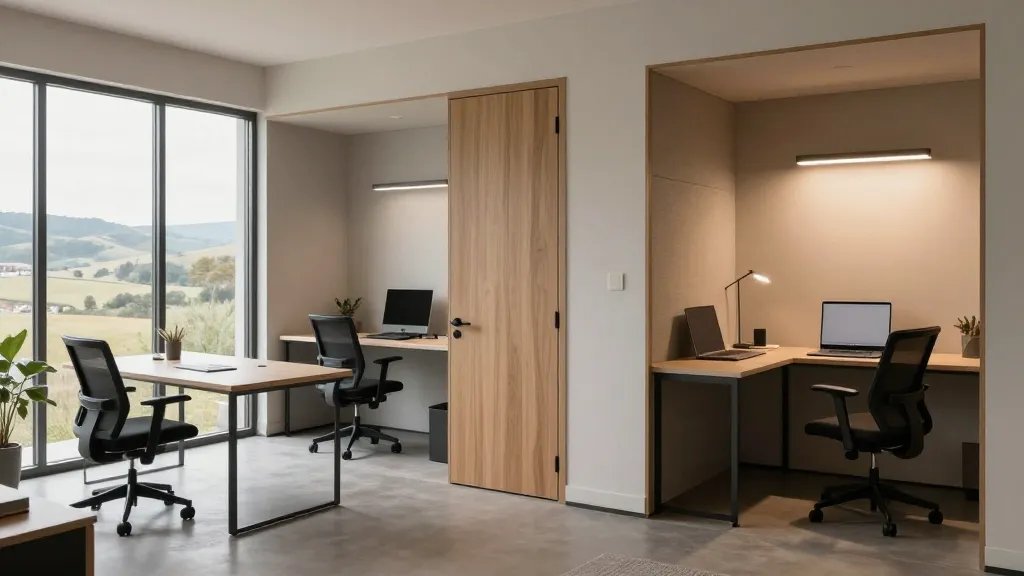
Not all tasks belong in the same mental space. Design zones that match your flow patterns and team needs.
Zones to Consider
- Deep work nook with a door or divider
- A small collaboration table for quick huddles
- Quiet nook for phone-free focus sessions
Separating spaces helps you switch modes faster. It’s like giving your brain a hint: it’s time to work, or it’s time to meet. IMO, this is a game-changer for productivity.
8. Bring Tech That Accelerates, Not Distracts
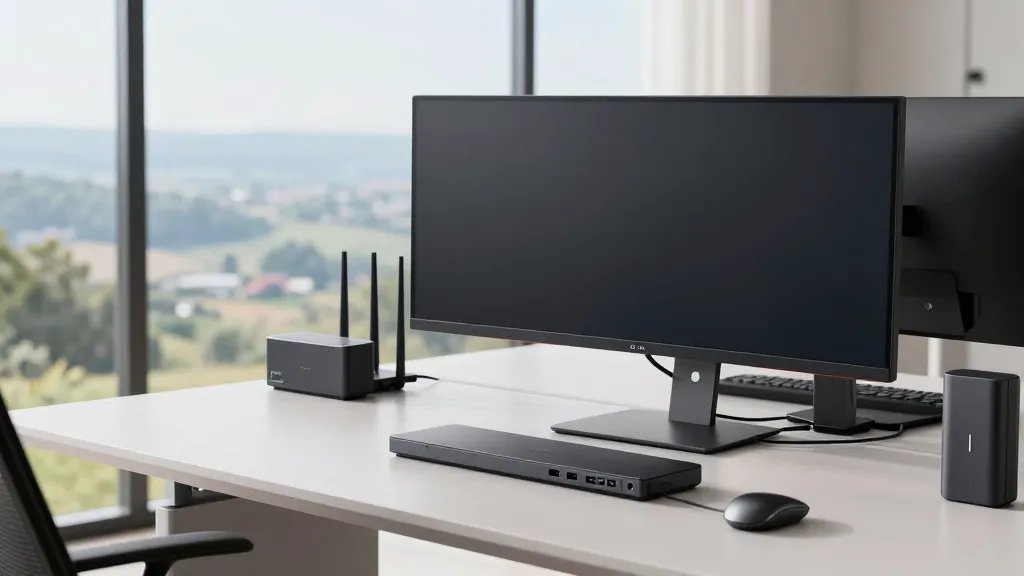
Technology should speed things up, not turn your day into a set of endless notifications. Pick tools that streamline instead of complicate.
Tech Tips
- Docking station with universal ports
- Second display or ultra-wide monitor for multi-tasking
- Simple cable management and wireless peripherals
Invest in a reliable Wi‑Fi setup and a compact backup solution. FYI, redundancy is the secret sauce when meetings drop or files disappear into the ether.
9. Greenery as a Productivity Hack
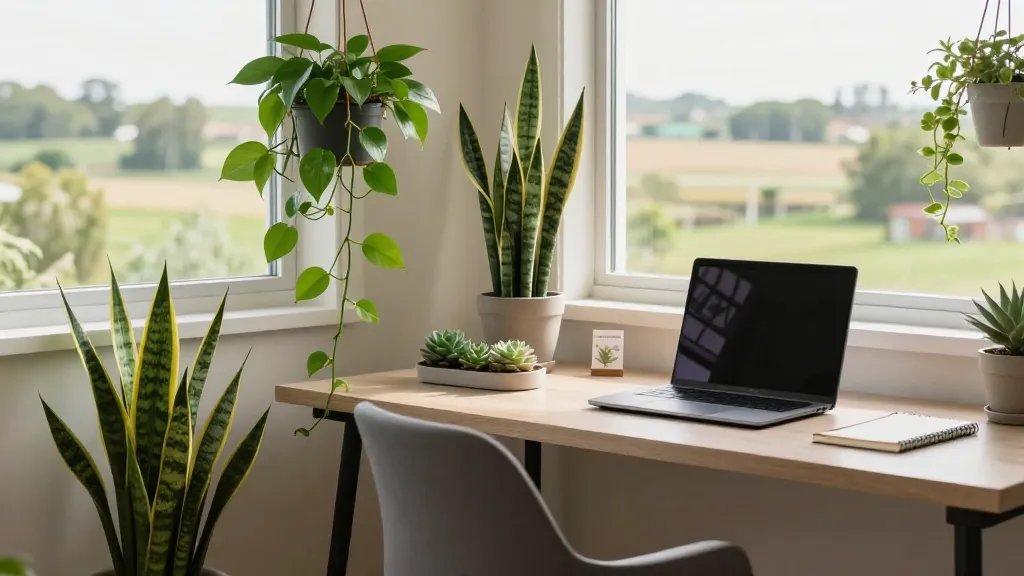
Plants aren’t just pretty; they improve air quality and mood. A little greenery goes a long way in keeping you energized.
Plant Picks
- Pothos, ZZ plant, or snake plant for easy care
- Small succulents for desktop charm
- Hanging planters to save desk space
Care tip: choose plants that tolerate your light level and watering schedule. Seriously, you don’t want another plant-shaped guilt trip if you forget to water.
10. Storage That Actually Helps You Find Stuff Again
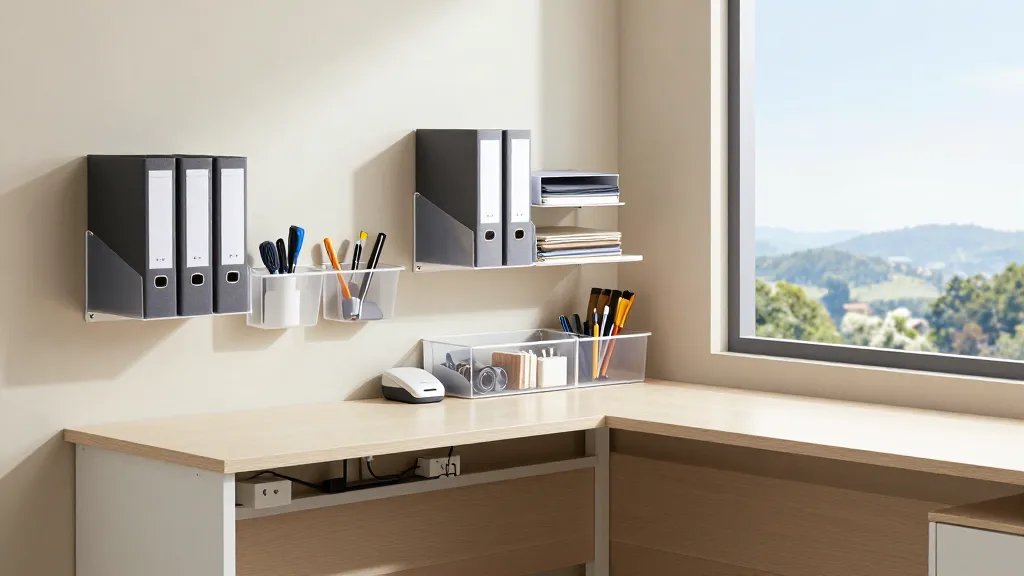
Storage isn’t boring when it serves your workflow. Smart solutions reduce friction and keep you on task.
Smart Storage Ideas
- Label makers and clear bins for quick visibility
- Vertical organizers to maximize wall space
- Hidden storage under the desk for cables and chargers
When you can grab what you need in seconds, you spend more time creating and less time hunting. Trust me, it’s a mood booster.
11. Finishing Touches: A Space That Grows With You
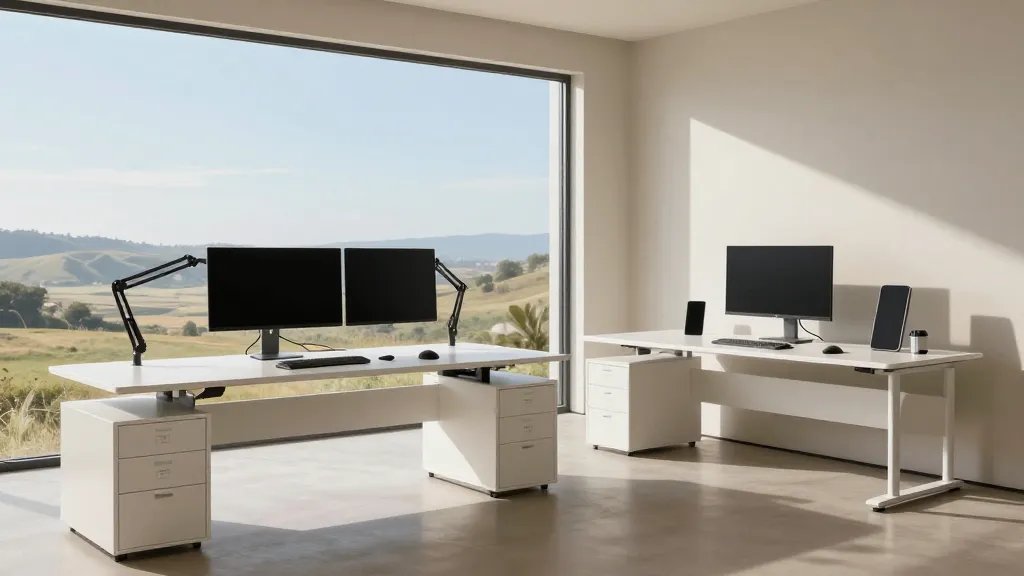
This final idea is all about adaptability. Your home office should evolve with your needs and projects.
Future-Proofing Tips
- Modular furniture that can be reconfigured
- Cable-friendly routes that can expand with gear
- Space for future tech upgrades and additional screens
When you design with growth in mind, upgrading becomes a breeze instead of a headache. Seriously, you’ll thank your past self when you outgrow the setup in a year.
These ideas are meant to upgrade not just your room, but your daily work experience. You deserve a space that feels like a personal productivity coach, minus the pep talk. Ready to try one or two and level up?
Conclusion: Jump in and start with one small change today. Your future self will thank you—you’ll feel sharper, happier, and more in control of your day. Let’s make that office obsession real.