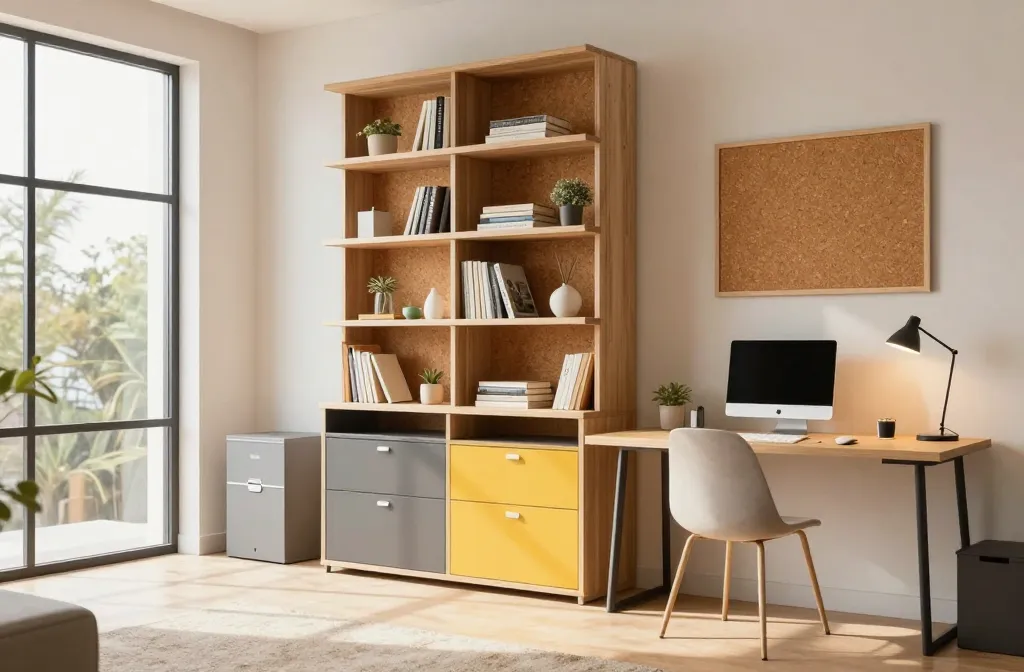
That Actually Work (And Won’t Kill Your Vibe)
Ready to turbocharge your focus without turning your workspace into a sterile lab? These 8 ideas are practical, stylish, and oddly satisfying. FYI, you’ll actually want to sit down and get things done.
1. Maximize vertical storage for sanity and speed
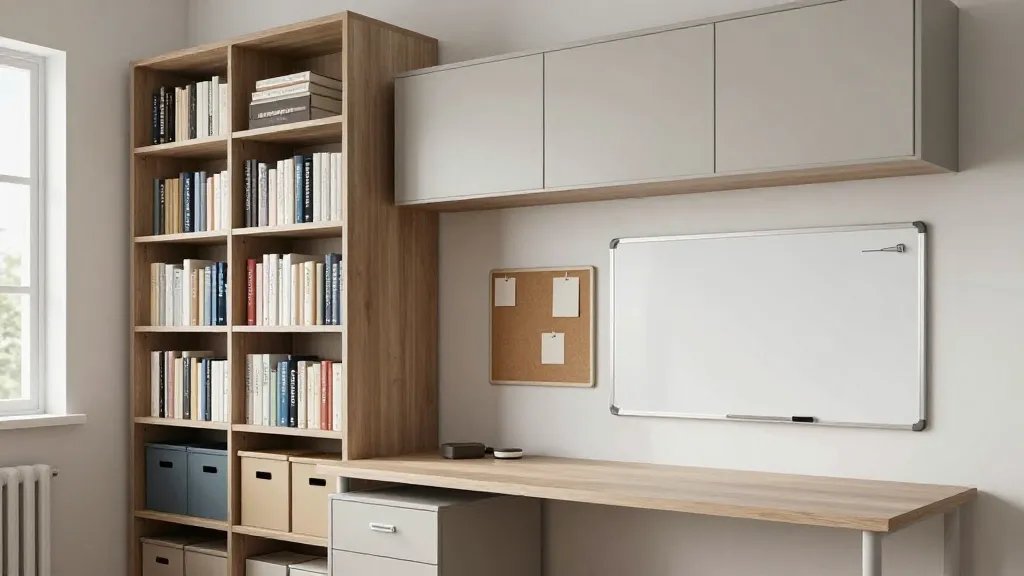
Overwhelmed by clutter? Step one is simple: go vertical. A tall bookcase, mounted cabinets, and wall organizers keep surfaces clean and your brain uncluttered.
Why it works
Clear surfaces reduce decision fatigue and make room for real workflow. You’ll stop searching for pens and post-its and start cruising through tasks.
Key elements
- Floating shelves above the desk
- Wall-mounted corkboard or whiteboard
- A slim filing cabinet that fits under the desk
Bonus: vertical storage gives you a visual cue of progress—papers go in, ideas flow out. Use it when you’ve got a ton of little tasks piling up.
2. Create a dedicated “focus zone” with smart zoning
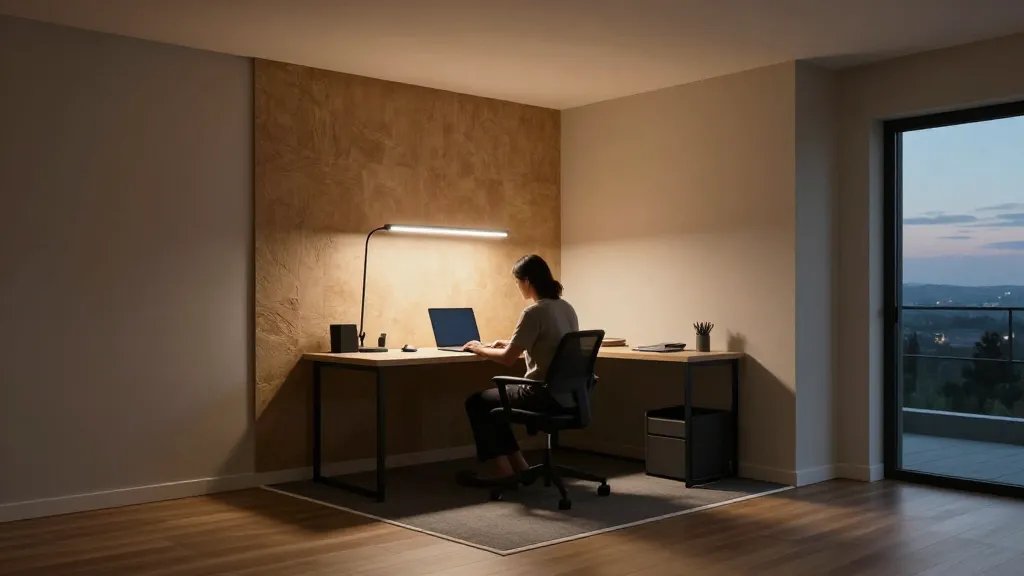
Your brain loves a signal. By carving a distinct focus corner, you train yourself to work when you’re in that area and relax elsewhere.
How to carve the zone
Different colors, textures, and lighting cues help your brain switch modes fast. No more dragging yourself through a messy hybrid space.
Tips
- Limit tech in the focus zone to essential tools only
- Use a rug or mat to define the boundary
- Invest in a high-contrast lamp for sharp focus
Bottom line: clear zoning means clearer thinking. Put your most important tasks in this zone for max productivity, and save the lounge-y vibes for after-hours.
3. Upgrade your chair game with posture-friendly classics
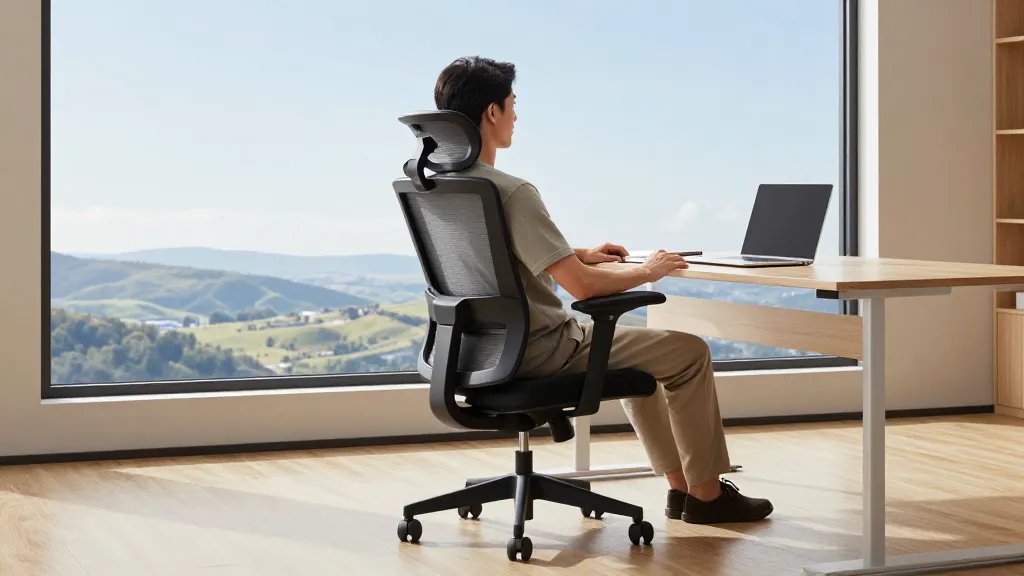
Sitting right matters more than you think. A chair that supports your spine helps you last longer without turning into a productivity zombie.
What to look for
- Ergonomic lumbar support
- Adjustable armrests and seat height
- Breathable materials that don’t trap heat
Choose something that fits your body, not just your aesthetic. Trust me, your back will thank you after long deep work blocks.
4. Harness natural light with a strategic setup

Sunlight is basically free energy for focus. Position your desk to face a window if you can, and complement with clean, glare-free lighting.
Light planning
- Avoid harsh glare by angling the monitor
- Use a daylight-simulating lamp for cloudy days
- Keep curtains light and airy to diffuse brightness
When the sun’s shining, your mood improves and your productivity climbs—so don’t block it with a wall of boxes.
5. Invest in a desk that matches your workflow (and your coffee routine)
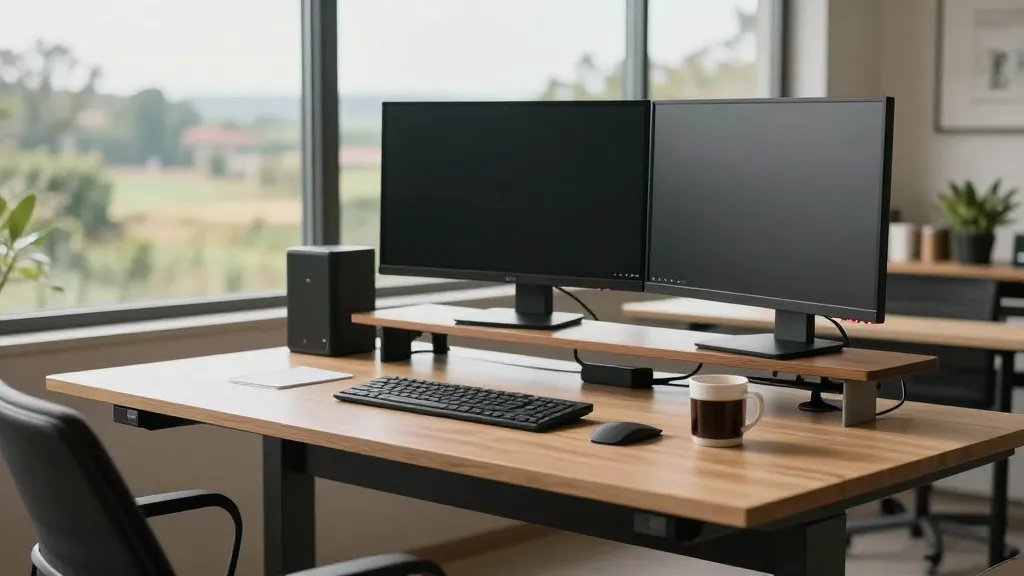
Desk design is not vanity; it’s function. The right desk can shave minutes off your day and reduce friction between you and your tasks.
Choosing the right setup
- Depth to fit your monitor and keyboard with space for notes
- Cable management to keep the surface clean
- Adjustable height option for sitting or standing work
End result: a desk that supports your best work, not just your taste in minimalist aesthetics. Use it to stack momentum—week after week you’ll thank yourself.
6. Bring green life into the office for calm and clarity
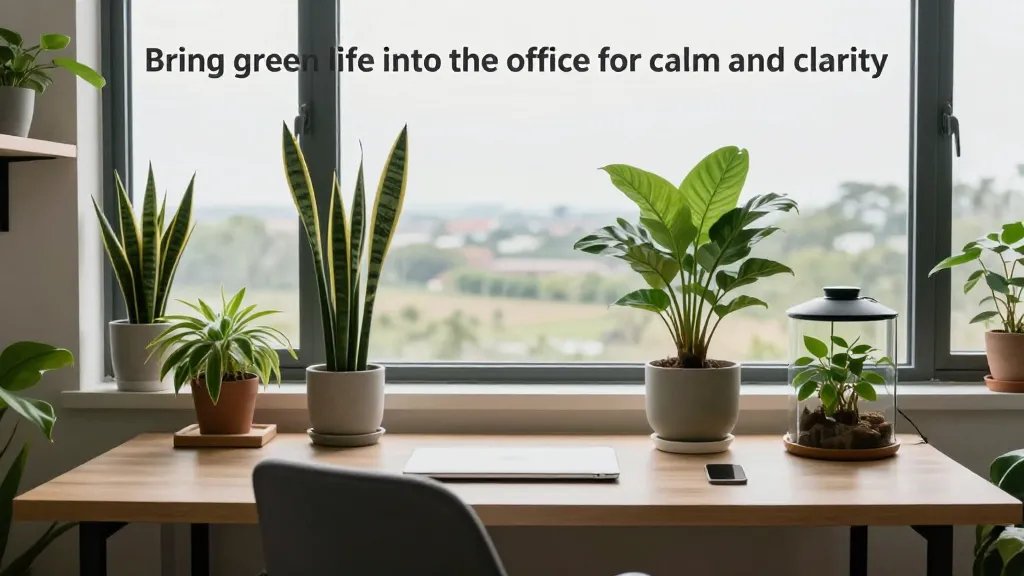
Plants aren’t just décor; they reduce stress, improve air quality, and give your eyes a friendly break from screens.
Plant ideas that work
- Low-maintenance options: snake plant, pothos, ZZ plant
- Small desk terrarium for a touch of whimsy
- One larger statement plant to anchor the space
FYI, you don’t need a jungle. A little greenery reduces cognitive fatigue and keeps you buzzing with energy through the afternoon slump.
7. Master cable chaos with smart organization (and a dash of humor)
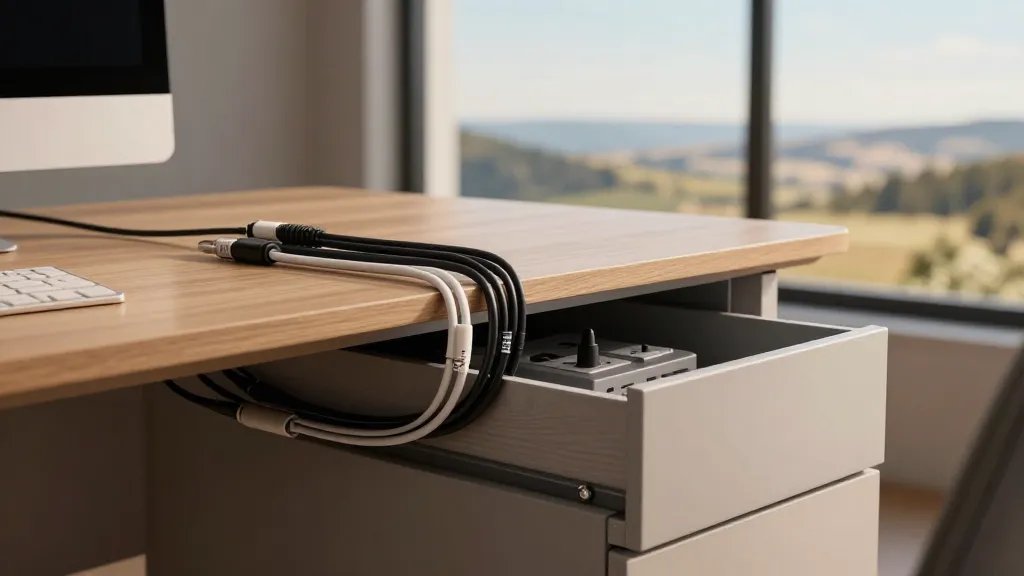
Holy cords, Batman — cables have a mind of their own. A tidy setup feels like a productivity upgrade without you lifting a finger.
Ways to tame cables
- Label each cable for quick troubleshooting
- Use cable sleeves and clips to keep everything in line
- Hide power strips in a drawer with ventilation
Clean cables mean less distraction and fewer “where did I put that charger?” moments. It’s small, but mighty.
8. Build rituals and micro-breaks into your day
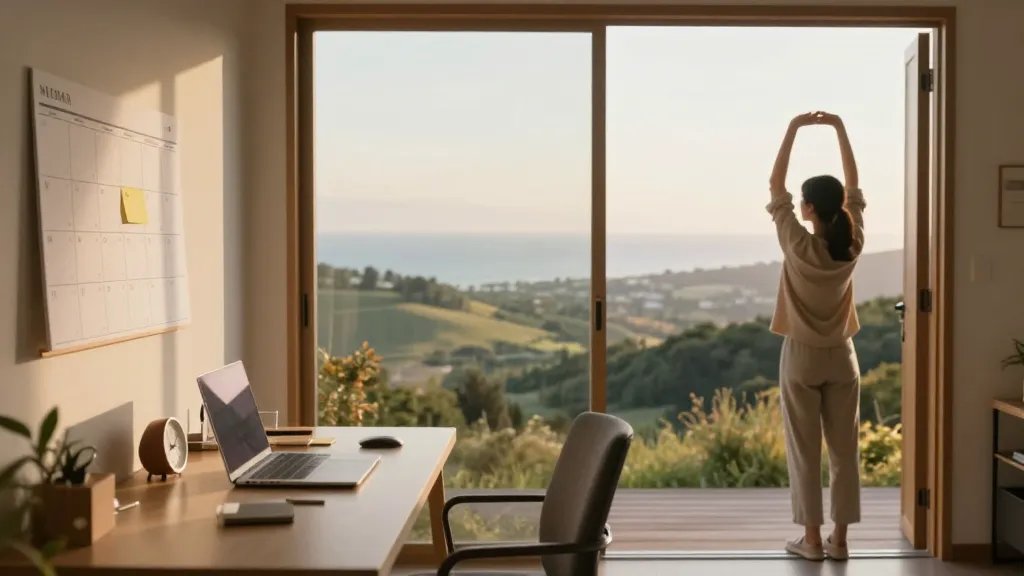
Structure beats motivation when things get tough. Short rituals and timely breaks keep momentum without burning out.
Ritual ideas
- Five-minute end-of-block recap to close the loop
- Sticky-note ritual: one big task per day
- Two-minute stretch every hour to reset posture
Done right, these routines boost focus, reduce burnout, and keep you consistent. Seriously, consistency beats bursts of hustle.
Ready to try these ideas? Pick 2–3 that feel doable right now and test them for a week. You’ll notice small wins stacking up into bigger productivity gains before you know it. Trust me, your future self will thank you for the smarter, friendlier home office you’re about to create.
Ready to take the plunge? Your workspace is about to become not just functional, but a space you genuinely enjoy showing up to every day. Let’s do this!