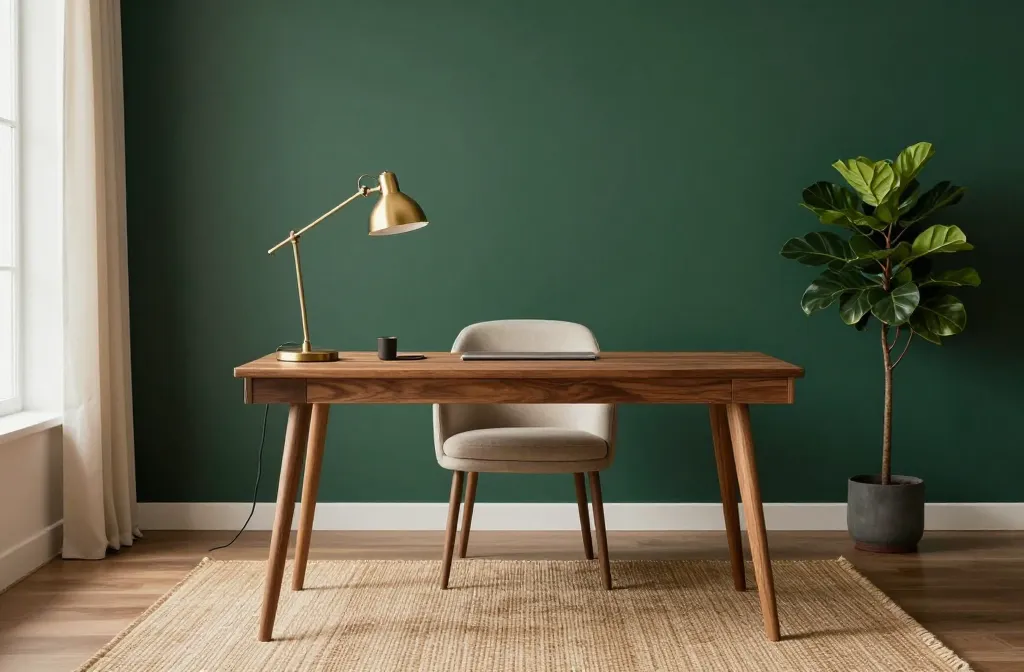
These setups prove you don’t need a studio budget to look like you hired a designer. Each idea is practical, stylish, and easy to recreate in real life. Ready to upgrade your workspace vibe without the fuss? Let’s go.
1. Minimalist Workspace With Warm Textures
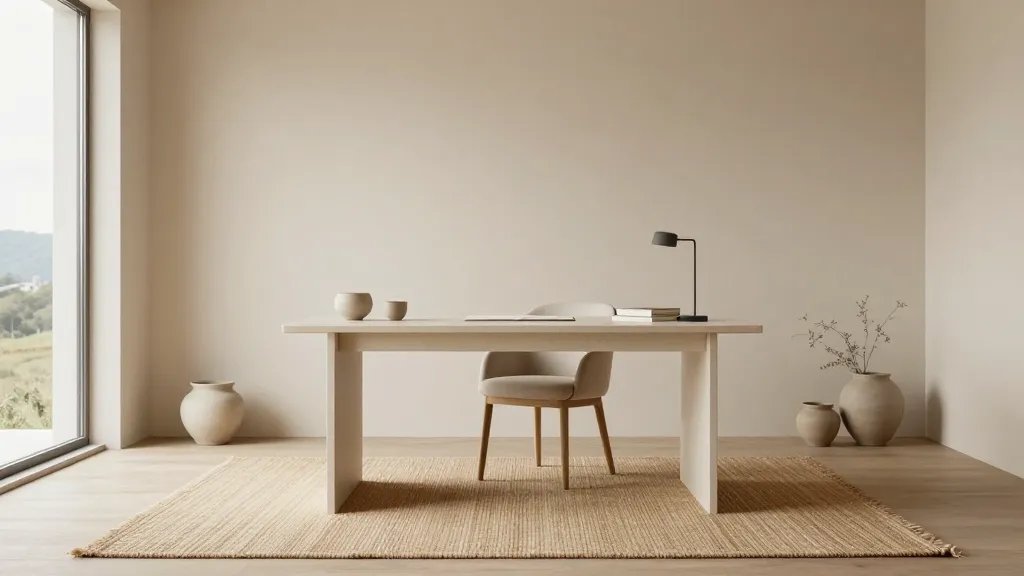
Clean lines, soft textiles, and a few well-chosen accents create a vibe that feels expensive but still homey. No clutter, all focus.
Why it works
- Calming color palette keeps distractions at bay
- Warm textures add personality without shouting
- Simple furniture that ages well
Choose a desk with a matte finish and a comfortable chair in a neutral tone. Add a woven rug and a couple of ceramic planters to soften the look. FYI, balance is everything—less really is more here.
2. Bold Color Pop Desk That Feels Luxe
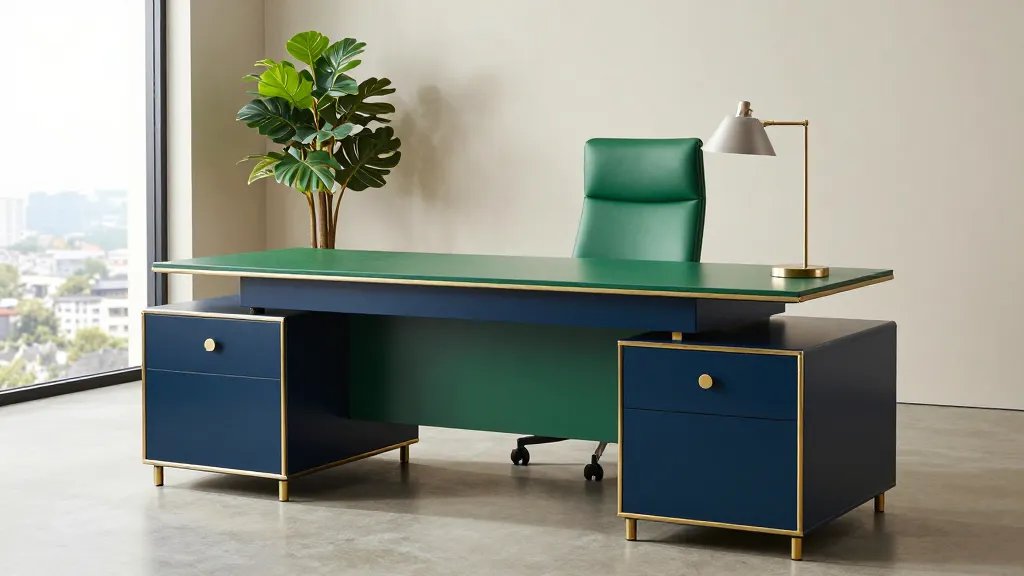
Inject personality with a bold desk color or striking accent wall. It’s a fashion-forward move that still reads professional.
Key elements
- Statement desk or chair in a rich hue
- Neutral surroundings to keep it grounded
- Quality lighting to prevent glare and keep it chic
Pair a deep navy or moss green desk with chrome or brass hardware. A single lush plant and a sleek lamp keep it polished. Seriously, color is a boss move—use it to cue your energy for the day.
3. Natural Studio Feel With Wood and Stone
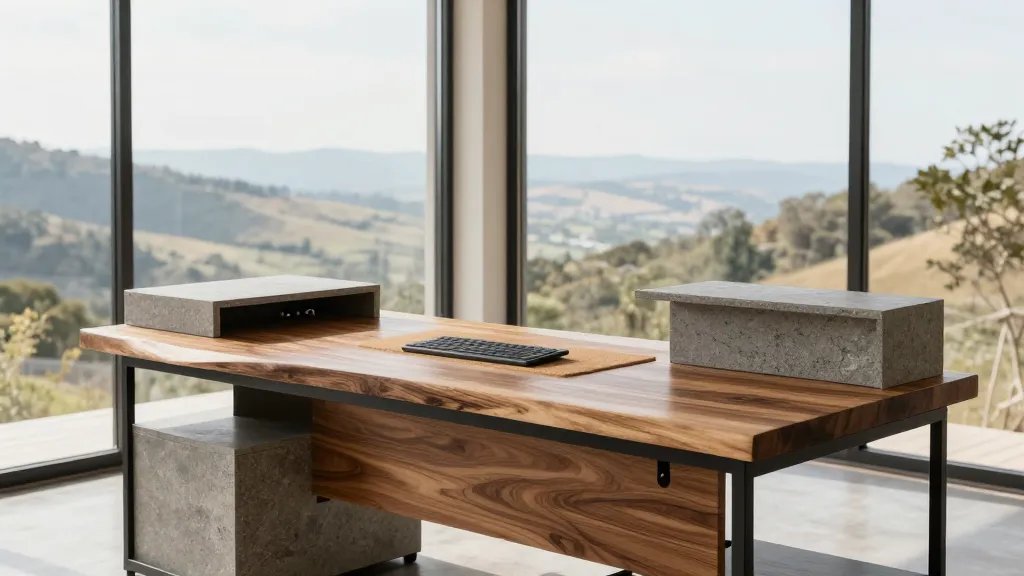
Organic materials bring grounded energy and a refined look. This design pairs earthy vibes with modern efficiency.
Materials to consider
- Live-edge wood desk or veneer finish
- Stone or concrete accents for countertops or shelves
- Matte black metal frames for structure
Keep cables tucked away with simple conduit covers and use a cork mat under your keyboard. The result? A workspace that feels grounded yet sharp, like you actually know what you’re doing.
4. Floating Shelves + Compact Nook for Small Spaces
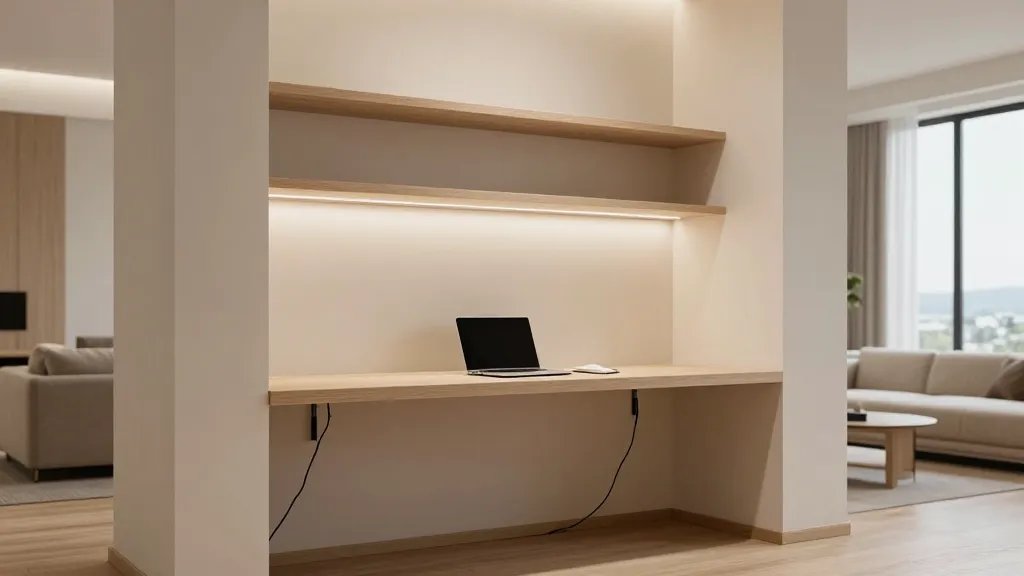
Tiny footprint? Big impact. A smart nook with floating shelves creates a professional look without overwhelming the room.
Smart setup tips
- Floating shelves to free floor space
- A narrow desk that still fits your laptop and a notebook
- Hidden cable channels to keep things clean
Use vertical storage paths to maximize efficiency. This design is ideal for apartments or rooms that double as guest spaces. Trust me, your walls will thank you for the extra space.
5. Tech-Forward Command Center
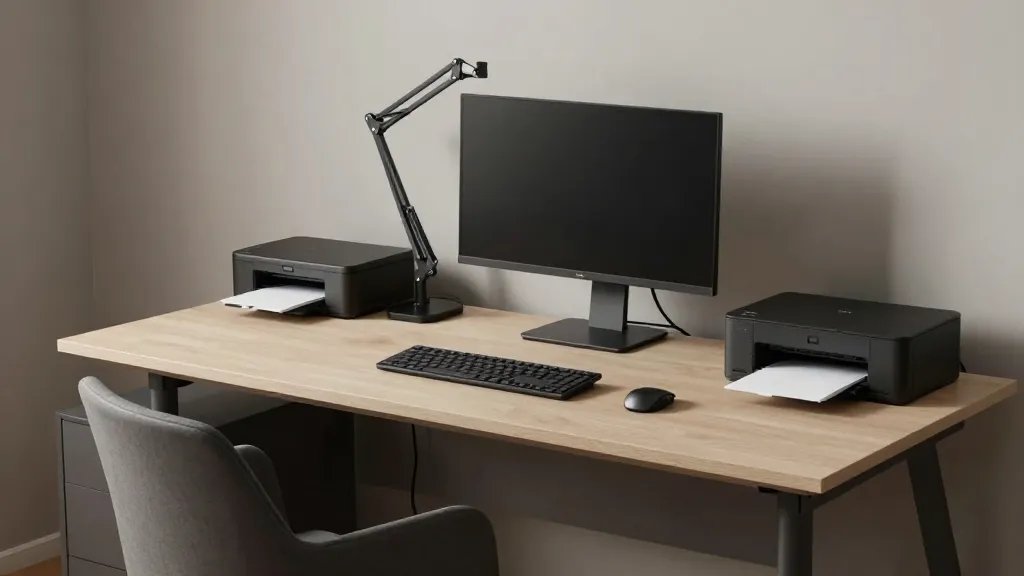
Streamlined tech with thoughtful ergonomics creates that “professional studio” feel. It’s all about function that looks like a feature.
What to include
- Docking station, wireless peripherals, and a monitor arm
- Cable management system that disappears behind the desk
- Quiet, efficient printer location and good lighting
Position your monitor at eye level to avoid neck strain and choose a neutral desk that blends with your chair. This setup screams efficiency and looks legit in Zoom calls. FYI, tidy cables = tidy mind.
6. Classic L-Shaped Desk With Layered Accessories
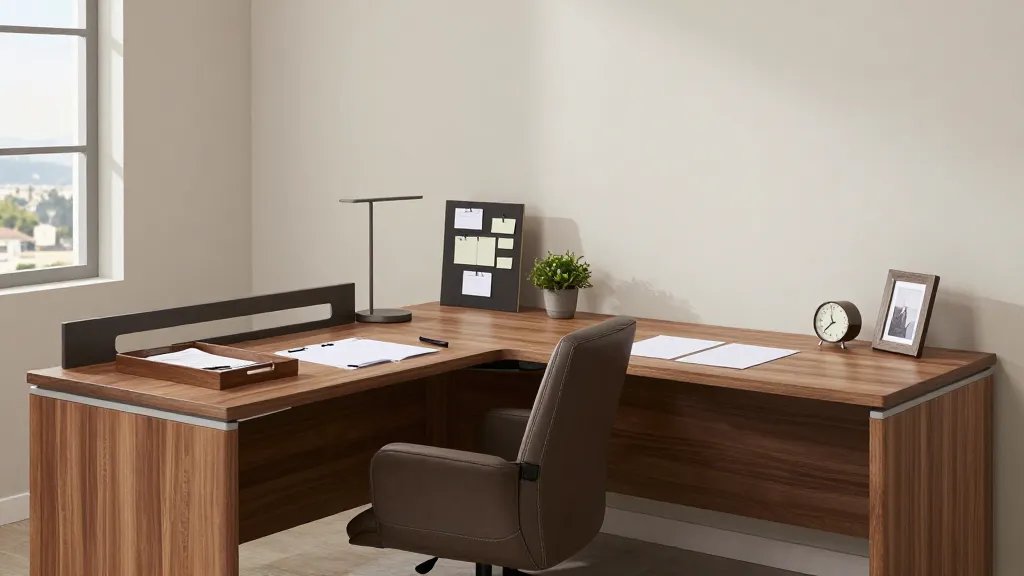
The L-shape is the workhorse of professional vibes—ample surface area with a natural boundary that signals “work time.”
Layering ideas
- A secondary tray or shelf for paperwork
- Decorative yet purposeful desk accessories
- A small bulletin board or magnetic strip for quick notes
Choose a matte finish wood tone and pair with a leather or fabric chair. Keep accessories to a minimum but meaningful—one plant, one photo, one classy desk clock. When you walk in, you’ll feel like you’re stepping into a real office, not a craft corner.
7. Scandinavian-Inspired Bright and Airy Setup
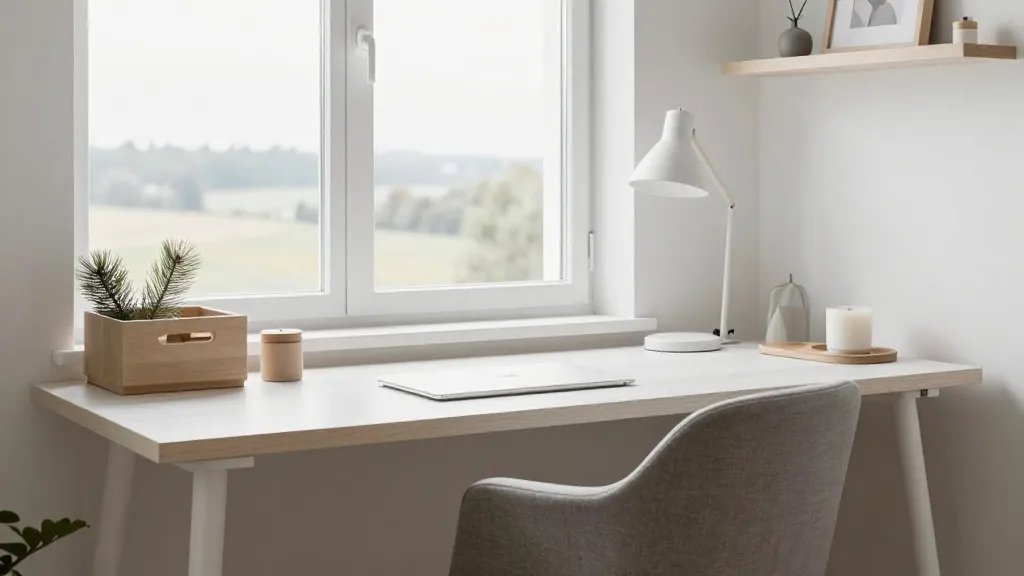
Light colors, airy spacing, and practical storage define this design. It feels fresh, organized, and incredibly photogenic.
Key components
- White or light wood surfaces
- Soft textiles in cool neutrals
- Simple storage boxes and neat cable organizers
Keep the room lit with a clean desk lamp and ea rthy touches like a small pine plant or a scented candle. The result is a workspace that tells people you value clarity and comfort—without trying too hard.
8. Backlit Focus Zone With Gallery Wall
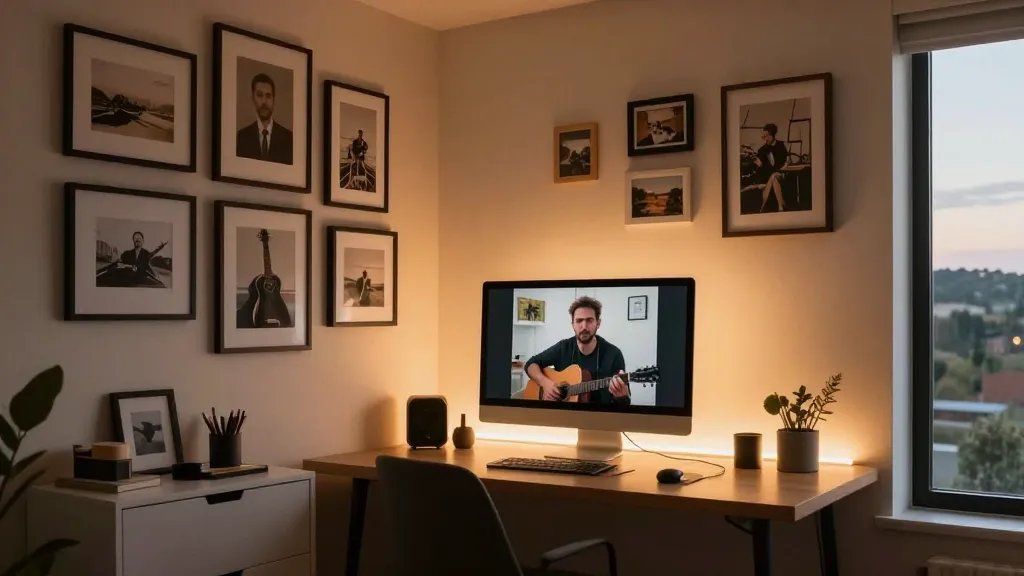
For the musician in you or the visual thinker, a backlit desk paired with a tasteful gallery wall elevates the moment you sit down to work.
What to style
- Backlit LED strip under the desk or behind the monitor
- A curated set of framed prints or photos
- A slim console or filing cabinet to keep essentials handy
End with a few well-chosen pieces that reflect your personality—without cluttering the space. This setup is perfect for creative work or serious Zoom calls where you want to impress with a stylish backdrop.
Bottom line: each design has a distinct vibe, but they all share one thing—thoughtful organization meets deliberate style. Try one that matches your space, or mix elements to build your own signature desk. IMO, a great home office doubles as a motivation booster, so pick a look you actually enjoy waking up to.
Ready to dive in? Pick a concept, source a few key pieces, and give yourself a weekend challenge to pull the look together. Trust me, your productivity and mood will thank you.